[IMAGE: https://steemitimages.com/DQmeEes4ycJCDGX3QjJBEaCRNBJnskM2SV5QB7GqS8YnEVS/timo-1.jpg]

Time
In this article we are going to learn about a Class which ruby provides us, that is used to handle times. Almost every ruby program needs to use Time.
If you want to do some task every 5 hours, you need to use time, if you want to to published an article, it needs to have a creation time, and updating time, or maybe you want to display when this article was created, you need to be able to use Time .
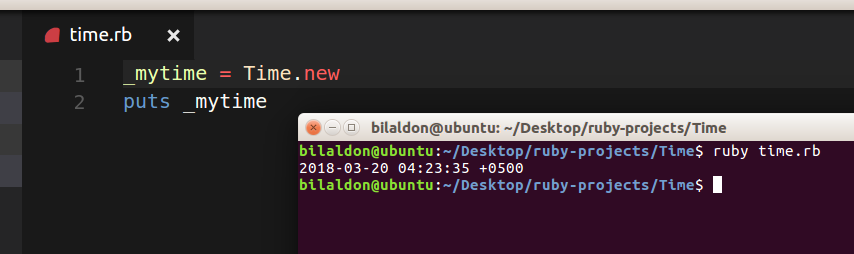
_mytime = Time.new
puts _mytime
```
Here is how you Create an object from Time class it returns current local time of your computer :)
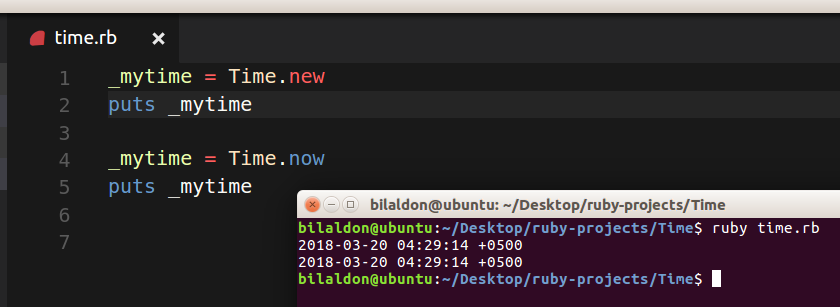
If you want to get current time, you can also do that by using Time.now :)
_mytime = Time.now
where now is a method of Time class which returns current Time
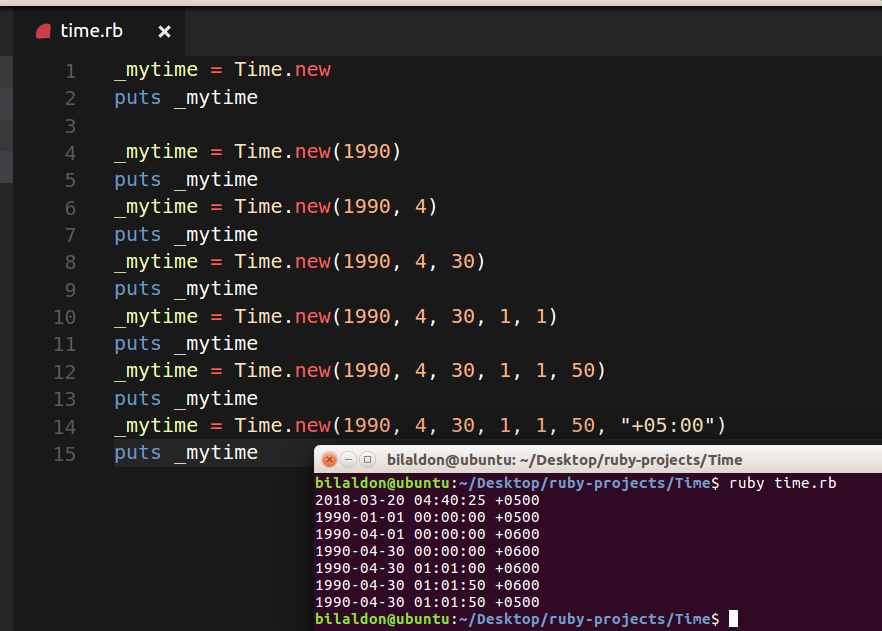
We can also use this Time Class to create certain dates,
like so.
Creating date, passing it Year
_mytime = Time.new(1990)
puts _mytime
Creating date, passing year and month
_mytime = Time.new(1990, 4)
puts _mytime
Creating date, passing it year, month and day
_mytime = Time.new(1990, 4, 30)
puts _mytime
Creating date, passing it year, month, day, hour and minute
_mytime = Time.new(1990, 4, 30, 1, 1)
puts _mytime
Creating date, passing it year, month and day, hour, minute and seconds
_mytime = Time.new(1990, 4, 30, 1, 1, 50)
puts _mytime
Creating date, passing it year, month and day, hour, minute, seconds and Time Zone
_mytime = Time.new(1990, 4, 30, 1, 1, 50, "+05:00")
puts _mytime
## Now lets learn some more methods which we can perform, which Time class have in it
lets take a use case, where we want to send "Bilal Loves you" message to every steemit user every sunday, How can we do that?
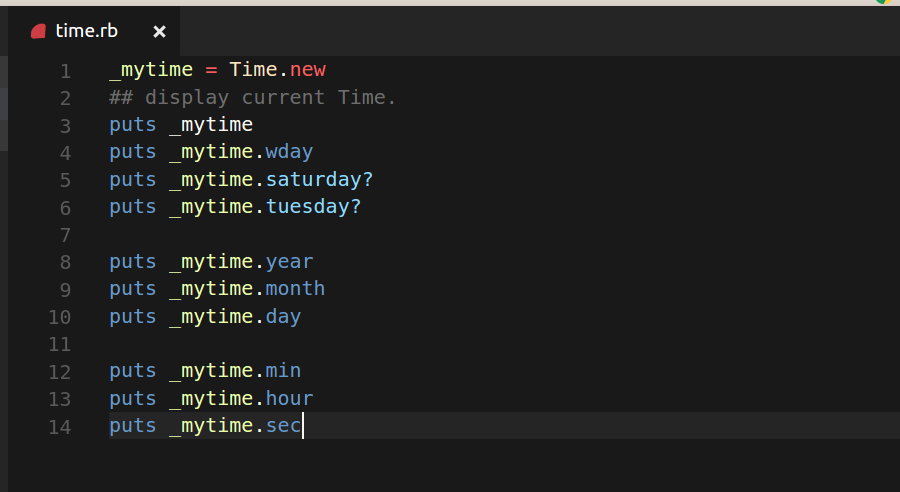
We can use some methods which Time class provides us, for example we can check to see, what day of the week is today,
we can extract each part of the time,
_mytime = Time.new
display current Time.
puts _mytime
you can use, sunday, monday, tuesday, wednesday, thursday, saturday all of them :)
it will return 0 to 6 depending upon, what day it is in time variable ... 0 for sunday, 6 for saturday
puts _mytime.wday
puts _mytime.saturday?
puts _mytime.tuesday?
puts _mytime.year
puts _mytime.month
puts _mytime.day
puts _mytime.min
puts _mytime.hour
puts _mytime.sec
Using above methods, you can check to see what day of the week is today ? in my case it is Tuesday so its returning true there, This method can come very handy if you want your program to do something every certain day..
for example you want to send invitation to all your steemit friends, to come to a party every sunday at your home .. :) you can write a ruby program and utilize Time class in it ..
That will send them a message to come to your party :)
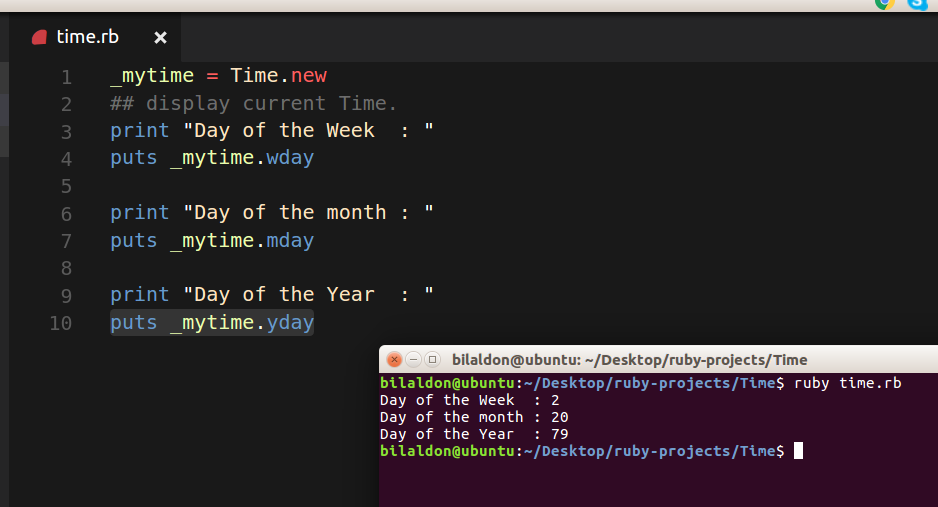
## You can check to see what day of month it is, what day of week it is and what day of year it is
You can pass any date to these methods, and they will return you correct results, This can also come very handy for lets say creating a calender where 10th day of every new year is "Bilal's Day" :D
> Create a program, to send a message, to every single human on this earth to celebrate Bilal's day on 10th day of every Year, You should remember that Bilal is a programmer :D and he creates awesome computer programs
_mytime = Time.new
display current Time.
print "Day of the Week : "
puts _mytime.wday
print "Day of the month : "
puts _mytime.mday
print "Day of the Year : "
puts _mytime.yday
Here is how you check to see what Time zone you are
_mytime = Time.new
display current Time.
puts _mytime.zone
```
Here is a reference link, if you want to find out more about Time
http://ruby-doc.org/core-2.2.0/Time.html