Hey everyone,
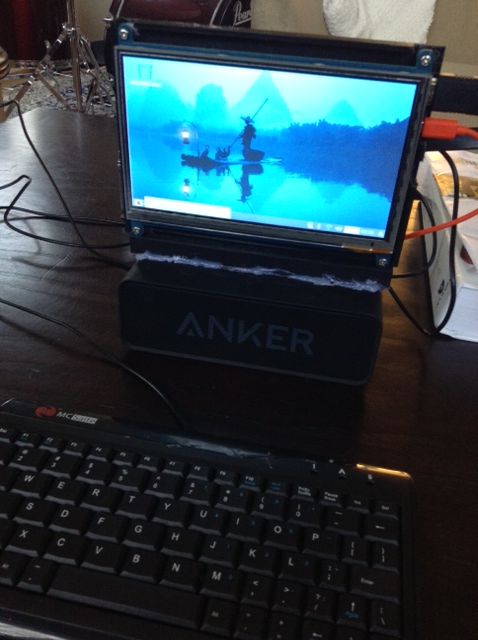
Today I'm going to be talking about my Raspberry Pi laptop I am almost finished building (Need to print a frame for the keyboard to sit on and an adjustable monitor frame). I have been meaning to post on this for a while, but I just never got around to it :)
https://steemitimages.com/DQmbd78HdXiiBFFUe6oe35D3MwDsoMRxtUKgPedSdb7agjJ/IMG_0713.JPG)!
[IMAGE: https://steemitimages.com/DQmdPvs4upbGJfGUdLoZ14syALyXqFzRtF2rNy5nHCpx54A/IMG_0718.JPG]!
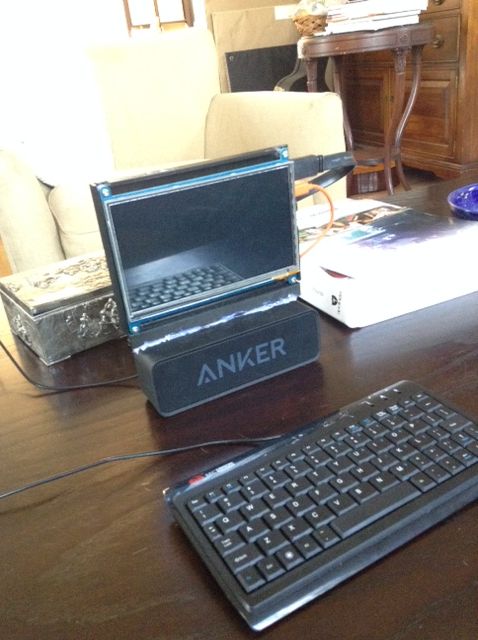
It cost me around $100. To actually put it together took about an hour, and about 8 hours to print the laptop frame.
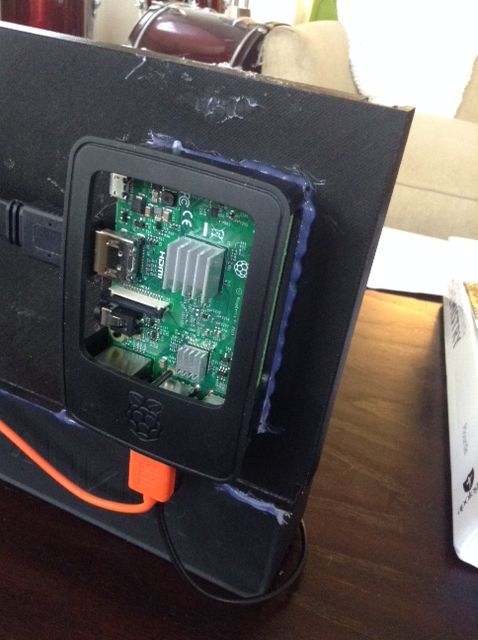
If we look around the back:
[IMAGE: https://steemitimages.com/DQmVom8NfdH3k5NV314t7W9LVvaFdydnHYF5f4xL2HNEc9Y/IMG_0720.JPG]!
[IMAGE: https://steemitimages.com/DQmRsYXTYu8jjH6eNN3eFnas3gceVqtbgy4B2hqZv7qvXoH/IMG_0715.JPG]!
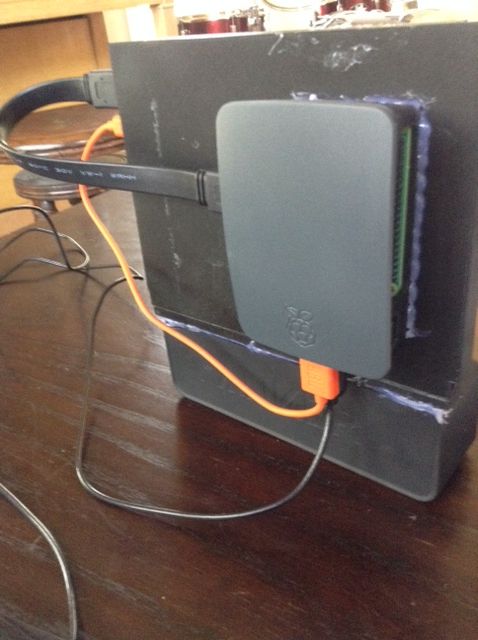
The raspberry pi is housed in a compact black case, which I choose to match the black frame. Sooo much easier than building a PC - which requires connecting all those wires and hardware. With this, its just a snap, some hot glue, an HDMI and power cable and your done :)
[IMAGE: https://steemitimages.com/DQmPJ73DisEjcD7AbJj3ES6ThRnmFztBiDwsrjymDEW75k4/IMG_0717.JPG]!!
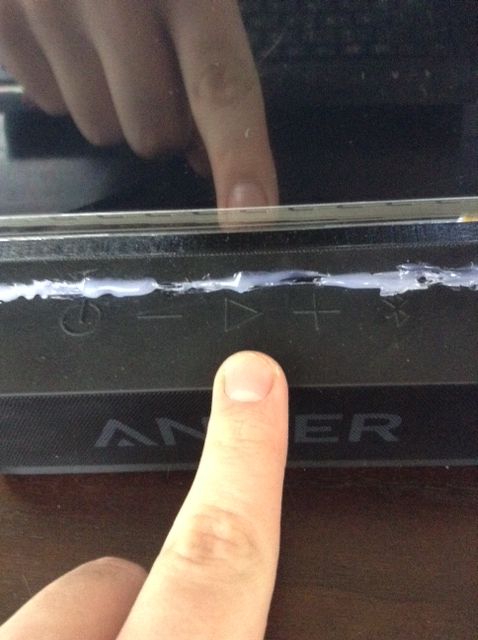
I also added a bluetooth speaker to it in case I wanted to play some music on it.
Lets turn it on!
[IMAGE: https://steemitimages.com/DQmbPiAsuoNHFxePS1XqQknYniuDJaTnSCh89Xfx5Gh58hq/IMG_0721.JPG]
[IMAGE: https://steemitimages.com/DQmcJdKNcZhTojWgFVKW8nYZSDDy53DdhChP2ktQeoX11cf/IMG_0722.JPG]
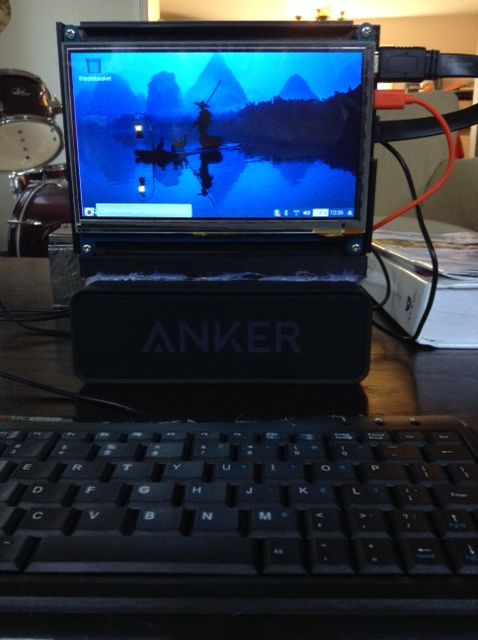
The screen offers a nice backlight - I really like it but to be honest it can be very easy to scratch. Be careful with your screens guys!
The screen I choose :
https://www.amazon.com/gp/product/B071X8H5FB/ref=oh_aui_detailpage_o08_s01?ie=UTF8&psc=1
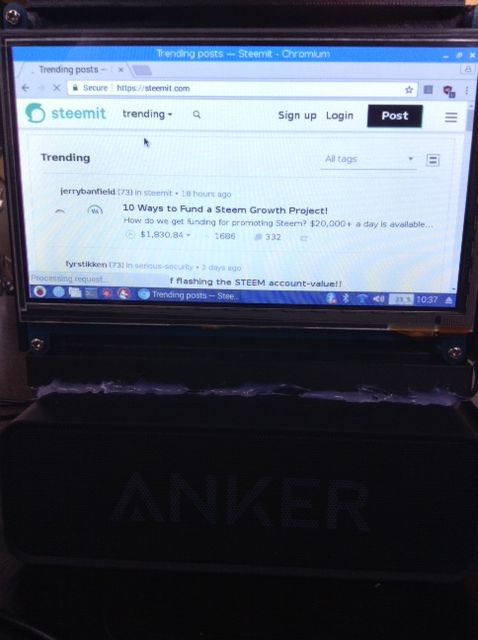
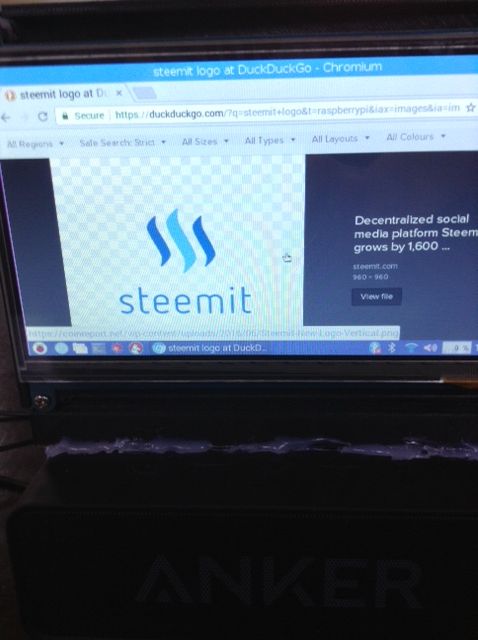
The PiTop has a decently fast internet - actually faster then my actual laptop (Thanks Dell smh). Raspberry Pi's all have built in wifi and bluetooth capabilities, and with Raspbian OS you get chromium browser.
[IMAGE: https://steemitimages.com/DQmZ9UgmEBiwRKznW3mwkT3D4MmtN6VCytuyKH1QroGhz6y/IMG_0723.JPG]
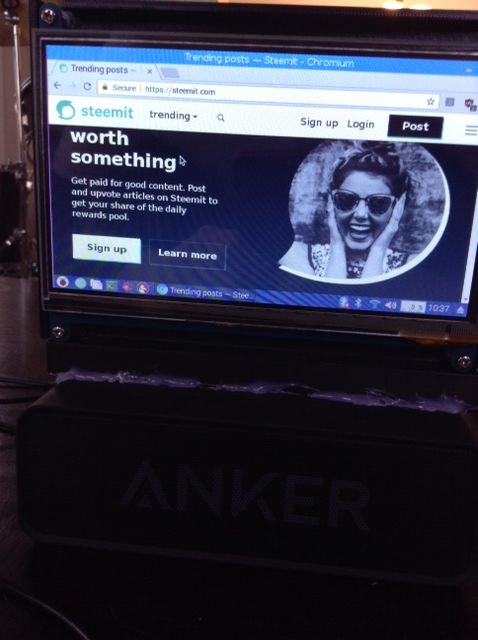
I can even use Steemit from here! :D Hi guys!
[IMAGE: https://steemitimages.com/DQmWpLhFc9qs3kVqgNbKxXQPzr9CFhBRVHu1wFNwBH61Pbg/IMG_0724.JPG]
[IMAGE: https://steemitimages.com/DQmWHJUu4skos4B2ZHPjKBRNYGw9kxvKfdpj3TQL2xk3Etx/IMG_0725.JPG]
[IMAGE: https://steemitimages.com/DQmYVrBxWwRe6TiEJD1JAUzwjpunhnHU72fLwQEYnuQWD86/IMG_0726.JPG]
Lets check out some of the features in the start menu.
[IMAGE: https://steemitimages.com/DQmebG2i4JMjZrpzgujM3163YcxDn8DyhG3hfX6yRPBRUSr/IMG_0727.JPG]
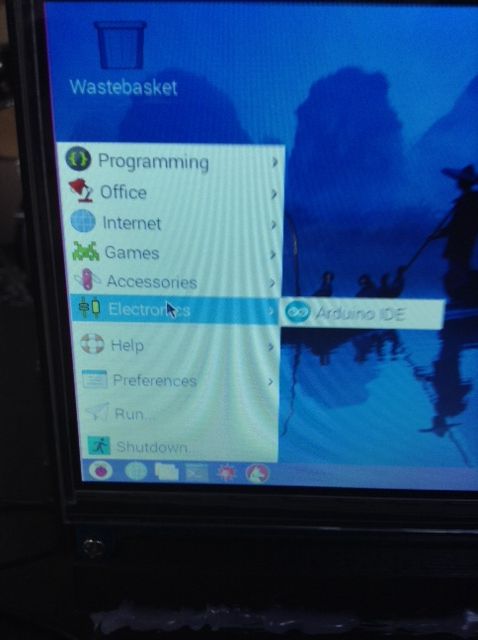
One of my favorite features about this is that I can program my Arduino devices from my PiTop! This was originally the reason I built this. I may or may not have accidentally deleted my COM Ports on my Dell Laptop...which may or may not make it pretty much impossible to code anything from it. So I got this little guy for $100 - and it works great! Also since its so small I can take it on the go.
[IMAGE: https://steemitimages.com/DQmUqtEiB5zZaR5FN2khkshtZKohxJHJzf4dajBxsxay3g3/IMG_0728.JPG]
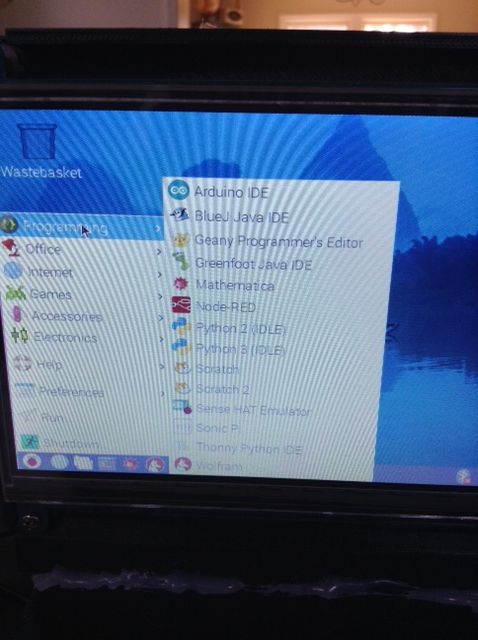
Now check this out - I can program on here in Python and C! (comes with IDLE and Geany). So far it works great! So not only can I write code for my arduino projects, I can also write programs and games to run on my computer! :D
[IMAGE: https://steemitimages.com/DQmdHtQ7F8iufz1Hg84TVFer3rYXQF9YiPWQSWEBQboJyN3/IMG_0729.JPG]
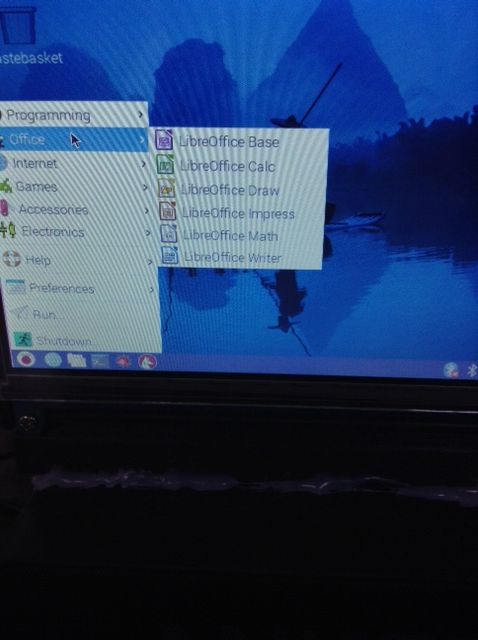
Also very helpful for note taking, math work, power points and other school stuff - Raspbian comes packed with all my office needs. I can (and have) written school papers on this thing when I couldn't find my laptop. So much win :D
[IMAGE: https://steemitimages.com/DQmTNMWMeuhwBvbsR6CieP6LB2frifJTRyy518mRPFq6Szv/IMG_0730.JPG]
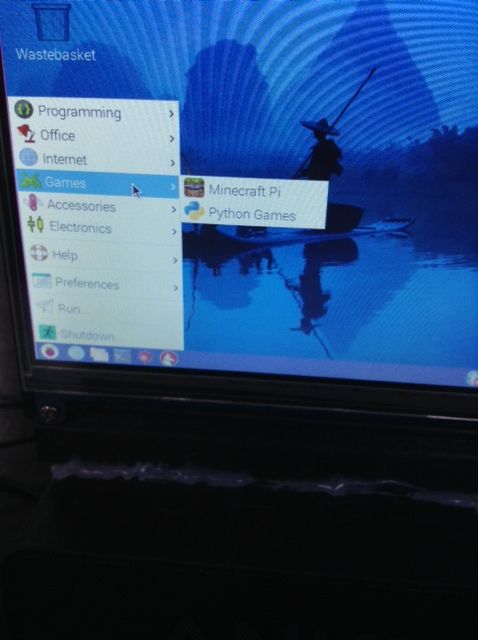
Also Raspbian comes with some games - a lite version of minecraft caught my eye. I totally dont play it or waste time on it or anything...totally.
[IMAGE: https://steemitimages.com/DQmZmQnr3qr5rQnGj7EL17eZP5jV2zWAhUJDdhmkRq5FdCZ/IMG_0731.JPG]
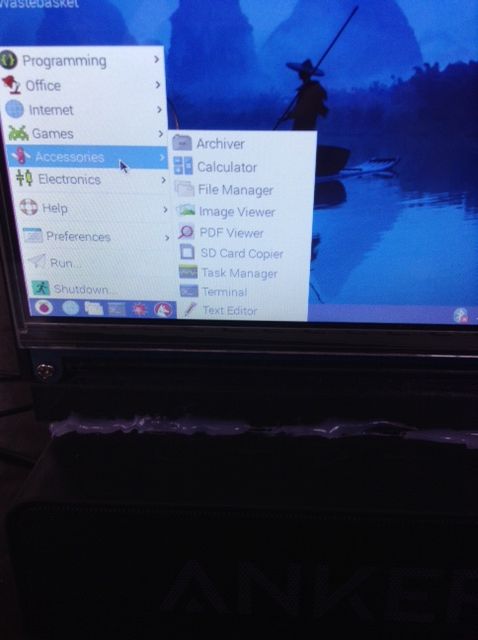
Also helpful are the accessories this comes with. Pretty much the same as any computer or mobile device.
[IMAGE: https://steemitimages.com/DQmbcjNEsuVddEtA3q2uZ64Qe3iHSrQrndZiwMuGEhBcUR9/IMG_0732.JPG]
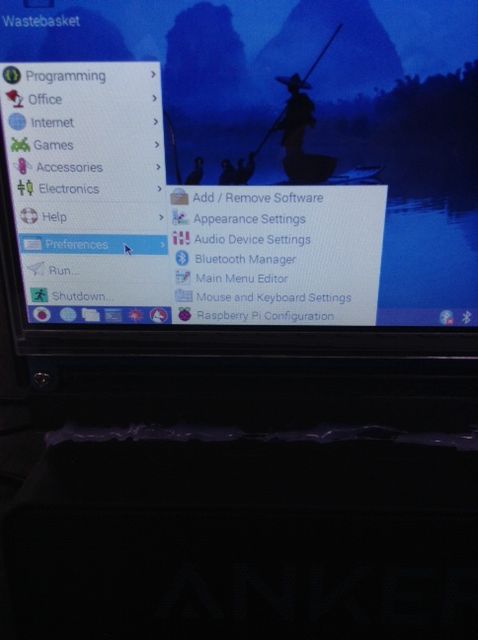
Also its very easy to adjust your settings and preferences.
This is one of my more useful projects - I have actually ended up using this multiple times in daily life. It was very simple to build, inexpensive, and suits all my needs as a student and wannabe developer. I would 100% recommend building this. As always, if you have any questions or comments please don't hesitate to leave them below.
Cheers!
Max
