[IMAGE: https://ipfs-3speak.b-cdn.net/ipfs/bafkreibwpaueorg3rfcmnw5bkhgindvpcmdxkvhzealaiafblkbvw7povm/]
▶️ Watch on 3Speak
It's time to create the hive account via the spendhbd front end.
We made a video for it, but for the sake of translation we decided to make a further explanation with screenshot and write-ups.
Creating A Hive Account Via The Spendhbd Frontend.
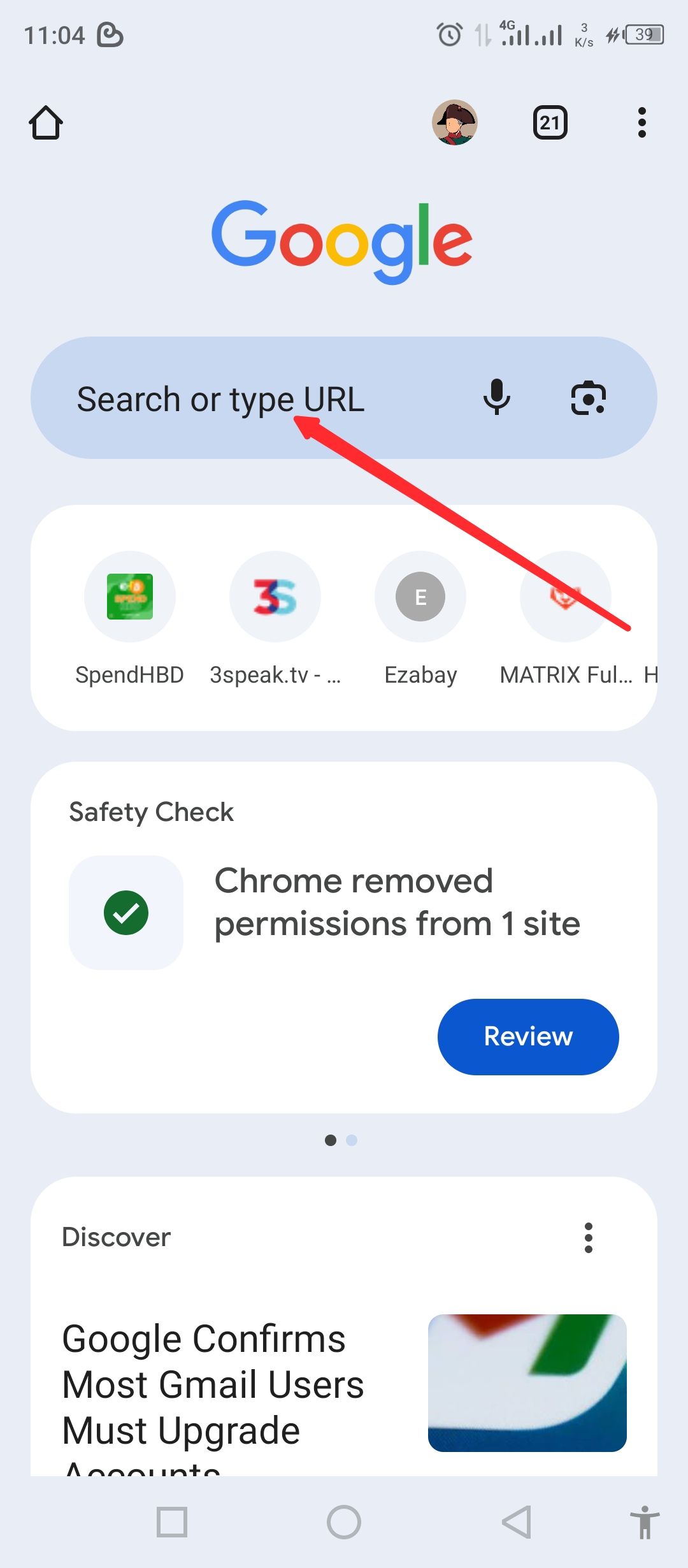
- Go to your browser and click on the search 🔎 menu
[IMAGE: https://images.hive.blog/DQmPwC6Vf2UFe6c2sutwZmfnGwTbwLwi9ohnYU8gmHLqh8i/Screenshot_20250606-110426.jpg]
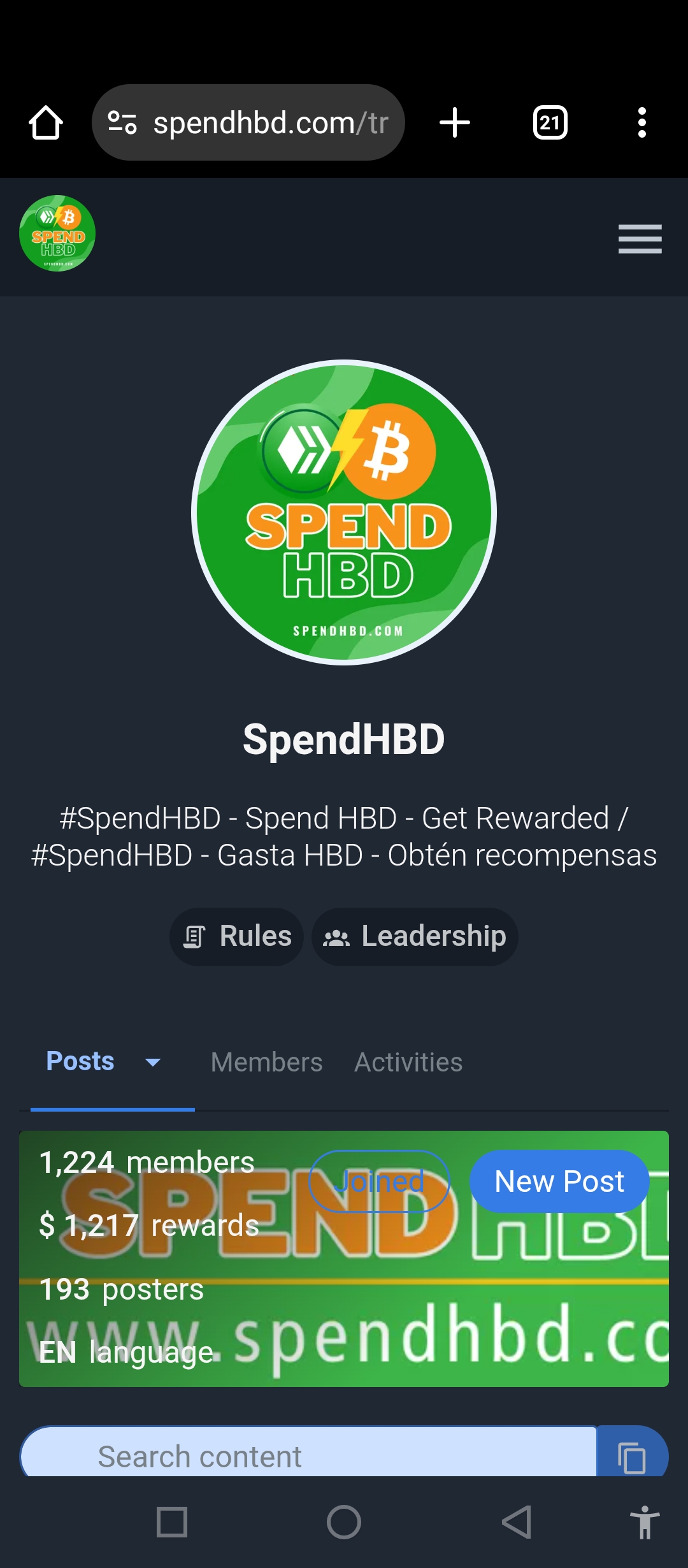
- Search for "spendhbd.com"
[IMAGE: https://images.hive.blog/DQmRGFdA9bnmDr3fkHKKUUDMLF8z6aVjzhhQHNBYEChzjVU/Screenshot_20250606-110500.jpg]
[IMAGE: https://images.hive.blog/DQmeTfNewPxQGjdeRmzfiKKrmiWaRb9jtHRnfev3a1UCdKi/Screenshot_20250606-110515.jpg]
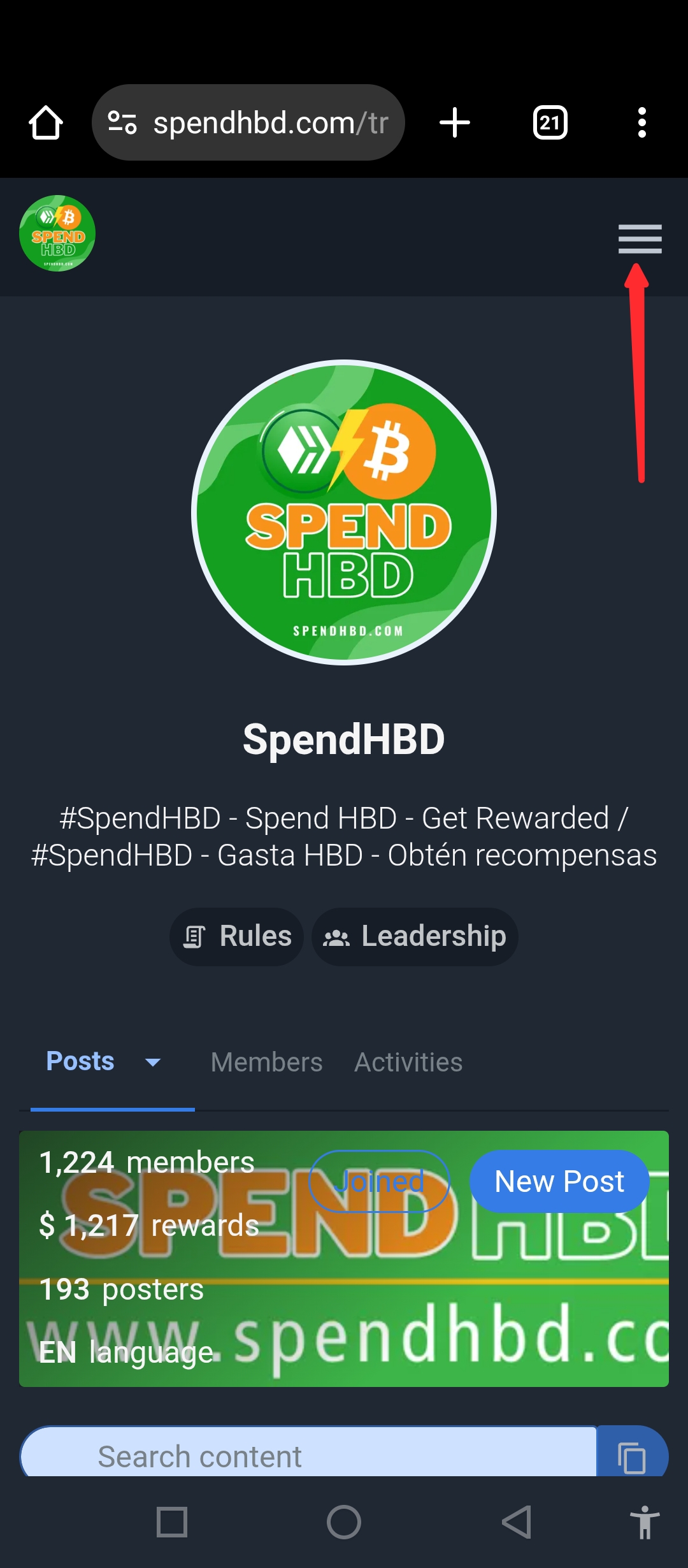
- Click on the menu section by the top right side
[IMAGE: https://images.hive.blog/DQmURcstA6kwYLWK2sJ3Aot9xJpuZ5VZrwaxnXhQHxvAERz/Screenshot_20250606-110541.jpg]
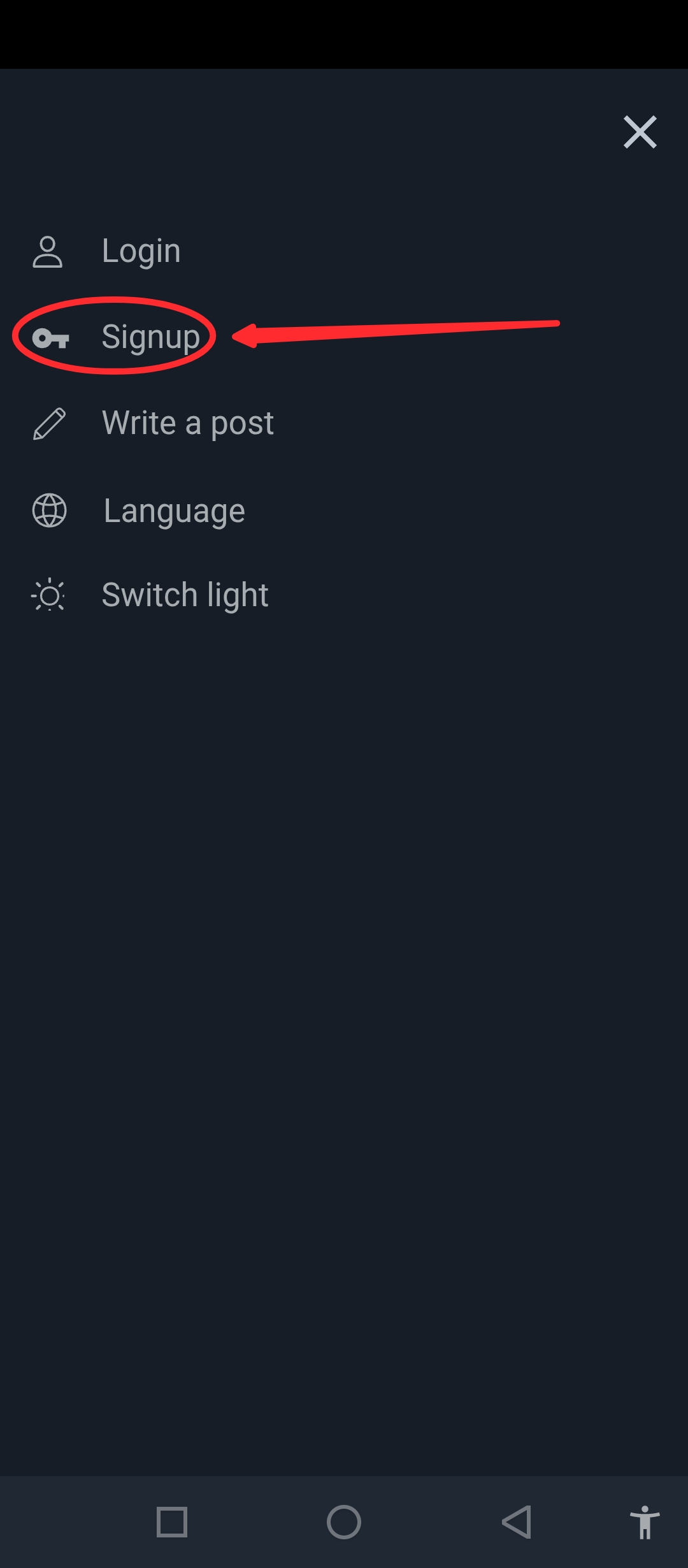
- Click on the signup option
[IMAGE: https://images.hive.blog/DQmeEj4i7oRmyoRVXEKkSpFWzM4wnDEKGMtC5iRXLvyYtmT/Screenshot_20250606-110818.jpg]
[IMAGE: https://images.hive.blog/DQmZ81V9KYLnodtVcGAG1UFaNxDoWQJtyb5VEojzeNAUL6A/Screenshot_20250606-110901.jpg]
- Enter your username, email and your referrals/account creator username and click on continue
[IMAGE: https://images.hive.blog/DQmaTqmXEMJuhSvN8bwtnu2QEYpo3HUvFWWW69YXtuREaN5/Screenshot_20250606-110935.jpg]
- At this point, you need to make sure the keychain is installed as an extension on your browser in your PC or if you are using mobile device, you can download it from playstore or click on the browser options below.
[IMAGE: https://images.hive.blog/DQmVBkeTfP6b7fwtjWB5FjjLV8Lx9FJjZ89UfUmpK4KkAB2/Screenshot_20250606-111226.jpg]
[IMAGE: https://images.hive.blog/DQmPWbByP6Prfyv4s1bY2Xwnr3RzCf1uu2fjBa91AMB1S9H/Screenshot_20250606-111536.jpg]
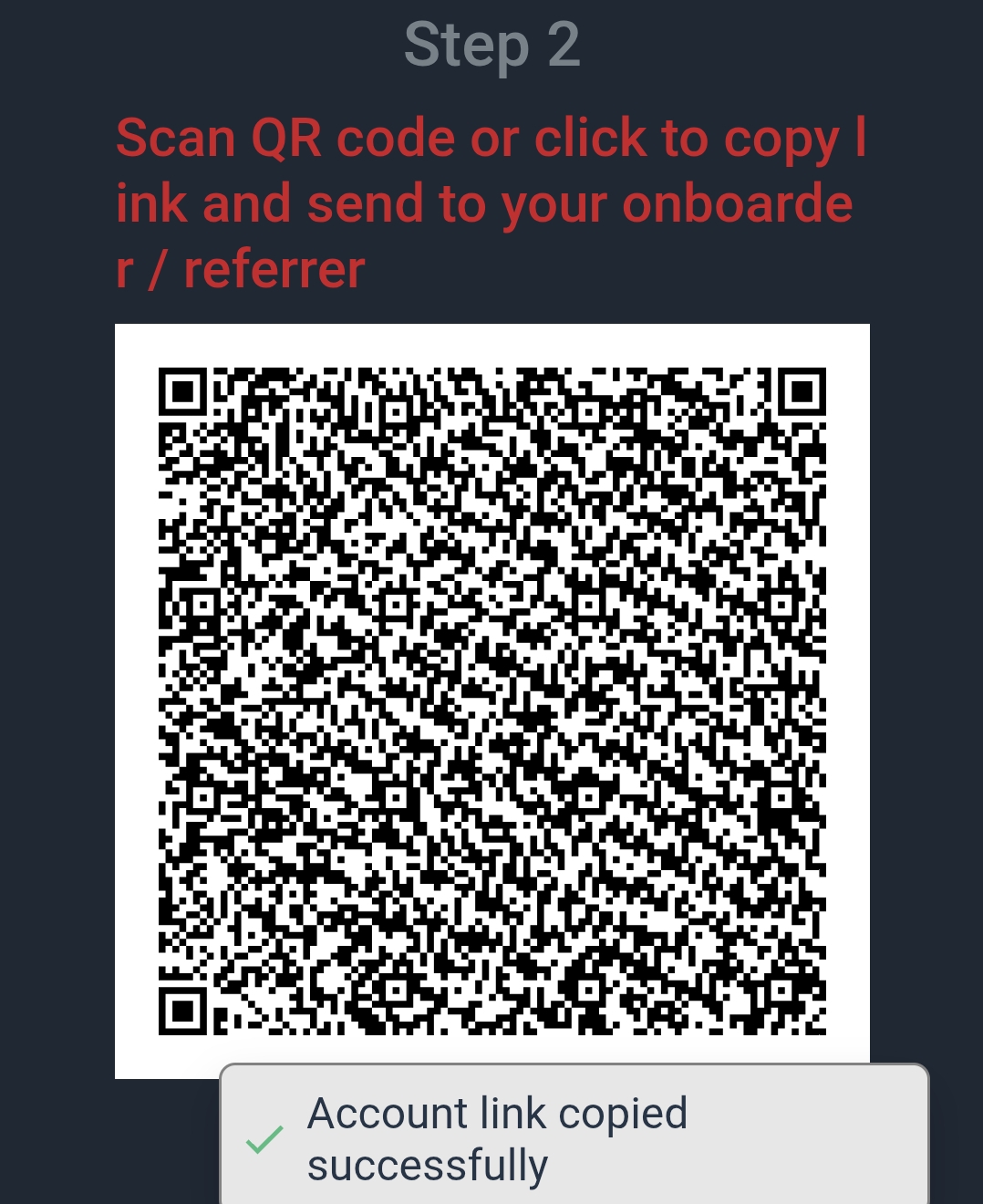
- At this point, your onboarder is going to scan the QR code with his hive keychain if he is with you, or you can sent it to him, then he will copy it and paste on the browser in his keychain if he is using a hand/cell phone.
[IMAGE: https://images.hive.blog/DQmdkzPYwyaEKwAJEPW7fi42nkNuC5u5wSU91ipxFWDKd2p/Screenshot_20250606-111517.jpg]
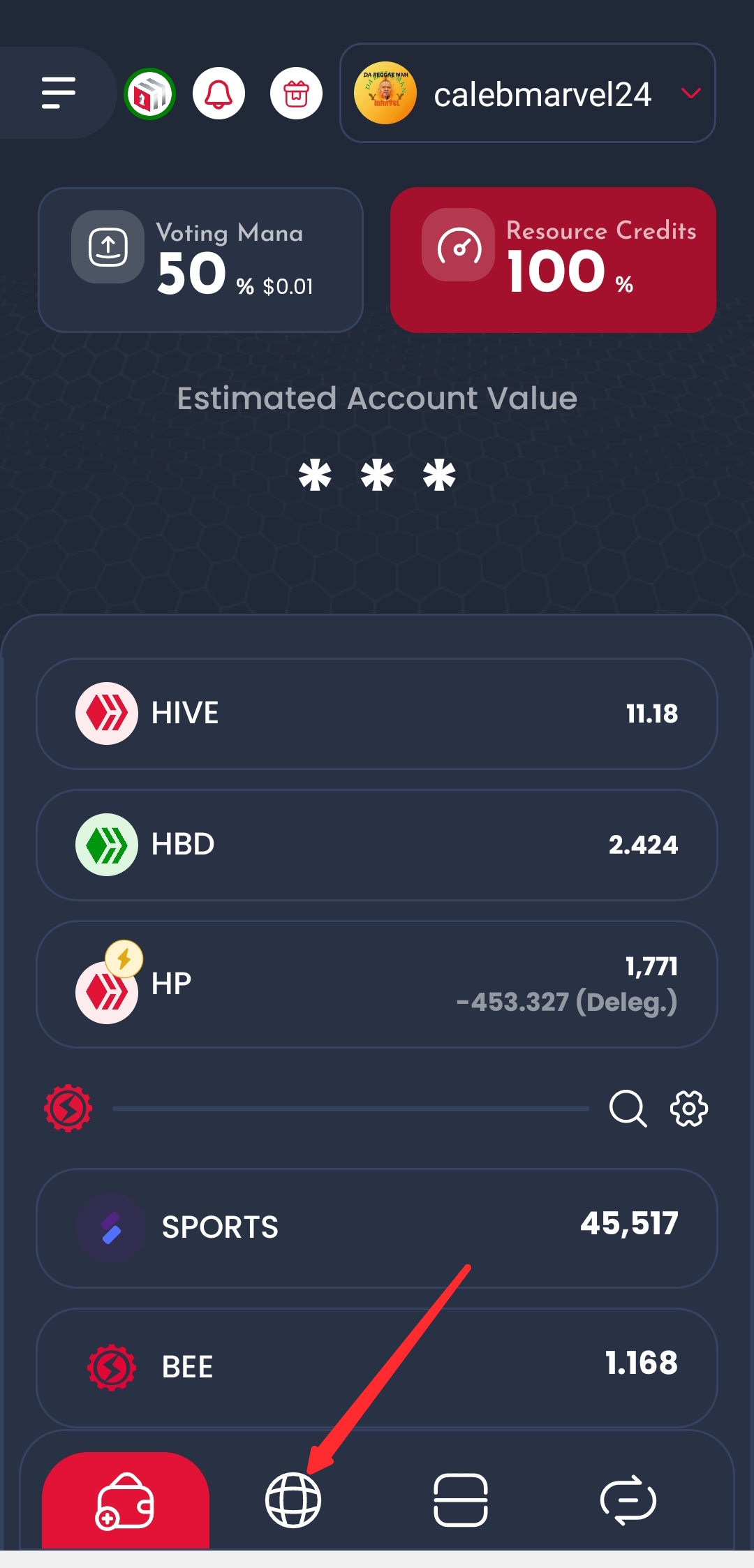
The keychain section
- Click on the browser in your keychain if you are using mobile/cell phone
[IMAGE: https://images.hive.blog/DQmSx44b8bL1WaDtKpCFBp12swAkDwcM5XPqj9kRwvsMhK3/Screenshot_20250606-111754.jpg]
- Paste the link of the QR code on the search 🔎 section
[IMAGE: https://images.hive.blog/DQmQxAfkfkQsi5KuF1QoBi3gkWvXvhJdm5aYGJkRoj2thN3/Screenshot_20250606-111857.jpg]
- At this point, you are about to create an account for a friend which you are to delegate 30 RC and click on "3 Hive" to create the account
[IMAGE: https://images.hive.blog/DQmaVhRB9YMEtm3eigUzq1zG8YmuDJuNTWVjfGbvKNR3J7B/Screenshot_20250606-111945.jpg]
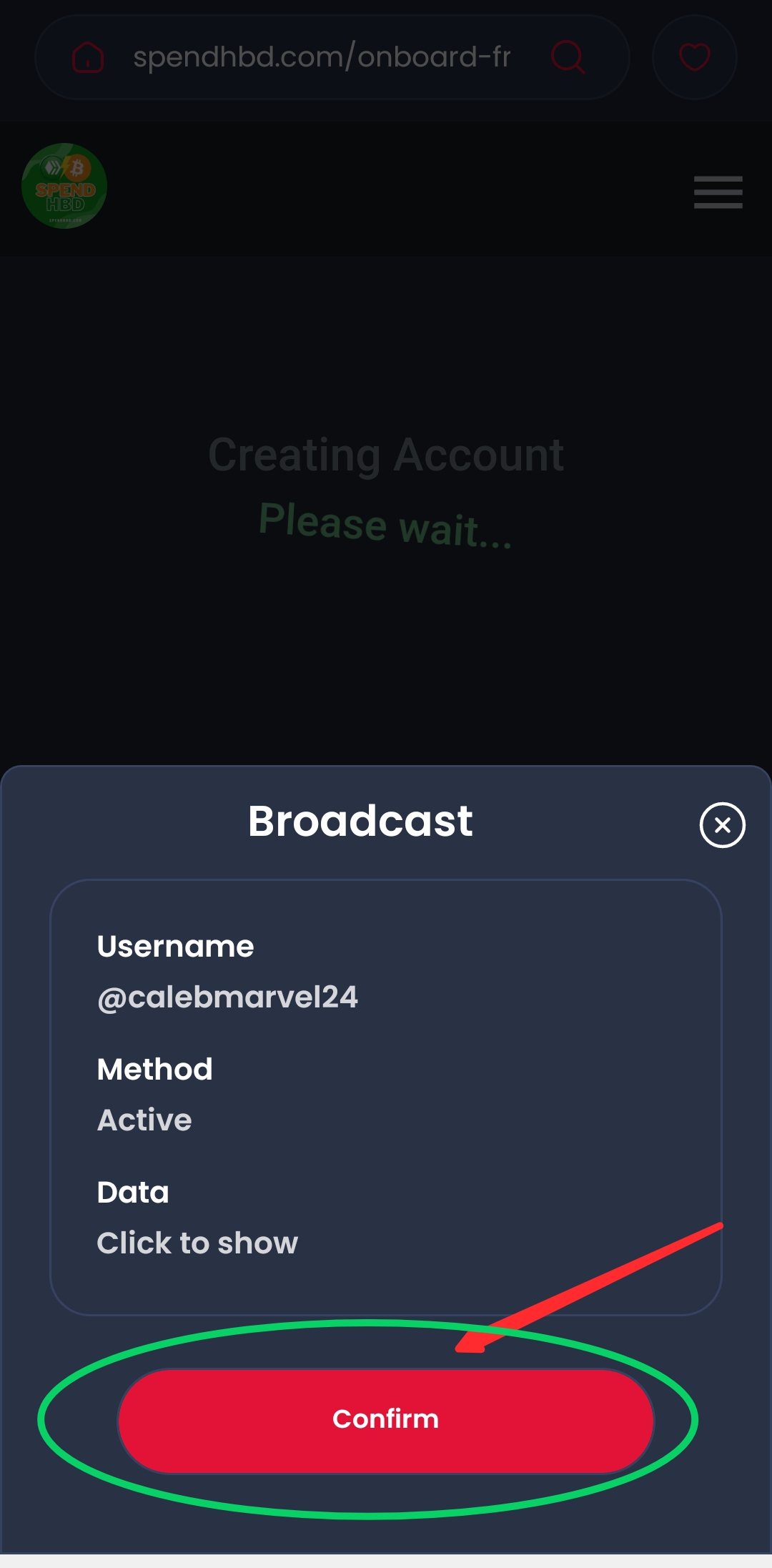
- confirm the payment and that's all
[IMAGE: https://images.hive.blog/DQmdLf4CpkBv65sBzNNuPciQ2uoLkUzndF9puydULRLVTWv/Screenshot_20250606-112040.jpg]
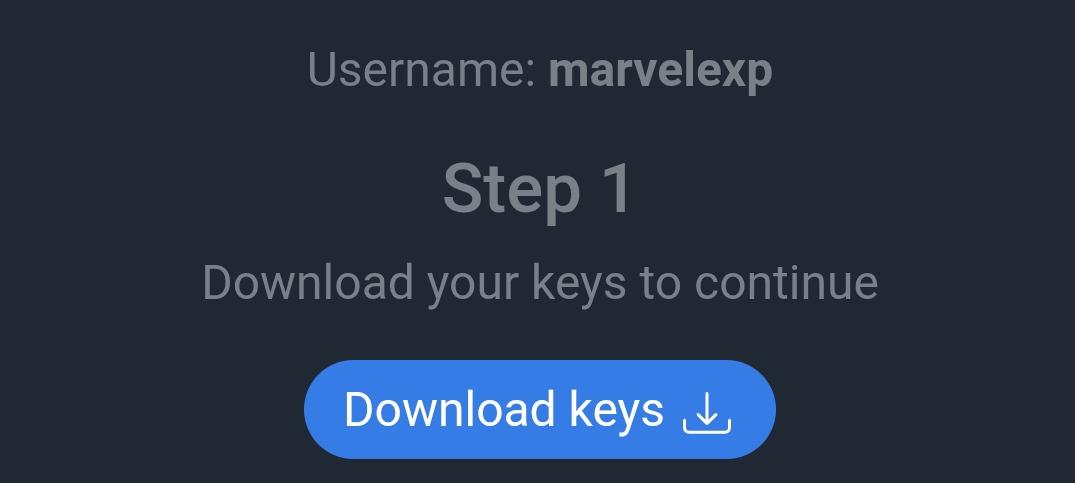
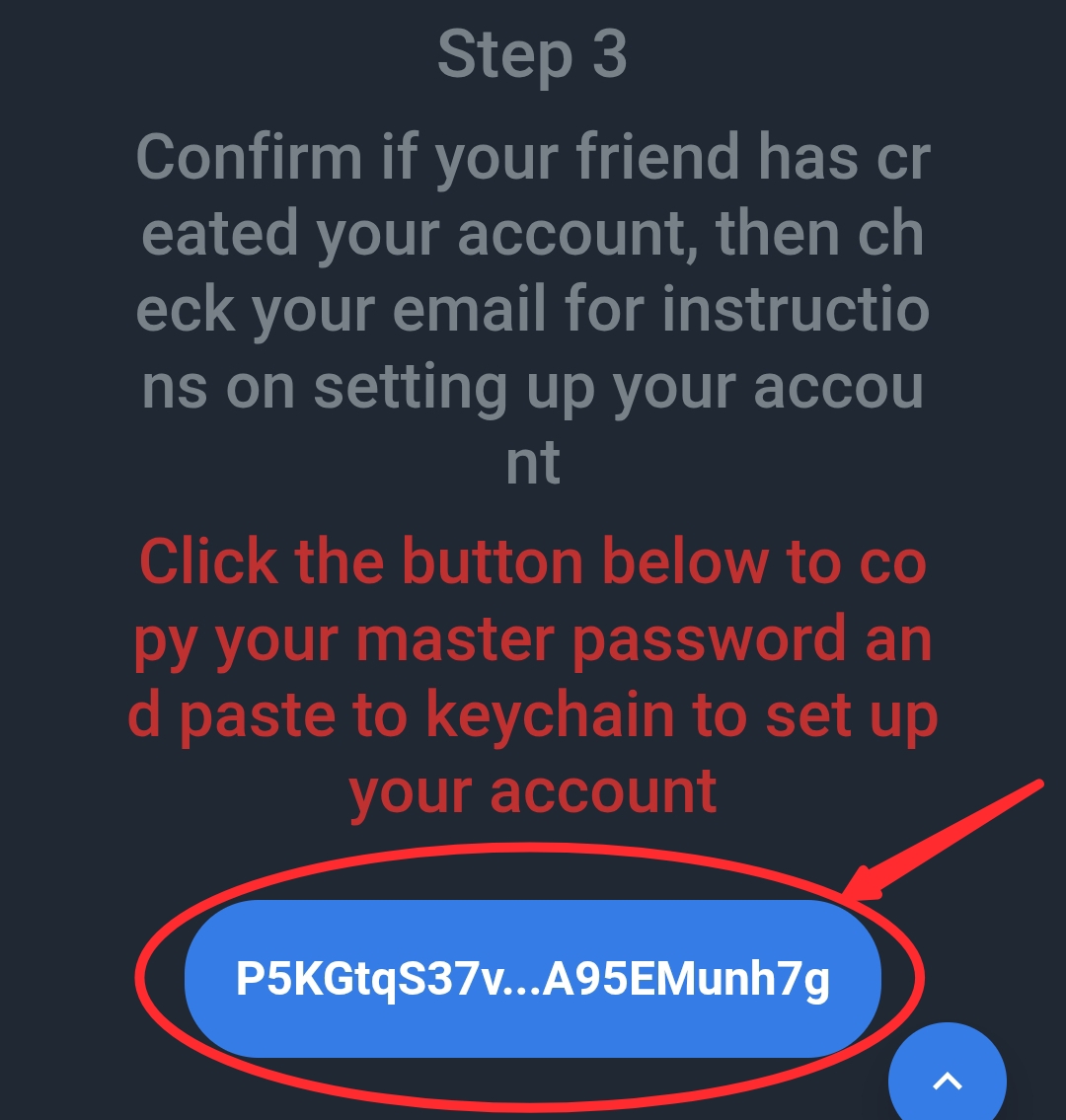
- At this point, the person that is creating the account will now copy his "master key" and save it in a safe place
[IMAGE: https://images.hive.blog/DQmZTWUPmiXppyhATsLfWm11TNthpZVMdqZaUub9WgkExga/Screenshot_20250606-111452.jpg]
Note
If you lost your master key at this point, that account is gone. So please, carefully copy it and save in a drive, email or any safe place.
I believe that this tutorial is going to help you in creating your hive account.
▶️ 3Speak
Hello, this was an issue with 3Speak. It seems that some duplicated uploads were stuck, and because of an update, some of them were published to Hive.
It was not @calebmarvel24's fault.
We are looking into this issue.