Hostinger 무료 계정에 XE3 설치하기
-
호스팅거에서 무료 계정을 만든다.
[IMAGE: https://cdn.steemitimages.com/DQmXC7XPyaj52rMbqNst48124c35CgozyPdDcKiGuxvpWzQ/Snap%202018-07-29%20at%2017.42.38.png] -
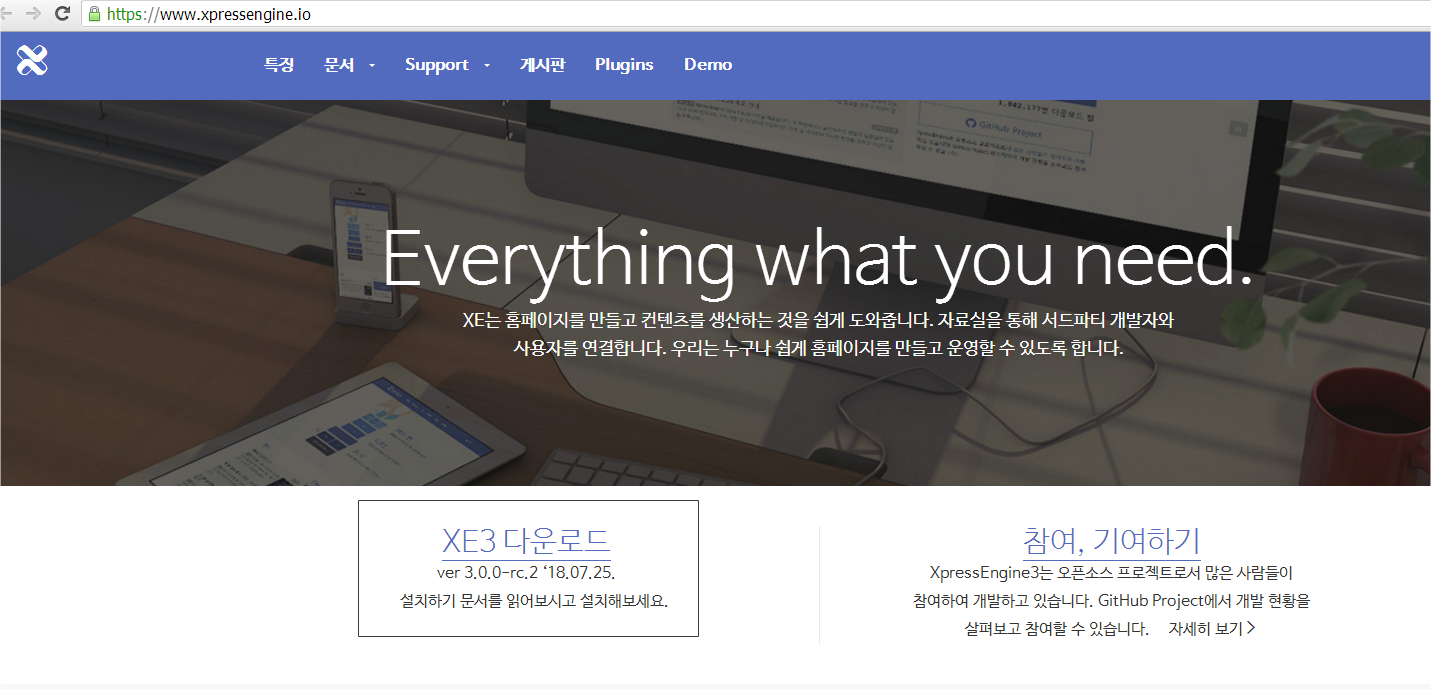
https://www.xpressengine.io/ 에서 가장 최신 버전을 다운로드 받는다.
http://start.xpressengine.io/download/latest.zip
-
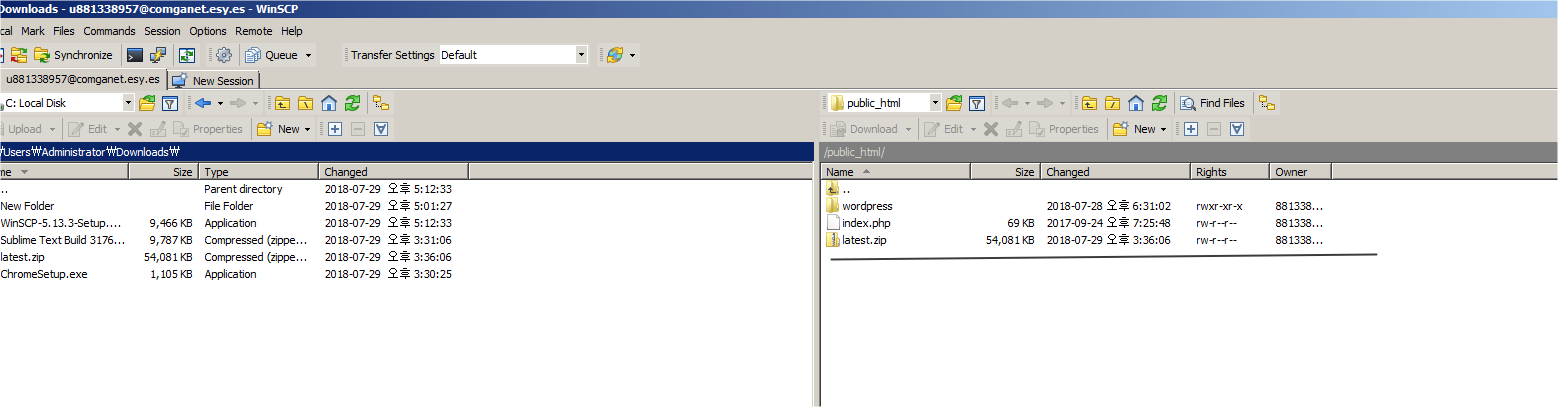
파일을 다운로드 한후 FTP 프로그램을 사용하여 서버에 업로드 한다.
[IMAGE: https://cdn.steemitimages.com/DQmby37K2uWKxEiFNGNQcahc54azSSe75bkLfoSAYygzCmh/Snap%202018-07-29%20at%2017.53.08.png] -
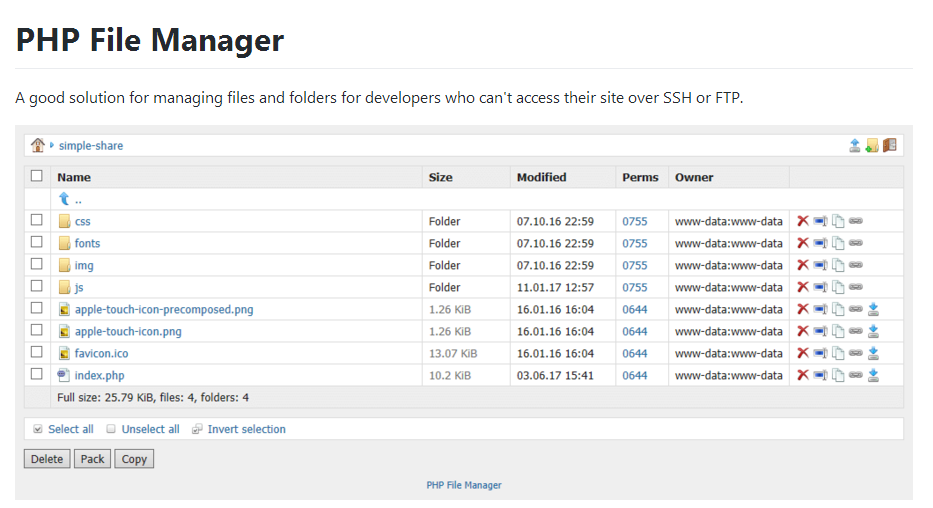
업로드한 파일의 압축을 해제 하기 위해 PHP File Manager 프로그램을 다운로드 받아 서버에 업로드한다.
- https://github.com/alexantr/filemanager/blob/master/filemanager.php
- filemanager.php 파일을 서버에 업로드하고 아래 $auth_users 부분을 수정한다.
$auth_users = array(
    'fm_admin' => 'fm_admin',
);
-
해당 페이지에 아이디 패스워드를 입력하고 로그인 하면 아래와 같은 화면을 확인할수 있다.
[IMAGE: https://cdn.steemitimages.com/DQmbtd2PcnL64i63kx583Tpoyc4psm7J7uBTBU1sk8Zh332/Snap%202018-07-29%20at%2017.50.55.png] -
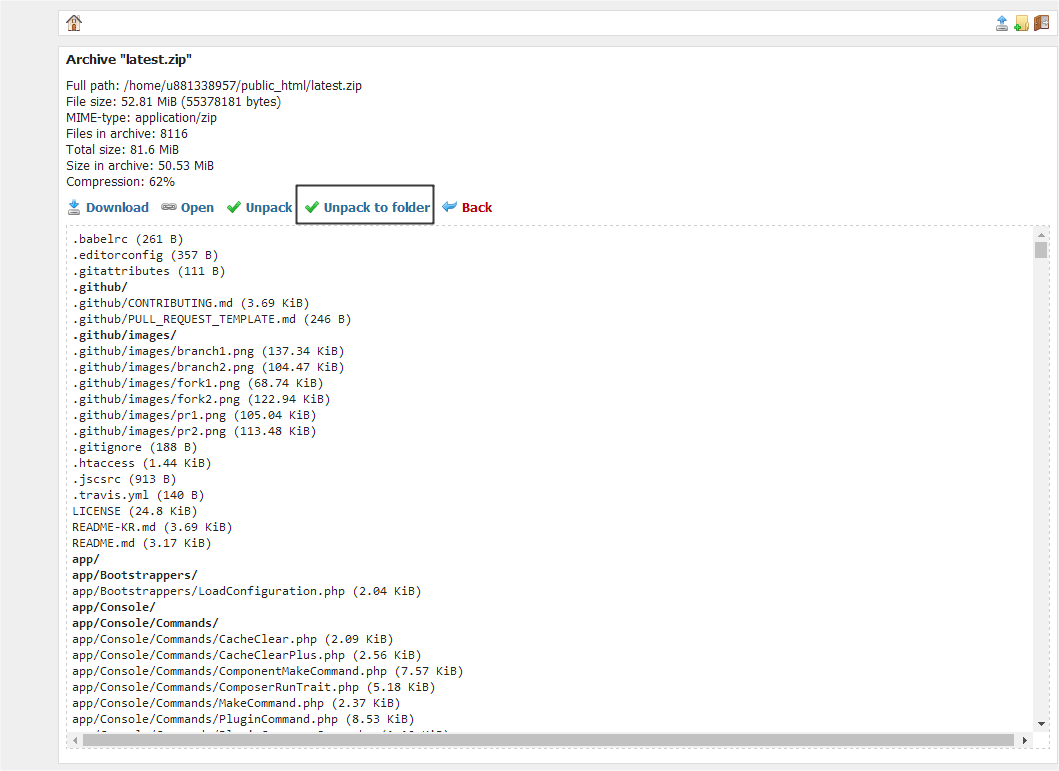
phpfilemanager 에서 업로드한 latest.zip 파일을 선택하여 아래와 같이 Unpack to folder 버튼을 클릭하여 압축을 해제한다.
[IMAGE: https://cdn.steemitimages.com/DQmZkkpnsDz7UvoyGjPKEg4CKtMccMHyND6XTiALR6TJk6q/Snap%202018-07-29%20at%2017.55.24.png] -
압축을 해제하고 나서 디렉토리명을 xe로 수정한다.
-
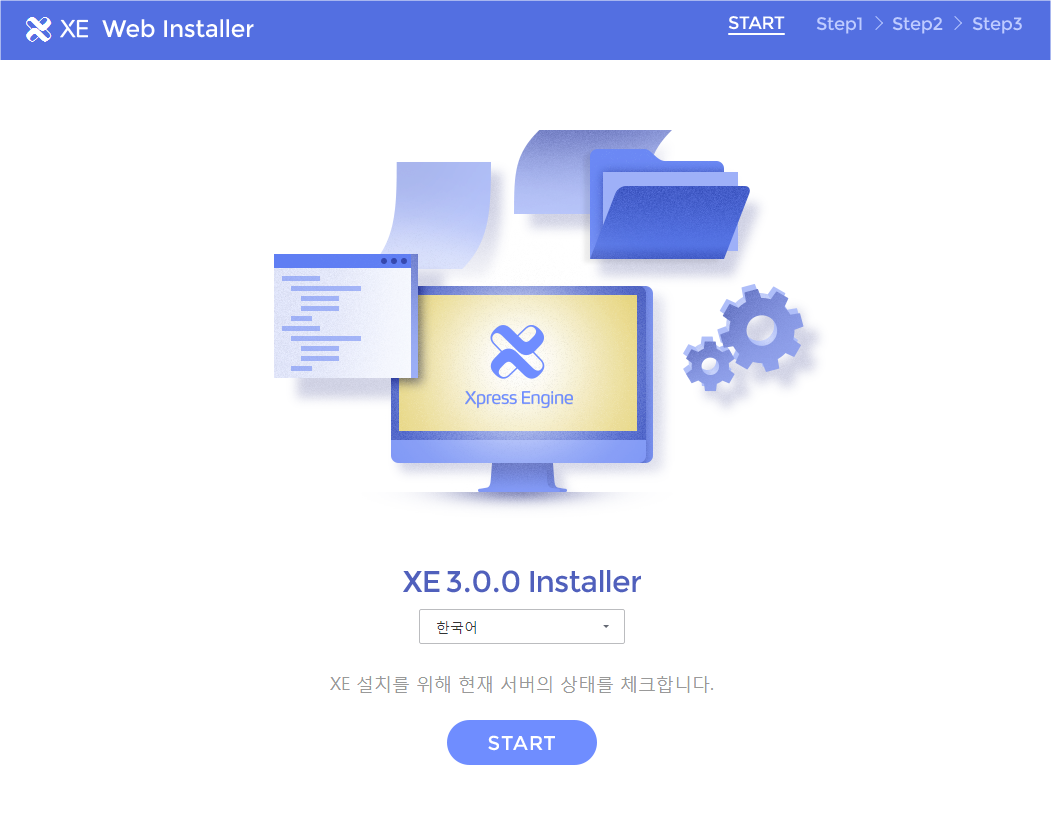
http://yourhost/xe 페이지에 접속하면 아래와 같이 xe 설치 페이지가 보인다.
[IMAGE: https://cdn.steemitimages.com/DQmc8XM1QW77ixhJ5ifJKt5kCe4DMZibaxkBKHMfo2Bcfa4/Snap%202018-07-29%20at%2017.59.27.png] -
한국어로 선택한후 START 버튼을 클릭한다.
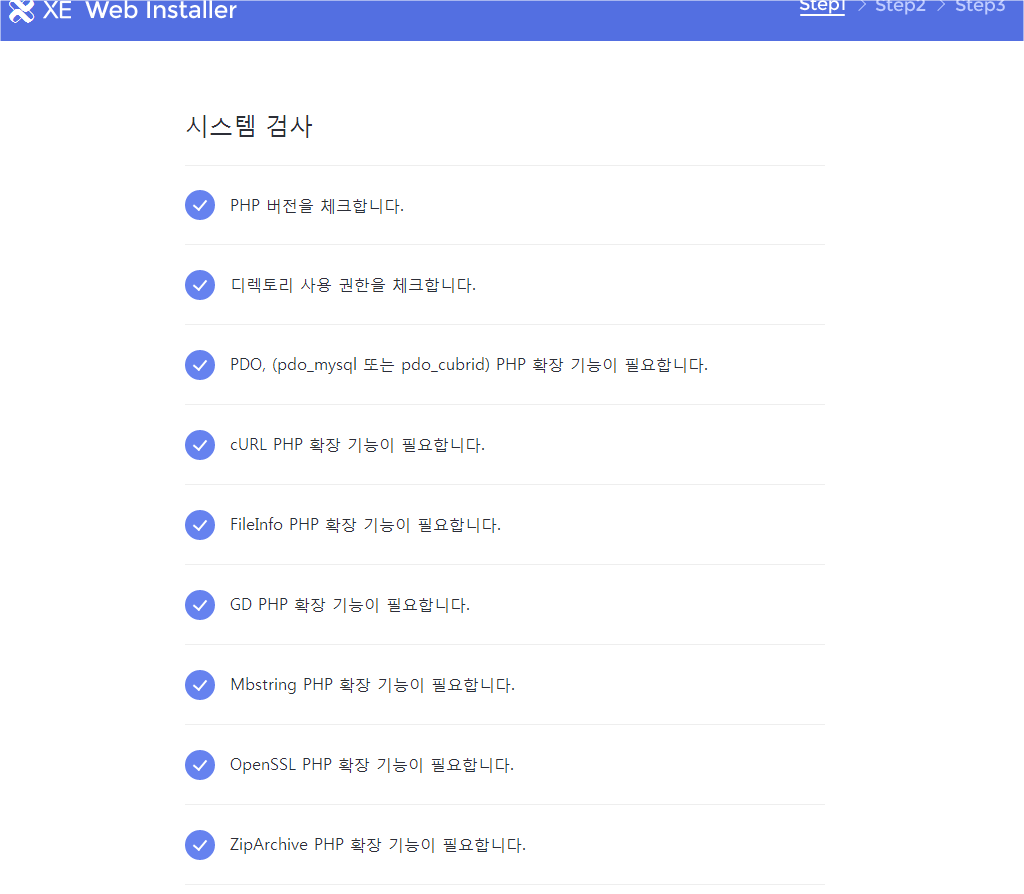
- 시스템 검사를 수행해는데 딱히 문제 되는 부분이 없다 다음단계로 이동한다.
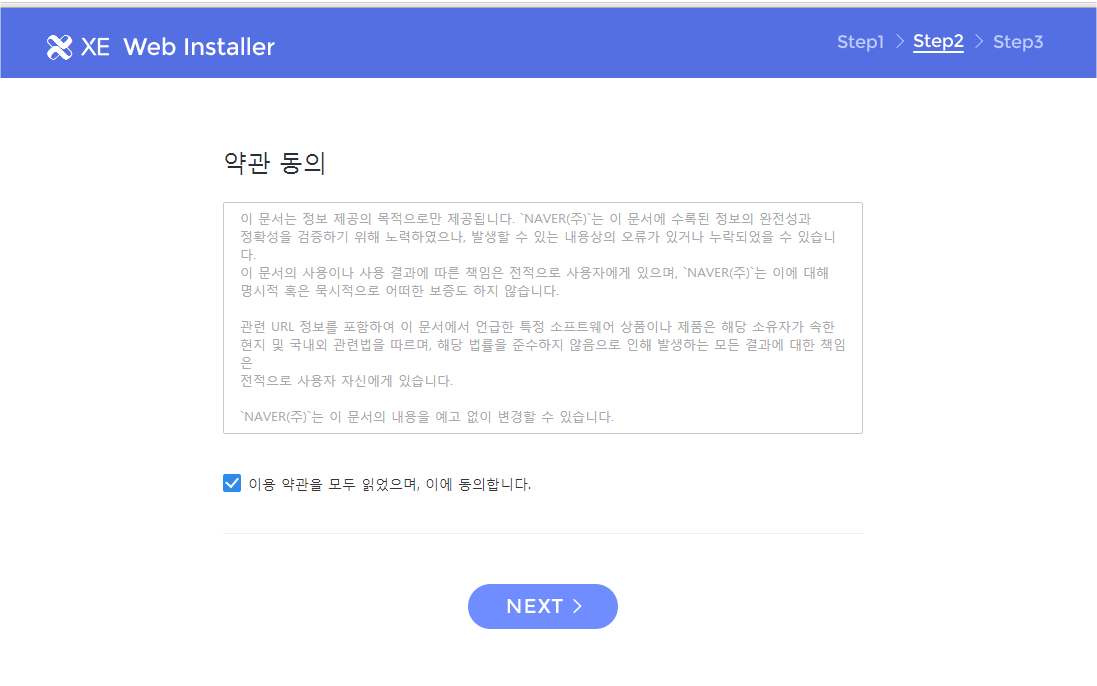
[IMAGE: https://cdn.steemitimages.com/DQmU2yTQW381jCEFJCMVzfdiRQqqWBXfYecQGY5wrzdYvgv/Snap%202018-07-29%20at%2017.59.57.png] - 약관 동의에 동의합니다. 체크한후 NEXT 클릭
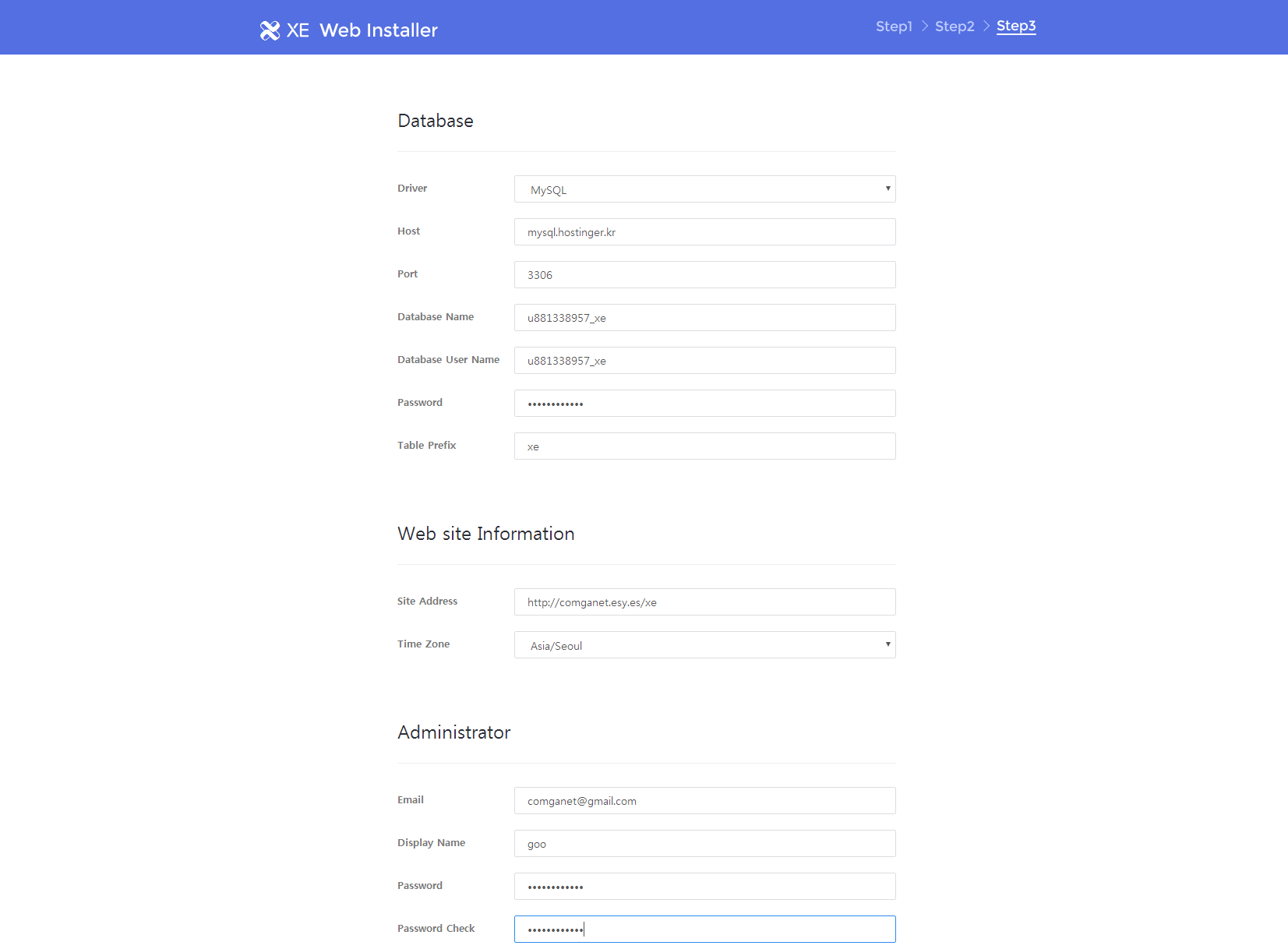
[IMAGE: https://cdn.steemitimages.com/DQmTg5o13kRmFwm8YoBW1dLTR4kLpZHbmPjikjJn1wgN2fu/Snap%202018-07-29%20at%2018.00.30.png] - DB정보 및 관리자 정보를 입력한후 NEXT 버튼 클릭
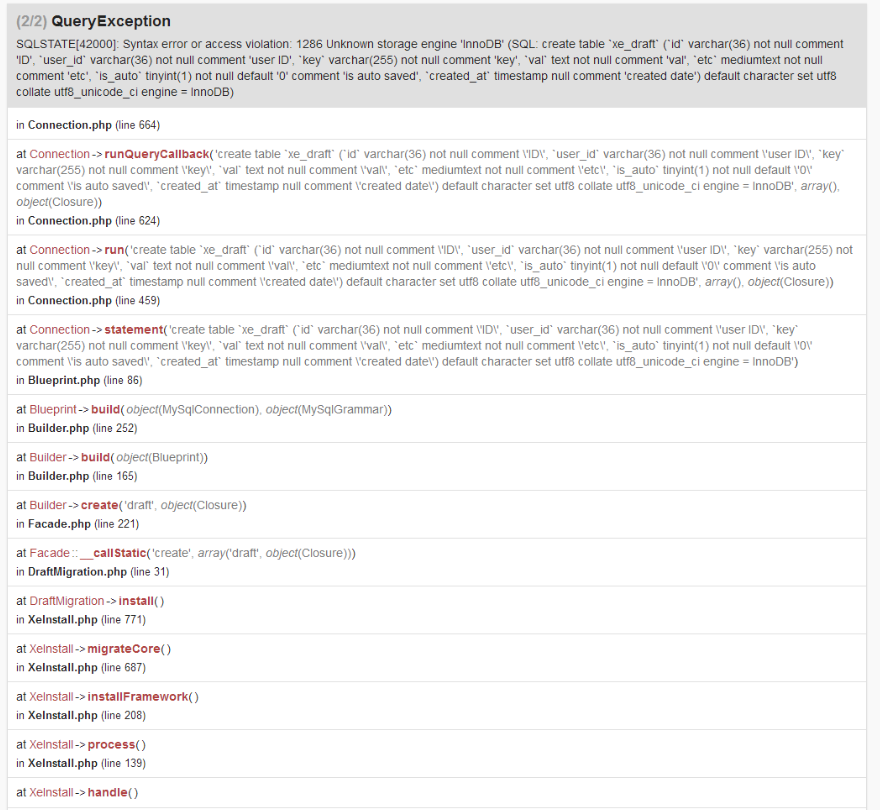
[IMAGE: https://cdn.steemitimages.com/DQmcbn8VsxqkcUZk6gre9eExD65K3AMeU7HTBYVnaN8rG7d/Snap%202018-07-29%20at%2018.03.47.png] - 설치시 아래와 같이 오류가 발생하면서 설치가 진행되지 않는다. Hostinger.kr 에서 사용하는 Maria DB가 InnoDB를 지원해 주지 않아 이와 같은 오류가 발생한다. 아래 URL을 참고하여 문제를 해결하였음.
- https://github.com/xpressengine/xpressengine/issues/351
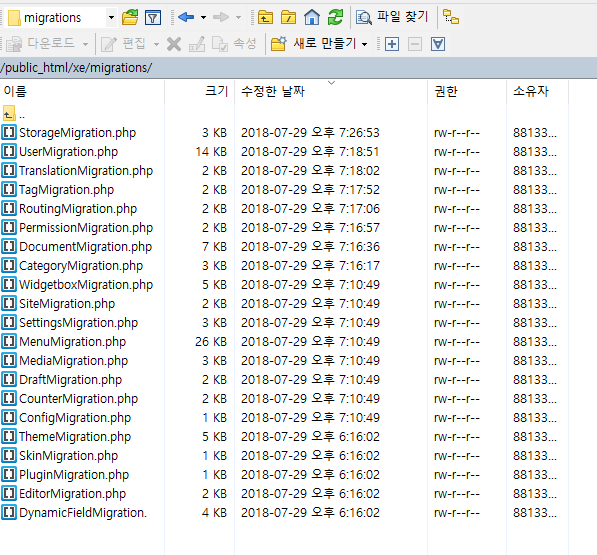
[IMAGE: https://cdn.steemitimages.com/DQmdnGbAyA3npbV7y626qBrd6aTdU3G1owzm1nRkW8tP8M9/cc0.PNG] - $table->engine = “InnoDB“; 라고 된부분을 아래와 같이 $table->engine = “MyISAM”; 로 수정함
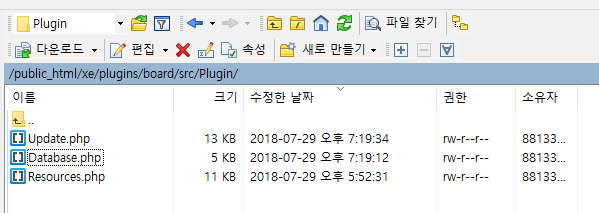
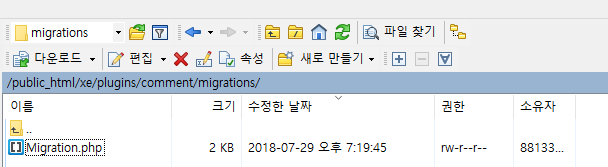
- 또한 $table->unique … 이라고 된부분을 모두 주석 처림함 , 2018년7월29일 기준 다운로드 받은 파일을 압축하여 저장해둠
- 아래 링크에서 수정한 파일을 다운로드 받을수 있다.
http://comganet.esy.es/wordpress/wp-content/uploads/2018/07/xe.7z
 * @copyright 2015 Copyright (C) NAVER Corp.
 * @license   http://www.gnu.org/licenses/old-licenses/lgpl-2.1.html LGPL-2.1
 * @link      https://xpressengine.io
 */

namespace Xpressengine\Migrations;

use Illuminate\Database\Schema\Blueprint;
use Schema;
use Xpressengine\Support\Migration;

class StorageMigration extends Migration {

    public function install()
    {

        Schema::create('files', function (Blueprint $table) {
            $table->engine = "MyISAM";

            $table->string('id', 36)->comment('file ID');
            $table->string('origin_id', 36)->nullable()->comment('original file ID');
            $table->string('user_id', 36)->nullable()->comment('own user ID');
            $table->string('disk', 20)->comment('storage locale.');
            $table->string('path')->comment('registered file path. without name');
            $table->string('filename')->comment('registered file name. without extension');
            $table->string('clientname')->comment('original file name');
            $table->string('mime', 50)->comment('mime type');
            $table->integer('size')->comment('file size');
            $table->integer('use_count')->default(0)->comment('use count. how much used in the system.');
            $table->integer('download_count')->default(0)->comment('download count');
            $table->timestamp('created_at')->nullable()->comment('created date');
            $table->timestamp('updated_at')->nullable()->comment('updated date');

            $table->primary('id');
            //$table->unique(['disk', 'path', 'filename'], 'findKey');
            $table->index('origin_id');
        });

        Schema::create('fileables', function (Blueprint $table) {
            $table->engine = "MyISAM";

            // mapping a file to target. If Document uploaded a file, [fileableId] is document ID.
            $table->increments('id')->comment('ID');
            $table->string('file_id', 36)->comment('file ID');
            $table->string('fileable_id', 36)->comment('target ID. If Document uploaded a file, [fileable_id] is document ID.');
            $table->timestamp('created_at')->nullable()->comment('created date');

            //$table->unique(['file_id', 'fileable_id']);
        });
    }
}
- 수정한 디렉토리
[IMAGE: https://cdn.steemitimages.com/DQmYteLSRAPqHK2YgDXiVNGDAx9ccKMwPi6k5gGqX6QAeaZ/cc1.PNG]
[IMAGE: https://cdn.steemitimages.com/DQmNyLXwk8HqVxuREfh6Kyy4nR8ZymKrfCC79hmwHo8zNrc/cc2.PNG]
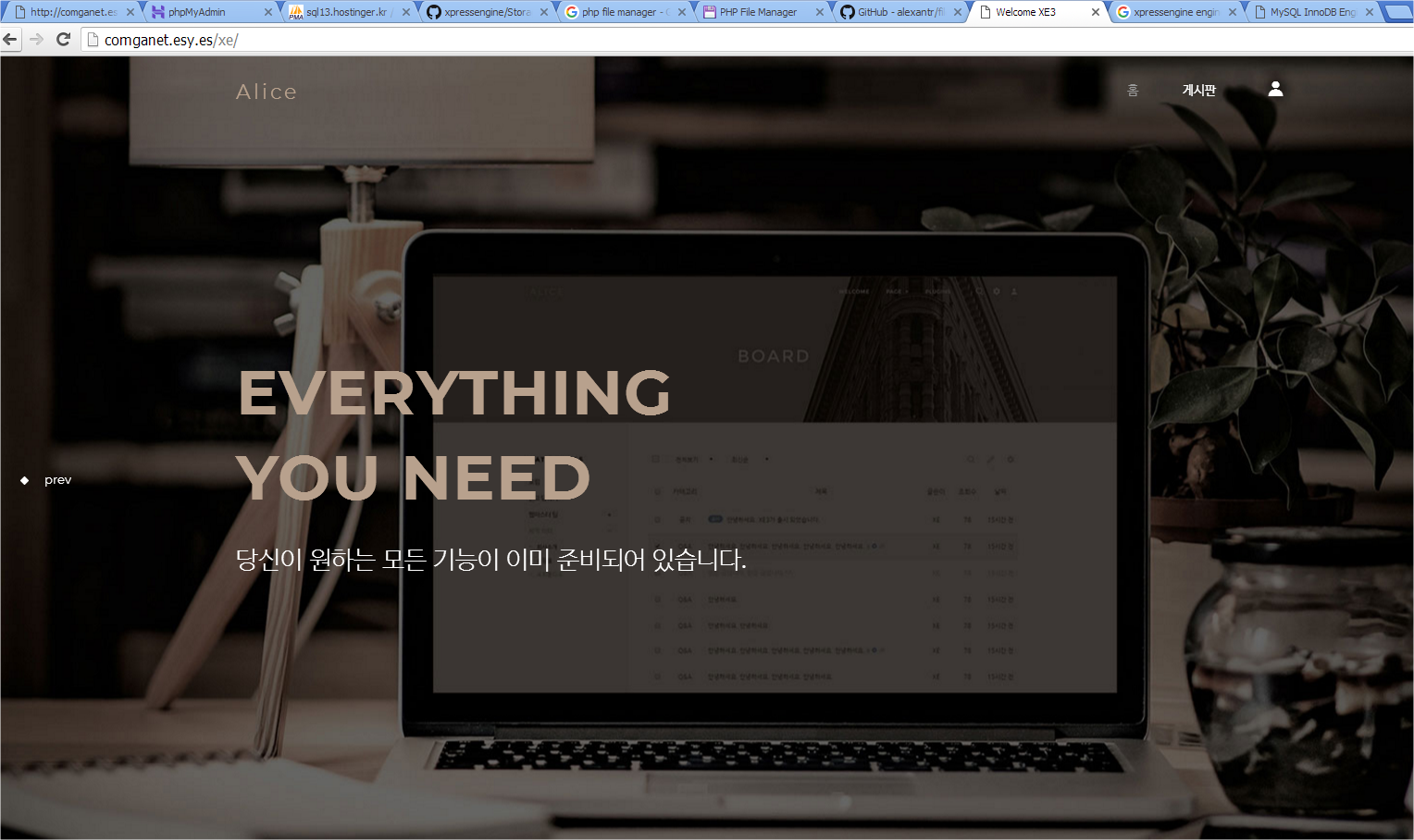
[IMAGE: https://cdn.steemitimages.com/DQmU6V3WXKni5h4TyEzGFiCBKJKkfqGn3G5oFvCXihH8TSj/cc3.PNG] - 위와 같이 파일을 수정하고 NEXT를 클릭하면 정상적으로 설치됨
[IMAGE: https://cdn.steemitimages.com/DQmQprk9Ud5oncvM2shkVXWs4mnrHRTgHfLA4guPhDdiMMH/Snap%202018-07-29%20at%2019.38.34.png]