[IMAGE: https://files.peakd.com/file/peakd-hive/leoumesh/Eo8QuYF55MpVoxHQpM9Y7oqzFewGKb5TTkYf45UQLhVnDvDoH65h2onoZn2uQntU6Bb.png]
Image Source
In my previous tutorial we saw a basic introduction to string and various in-built functions that can be used to perform operation and manipulation on C# strings. In this tutorial, we are gonna discuss other some key concepts in string operations that you may come across in C#. One of the key concept in string operation is String Interpolation that was introduced in the year 2014 in C# version 6. It provides a more convenient and human readable approach to writing code by allowing us to substitute a value of string into a placeholder. Allowing this would save a chunk of time, memory allocation which would have been caused due to string concatenation. Lets see a simple example of this one:
using System;

class Program
{
    static void Main()
    {
        int age = 25;
        string name = "Peter";

        Console.WriteLine($"My name is {name} and I am {age} years old.");
    }
}
If you run this code, you will get the following output:
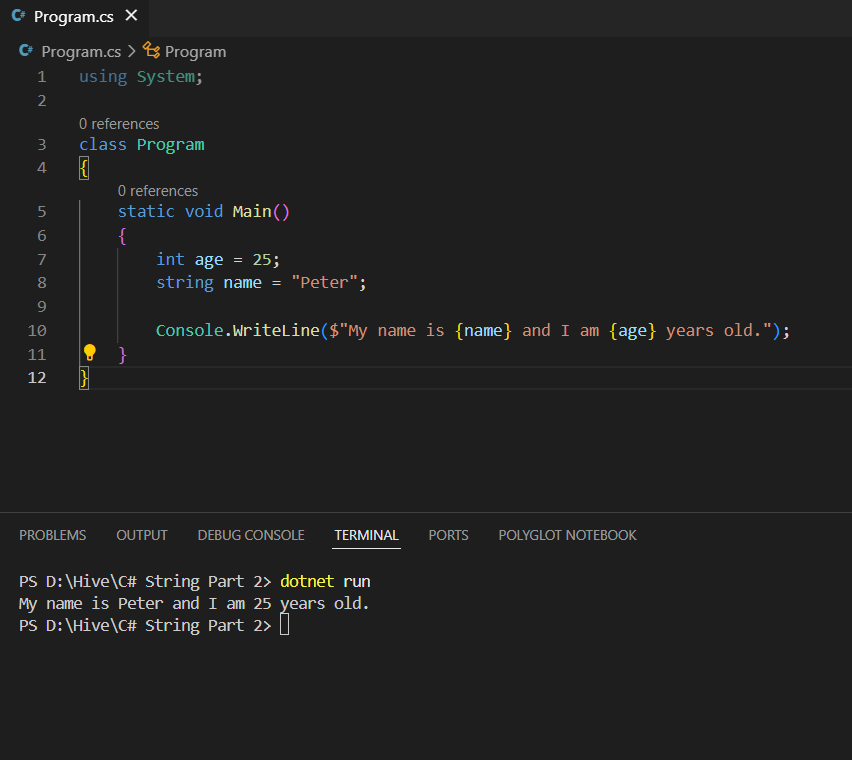
See how much easier it is to write and debug a code using this approach. You need to use "$" sign while interpolating string and then "{}" brackets while substituting a value.
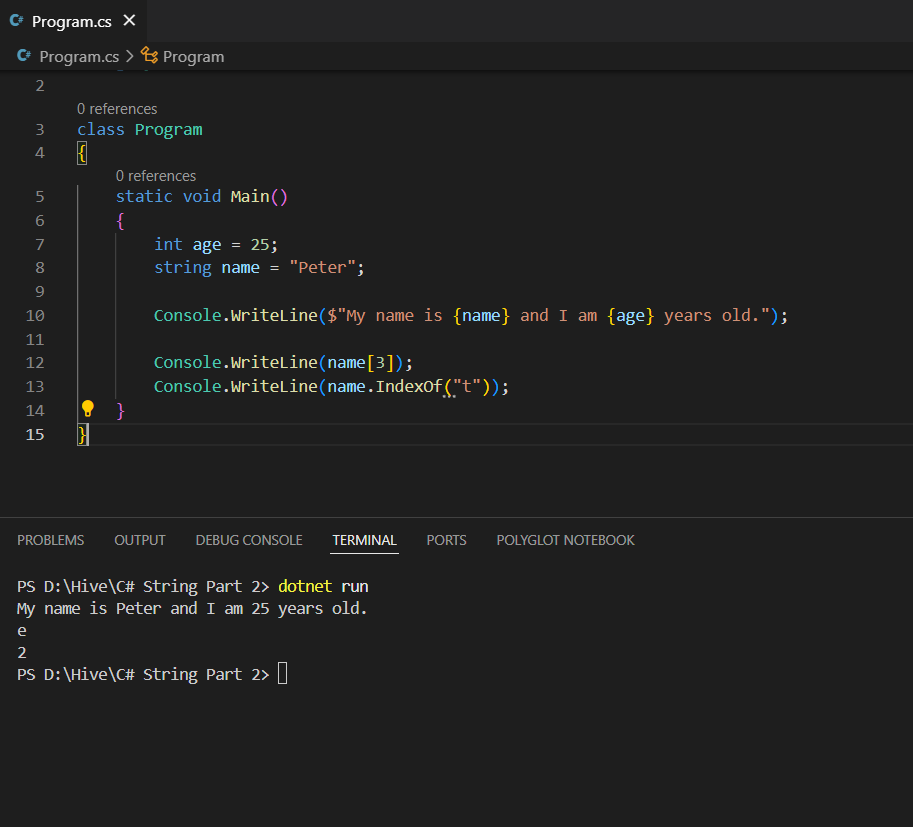
Another thing we want to look on is accessing a strings. We can do this by using an index number of string inside a "[]" brackets. If we run the code Console.WriteLine(name[3]); then we will get the output e as index always starts from 0. We can also use function called IndexOf to get the index value of a characters in a string.
using System;

class Program
{
    static void Main()
    {
        int age = 25;
        string name = "Peter";

        Console.WriteLine($"My name is {name} and I am {age} years old.");

        Console.WriteLine(name[3]);
        Console.WriteLine(name.IndexOf("t"));
    }
}
You can get the corresponding output for this code:
The last thing we wanna see about is using special characters like double quotes inside a double quotes. String should always be written inside a double quote in C# and if you want to write a string that contains double quote inside it then you can use backslash escape character.
using System;

class Program
{
    static void Main()
    {
        string message = "Sometimes this process is also referred to as \"vaporization\".";

        Console.WriteLine(message);

    }
}
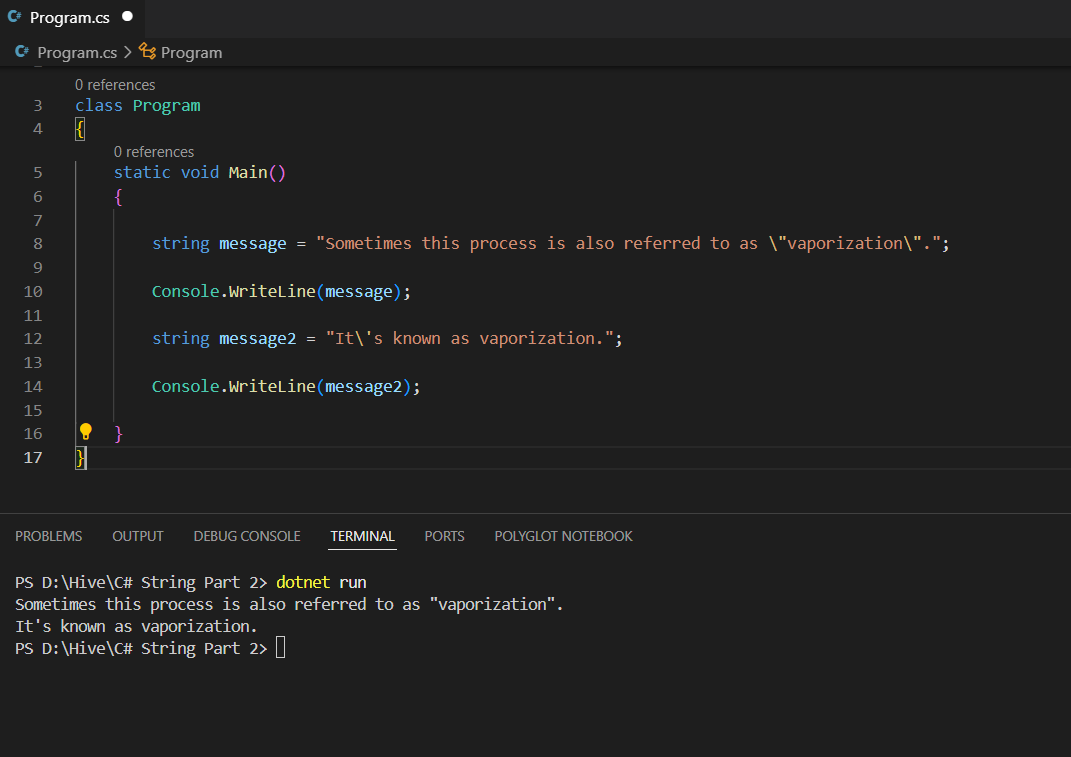
If you try to run the code without using backslash character() then you will get the error as compiler will misunderstand the syntax for the string. Lets see how to print a statement that contains 's inside a string in C#. For this you need to use single backslash() as:
using System;

class Program
{
    static void Main()
    {

        string message = "Sometimes this process is also referred to as \"vaporization\".";

        Console.WriteLine(message);

        string message2 = "It\'s known as vaporization.";

        Console.WriteLine(message2);

    }
}
The output for this code is:
There are other special useful escape characters in C# that we will see as we go along the tutorial like New line (\n), backspace(\b), tab(\t).
Link to other C# posts