[IMAGE: https://files.peakd.com/file/peakd-hive/positive-mind/piLFSSDY-IMG_20210216_112127.jpg]
My husband gave me a Raspberry Pi 4 to play with
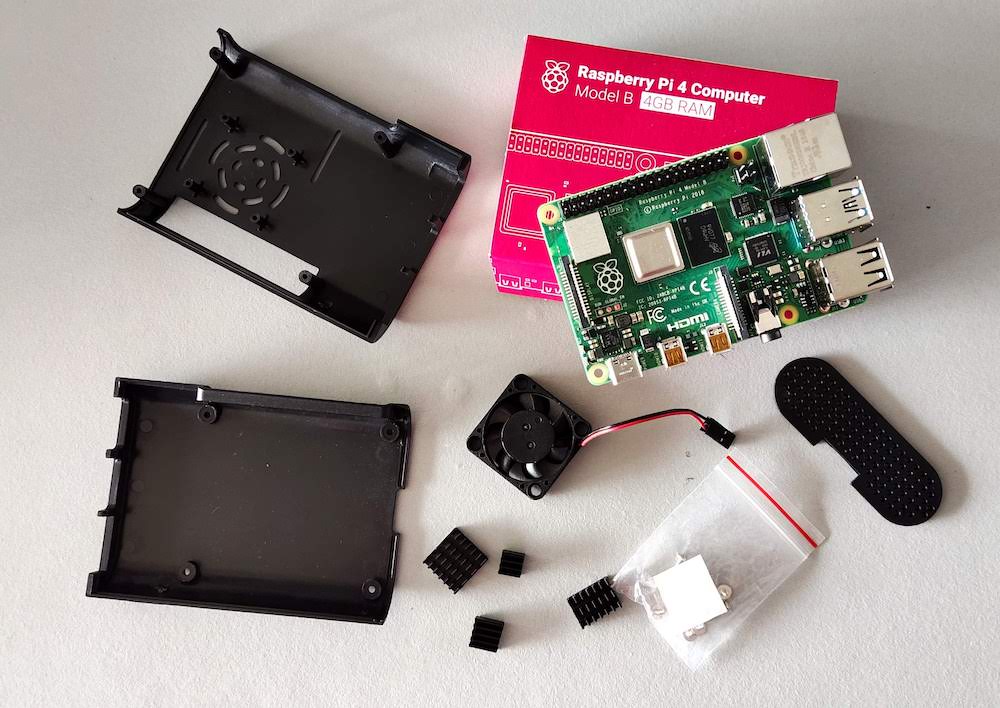
I had no idea what I should do with that fruit called single board computer. I heard about it, yes ... But why should I need one? So I left it at my desk till I would have figured out what I wanted to do with it. My hubby also included a camera for the computer so that I could monitor my 3D printer ... Yeah, right ... I'm always home 😆
On internet you find many projects, but still I had no clue. Why should I build a weather station? If I look outside, I know what the weather is. No point of making a Google agenda to hang on the wall ... Since last year the pandemic started, I have no appointments. Why should I build a media center? I have a smart TV and wifi... And I can continue with this list. For every project I saw I really couldn't find a reason to build it.
And finally, a couple of days ago I knew it: I'm going to build to game console. In the old days I used to be a hard core gamer. Since I don't see any changings in the near future concerning travelling it might be a good idea. After a year I'm getting a bit bored here. I'm still not able to go out and reading and watching movies/series is nice ... for a while.
For those who don't know a Raspberry I will give a quick explanation. The Raspberry Pi is a complete computer, at the size of a package of cigarettes. Off course it's not the latest desktop model, but for small projects it's a cheap solution.
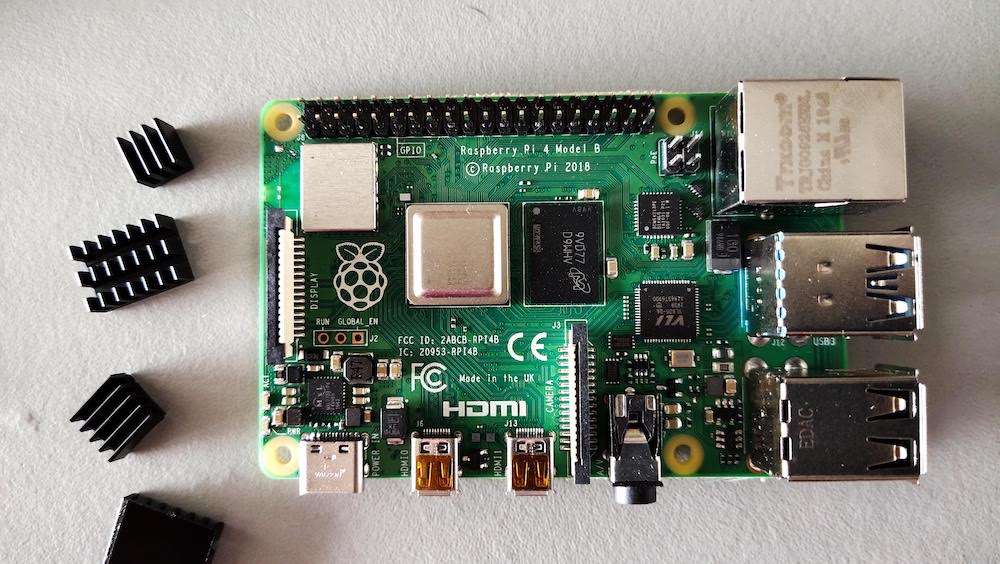
I have the Raspberry Pi 4 - Model B - 4GB Ram model. These are the specifications:
- 64 bit quad-core Cortex A72 processor
- 4GB RAM
- 2 micro HDMI ports
- 2 USB 2.0 ports
- 2 USB 3.0 ports
- 802.11b/g/n/ac wireless
- Bluetooth 5.0
- PoE capable
And this is how it looks like:
[IMAGE: https://files.peakd.com/file/peakd-hive/positive-mind/u4sj2XUS-IMG_20210216_112203.jpg]
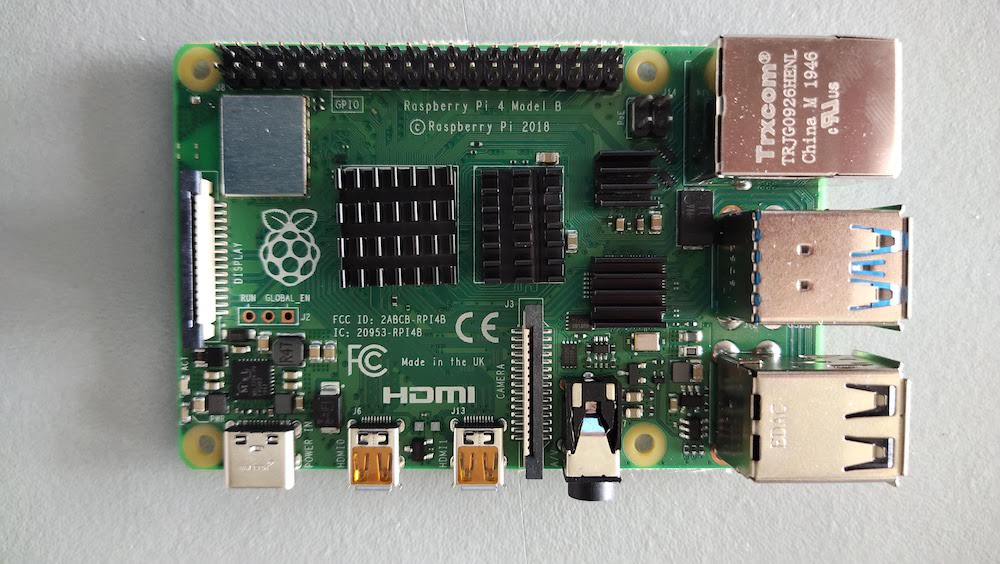
First things first... Such a small computer can generate quite some heat. So I installed 4 heat sinks on the motherboard:
[IMAGE: https://files.peakd.com/file/peakd-hive/positive-mind/oth29KPd-IMG_20210217_121913.jpg]
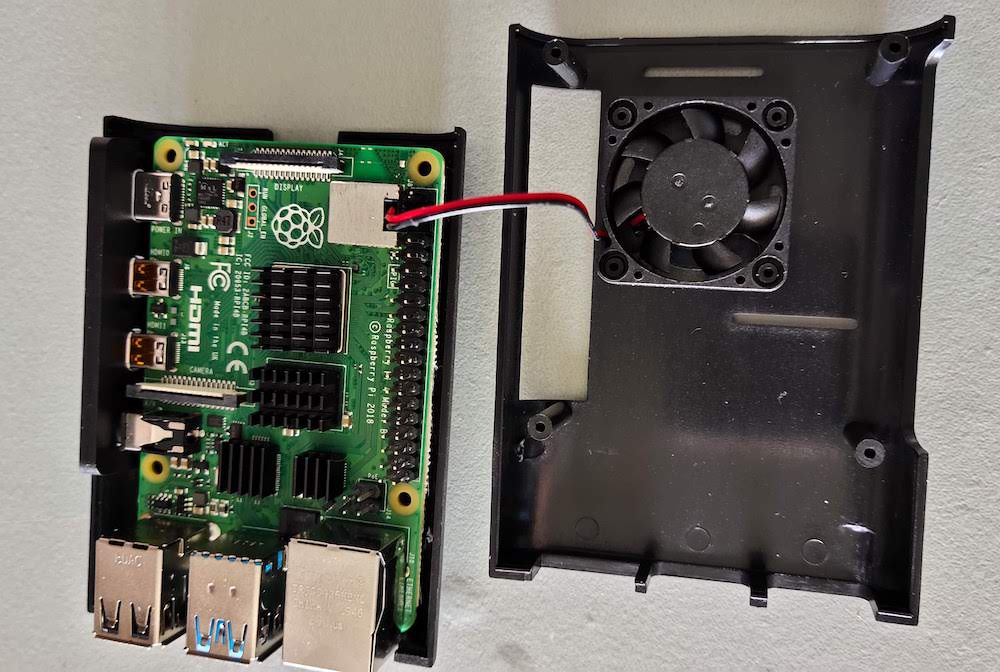
The next step is mounting the fan in the case:
[IMAGE: https://files.peakd.com/file/peakd-hive/positive-mind/zjqFhzad-IMG_20210217_122938.jpg]
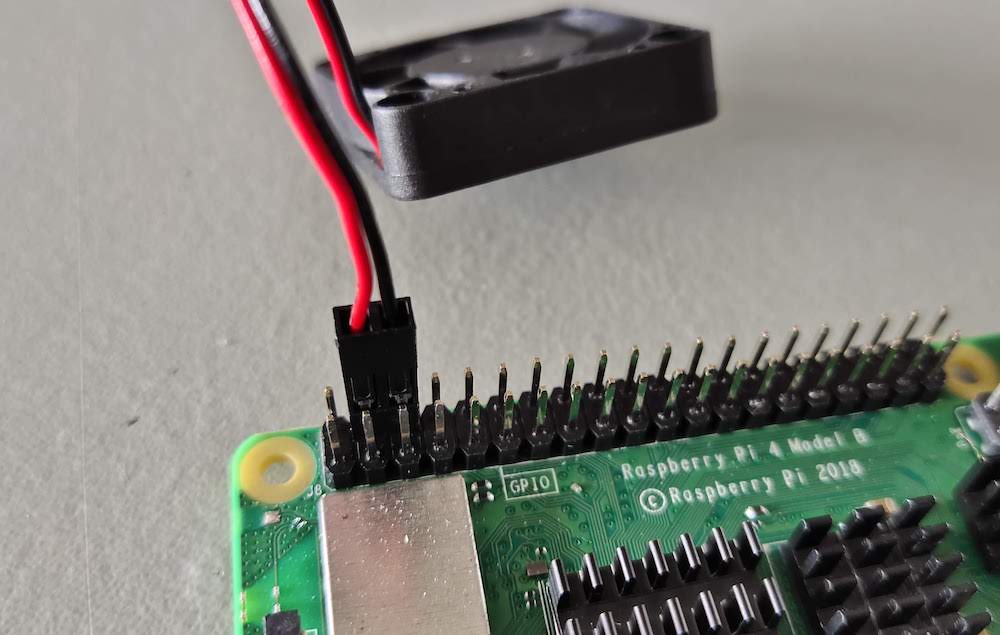
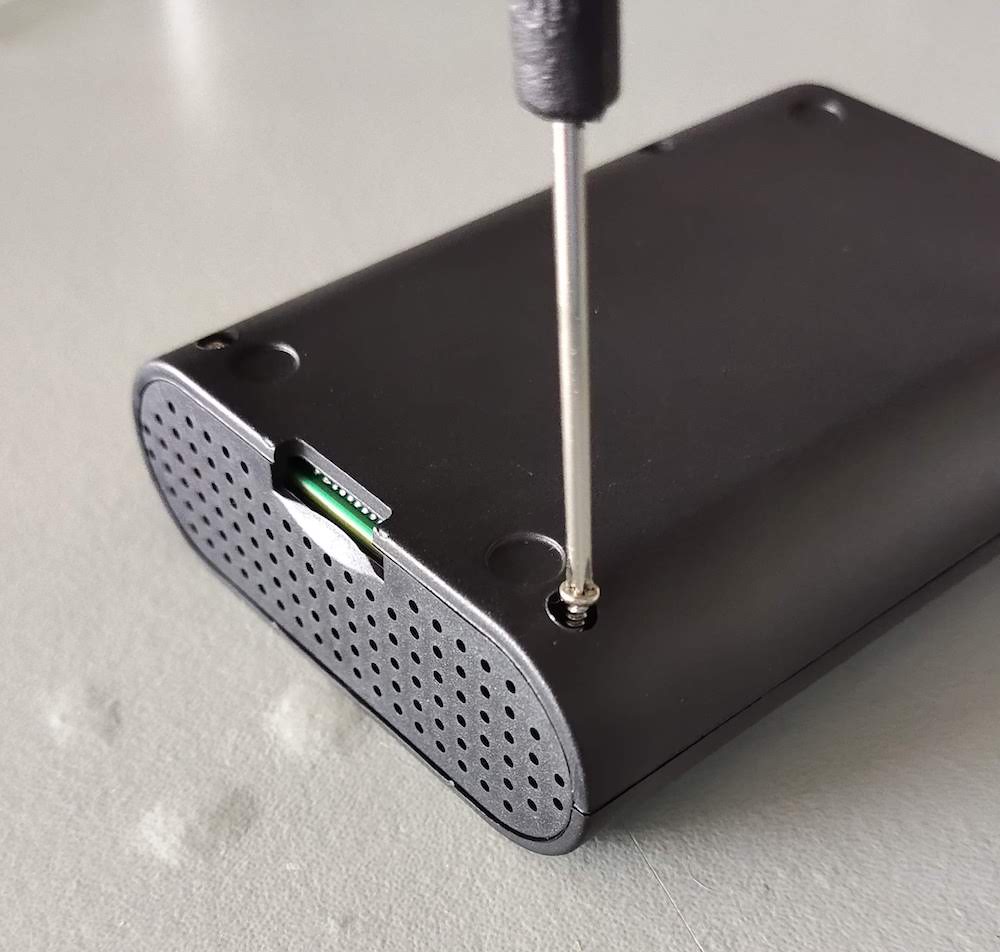
Securing it with the screws and the connecting the fan to the power. Luckily you can find information on internet to know what connectors you need to use.
[IMAGE: https://files.peakd.com/file/peakd-hive/positive-mind/XNsmyUSd-IMG_20210217_122338.jpg]
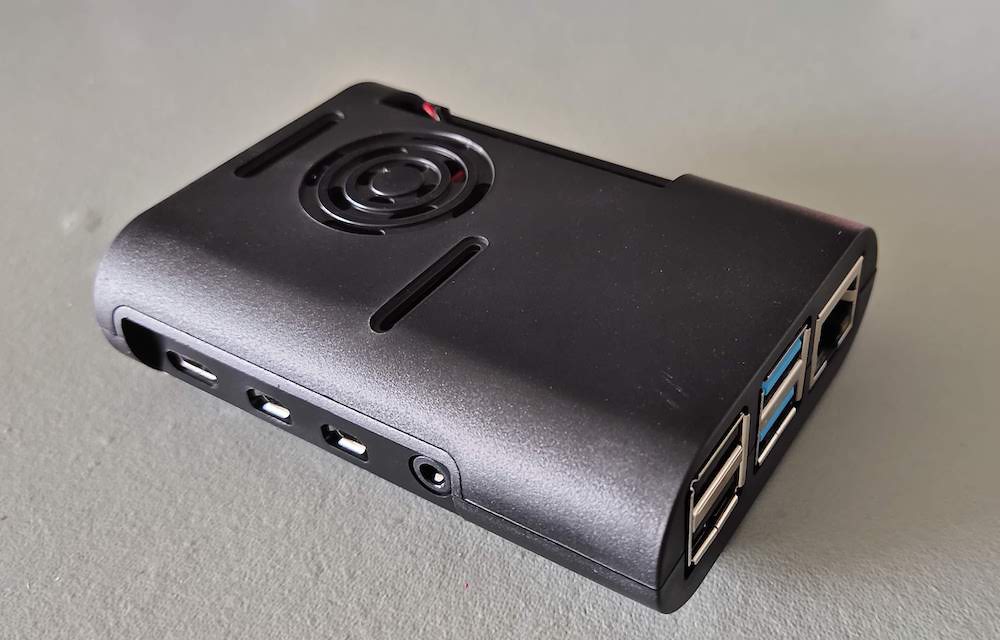
That's it ... Now I just need to close the case and the Raspberry Pi is ready to use.
[IMAGE: https://files.peakd.com/file/peakd-hive/positive-mind/hsKws4fH-IMG_20210217_123449.jpg]
Nice looking computer ... I love it!
[IMAGE: https://files.peakd.com/file/peakd-hive/positive-mind/kZ9McDmm-IMG_20210217_123644.jpg]
Aaaargh!!! I don't have a HDMI to micro HDMI cable to connect it to my TV. Damn ... I have to order it online, because here I could't find the right cable. So I need to wait till the cable and the game controller will be delivered to continue the setup.
Meanwhile I already prepared a micro SD card with the Retropie software. This is the emulator software to play the games. Now I also have time to download all the games roms so I will be ready when the delivery guy shows up.
So the final result of the game console you can read in my next posting.