Repository
https://github.com/blws/text-encrypt
[IMAGE: https://cdn.steemitimages.com/DQmQbfcsJXuWyuR3mXyv14on8CuujK574Sn1CnAqVRyFeUD/1gtlUpb.png]

About text-encrypt
Offline minimal encryption tool and key generator.
Website: https://blws.github.io/text-encrypt
[IMAGE: https://cdn.steemitimages.com/DQmVcre4GcZwvRq3ERAxNH5d8ABK9bBX6qWHTSb7BhyJabu/combination.gif]
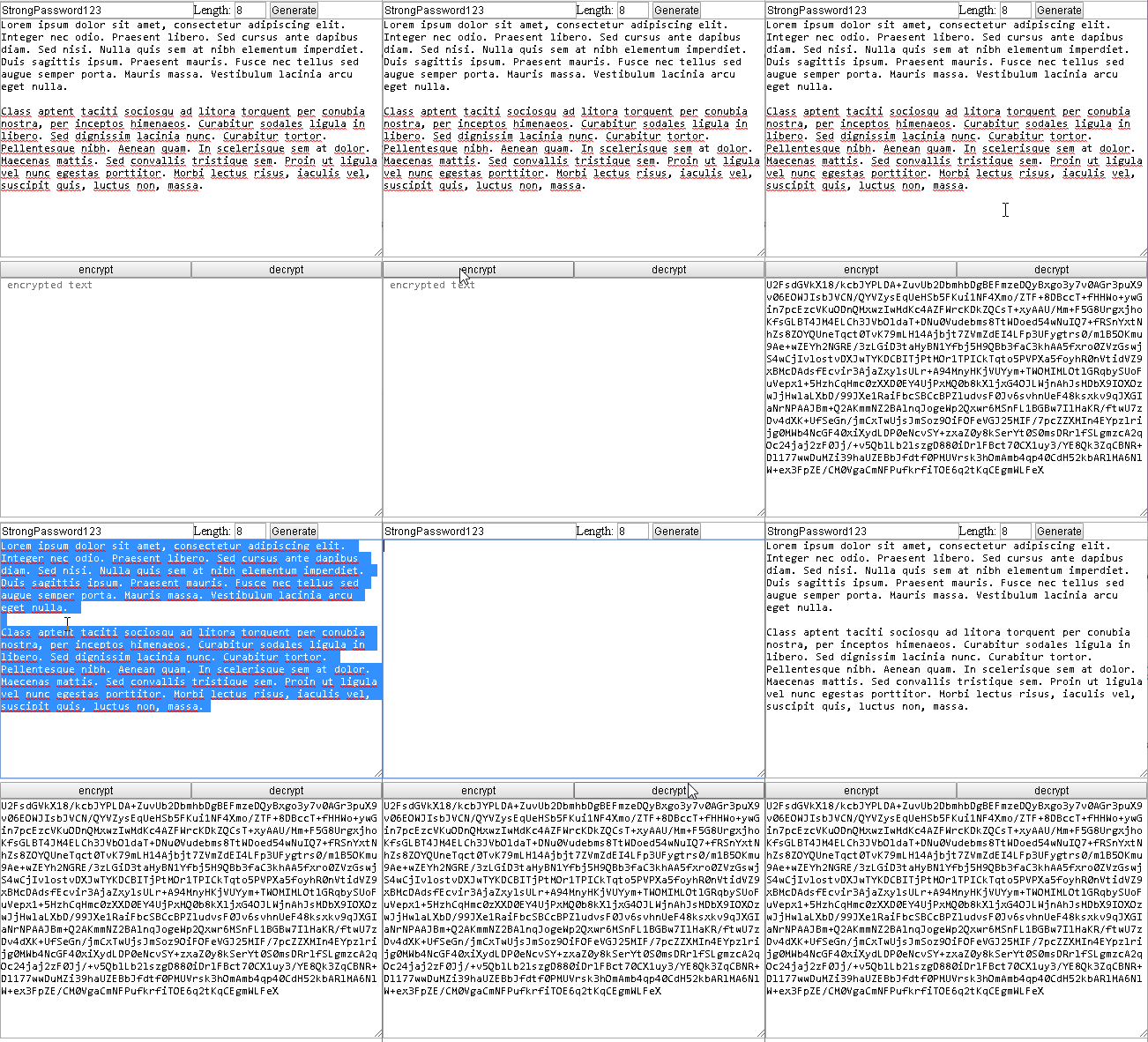
Technology Stack
Javascript, html, css
Roadmap
This is standalone offline text encryptor and key generator.
There is no roadmap, because it simply works.
New Features
1 - Basic Layout
    Crypt


        * {margin: 0 auto;padding: 0;}
        .w1 {width: 100%;}
        .w2 {width: 50%;float: left;}
        .h1 {height: 300px;}


     Length:

    Generate


    encrypt
    decrypt
https://github.com/blws/text-encrypt/blob/master/index.html#L1
https://github.com/blws/text-encrypt/blob/master/index.html#L2408
2 - Generate Password or choose your own
//generate key / password
function generate() {
            var text = "";
            var possible = "ABCDEFGHIJKLMNOPQRSTUVWXYZabcdefghijklmnopqrstuvwxyz0123456789";
            var limit = parseInt(document.getElementById("limit").value);
            for (var i = 0; i < limit; i++)
                text += possible.charAt(Math.floor(Math.random() * possible.length));
            document.getElementById("pass").value = text;
        }
https://github.com/blws/text-encrypt/blob/master/index.html#L2442
3 - Encrypt text
//encrypt text
//hashing password / key with SHA256
//encrypting - AES
function enc() {
    var pass = document.getElementById("pass").value;
    var passHash = CryptoJS.SHA256(pass).toString();
    var dtext = document.getElementById("dtext").value; //.replace(/(?:\r\n|\r|\n)/g, '');
    document.getElementById("etext").value =
        CryptoJS.AES.encrypt(dtext, passHash).toString();
}
https://github.com/blws/text-encrypt/blob/master/index.html#L2419
4 - Decrypt text
//decrypt text
//hashing password / key with SHA256
//decrypting - AES
function dec() {
    var pass = document.getElementById("pass").value;
    var passHash = CryptoJS.SHA256(pass).toString();
    var etext = document.getElementById("etext").value;
    document.getElementById("dtext").value =
        CryptoJS.AES.decrypt(etext, passHash)
        .toString(CryptoJS.enc.Utf8);
}
https://github.com/blws/text-encrypt/blob/master/index.html#L2430
GitHub Account
https://github.com/blws
