Making Billiard balls using latest version of Illustrator.
It's so fun and exciting to do different shapes with the latest version of illustrator, just like I did for billiard balls.
With the different tools, effects available in the latest version of the illustrator and your own strategies you'll be able to make a perfect art and logo using the illustrator.
Im going to show you the procedures how I make billiards balls using the latest version of illustrator.
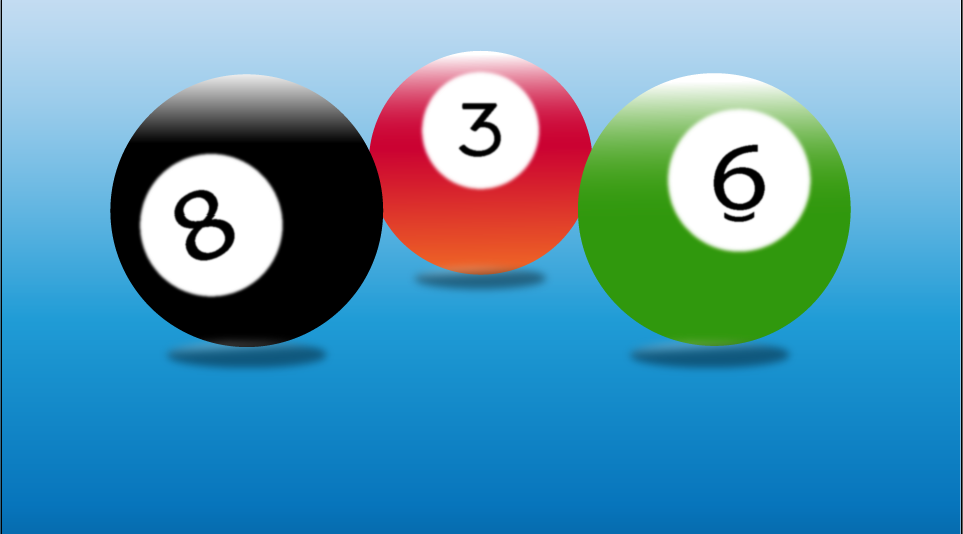
See the illustrations bellow.
[IMAGE: https://cdn.steemitimages.com/DQmeJRVjDWQyb4QSCgAaa1JTWY4W7DG7j77SGXDLPkhj9SC/Screenshot_32.png]
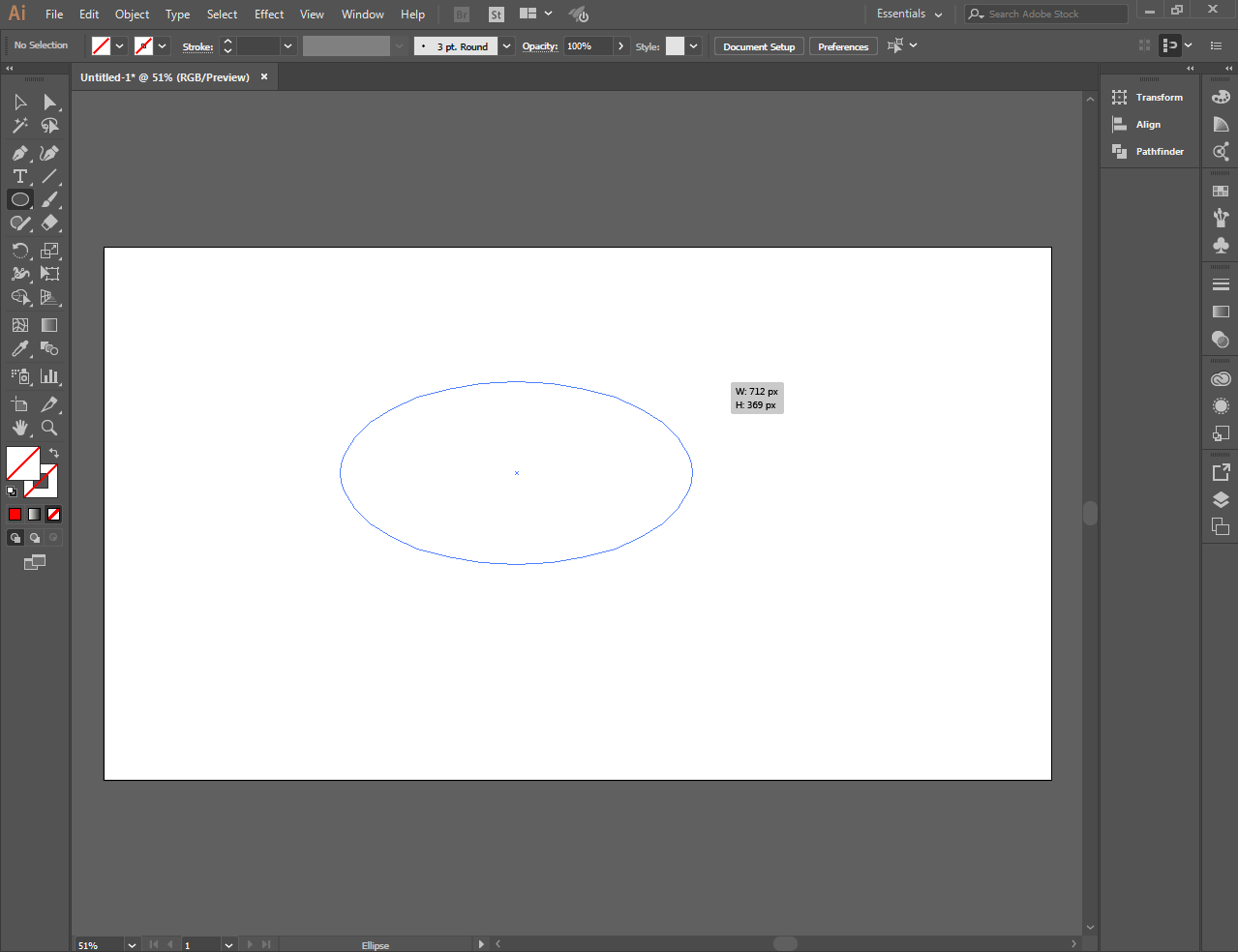
To get started I used the elipse tool
[IMAGE: https://cdn.steemitimages.com/DQmRC1qFcxJXuHQA6AnamyFp9A5N4SKESyoG9bQnJp1qnr2/Screenshot_1.png]
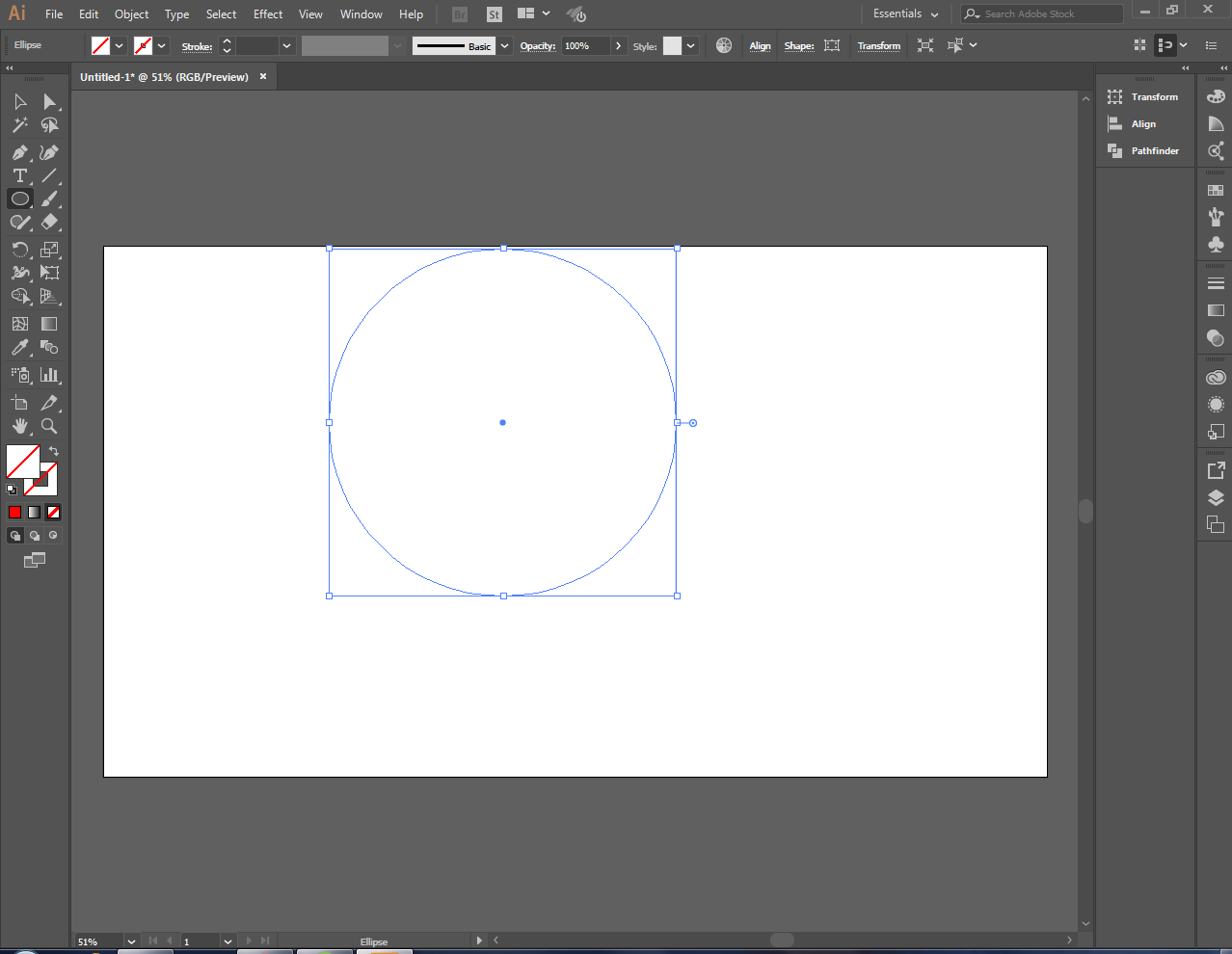
To make the perfect circle press and hold the shift key
[IMAGE: https://cdn.steemitimages.com/DQmYgipqoY1cDfHsmqmmBcsEuGDj4GUBtjPMta1qnYQC17r/Screenshot_2.png]
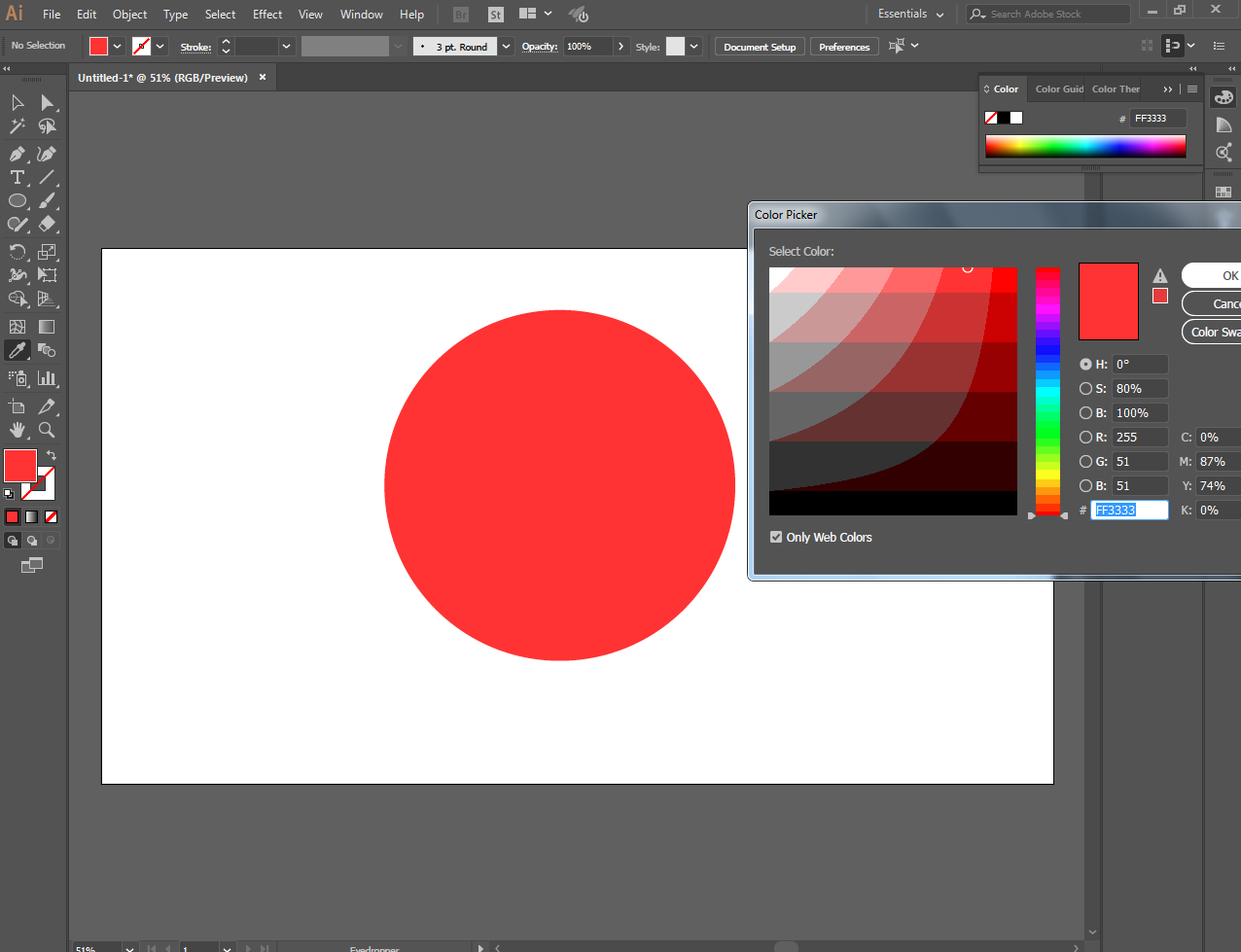
After finishing the perfect circle, fill it by color red with the color picker tool
[IMAGE: https://cdn.steemitimages.com/DQmZ6FhL4oF8pMYpVkx6zPWjHoUY4XKZhQyXrza7VsrWnz1/Screenshot_3.png]
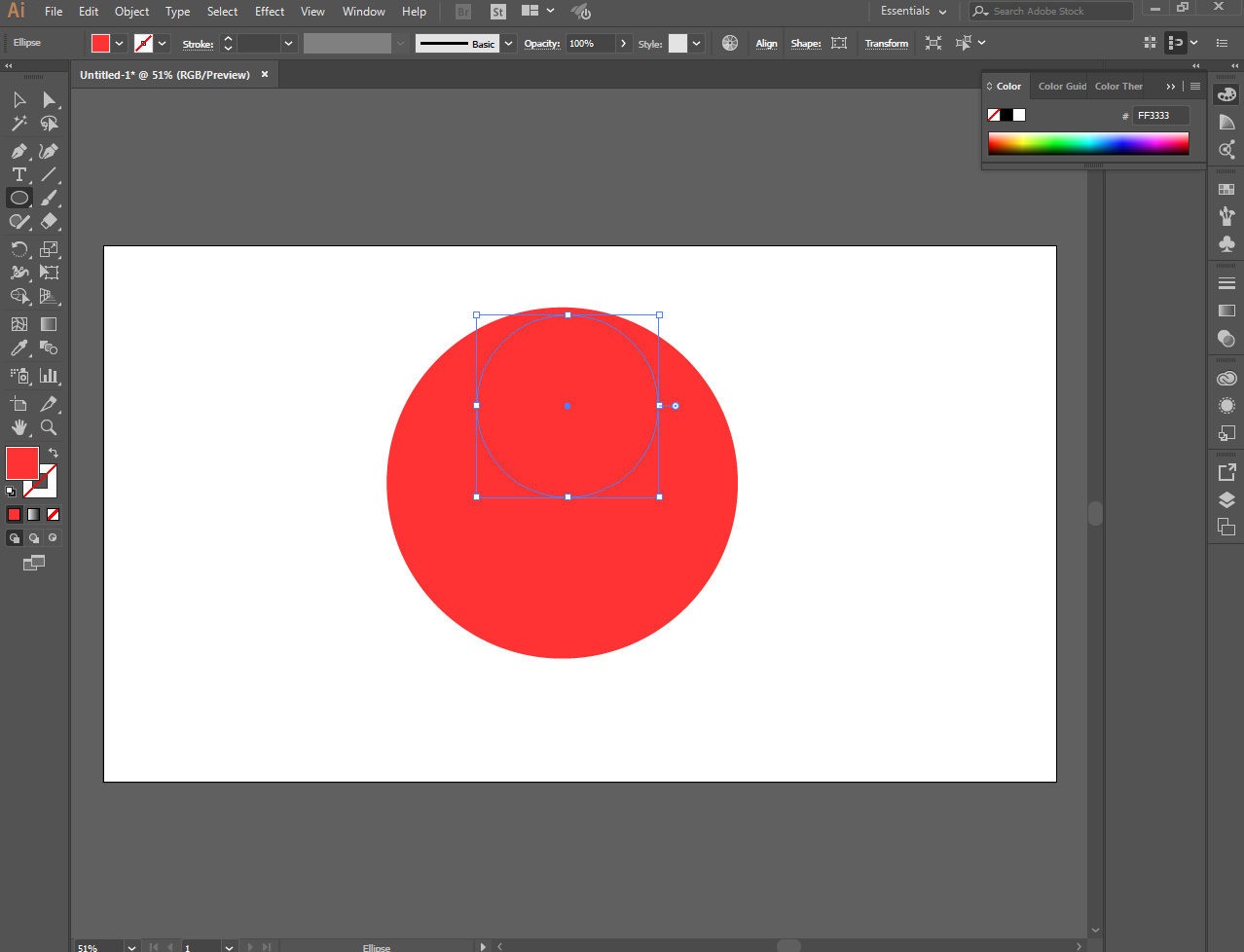
Make another pretty little perfect circle and put it inside
[IMAGE: https://cdn.steemitimages.com/DQmakk36EtevdZ5L9EhRkdKcjrgZpLLpw8txjoJQWtnoPGr/Screenshot_4.png]
[IMAGE: https://cdn.steemitimages.com/DQmYr9zsSJgTcj6SgkjDqocc8sKCWiQ8VCdSC7Wys2v3Kmb/Screenshot_5.png]
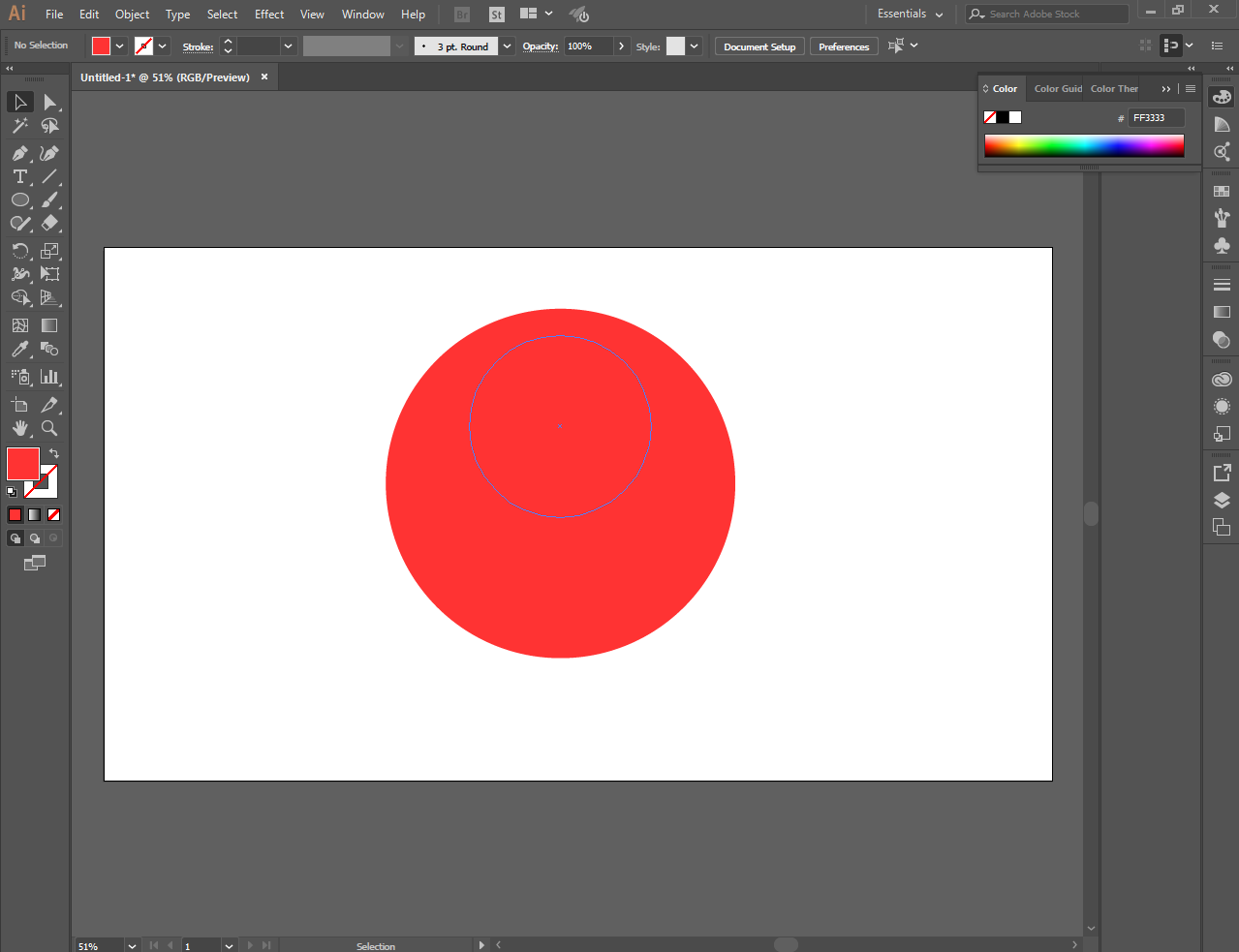
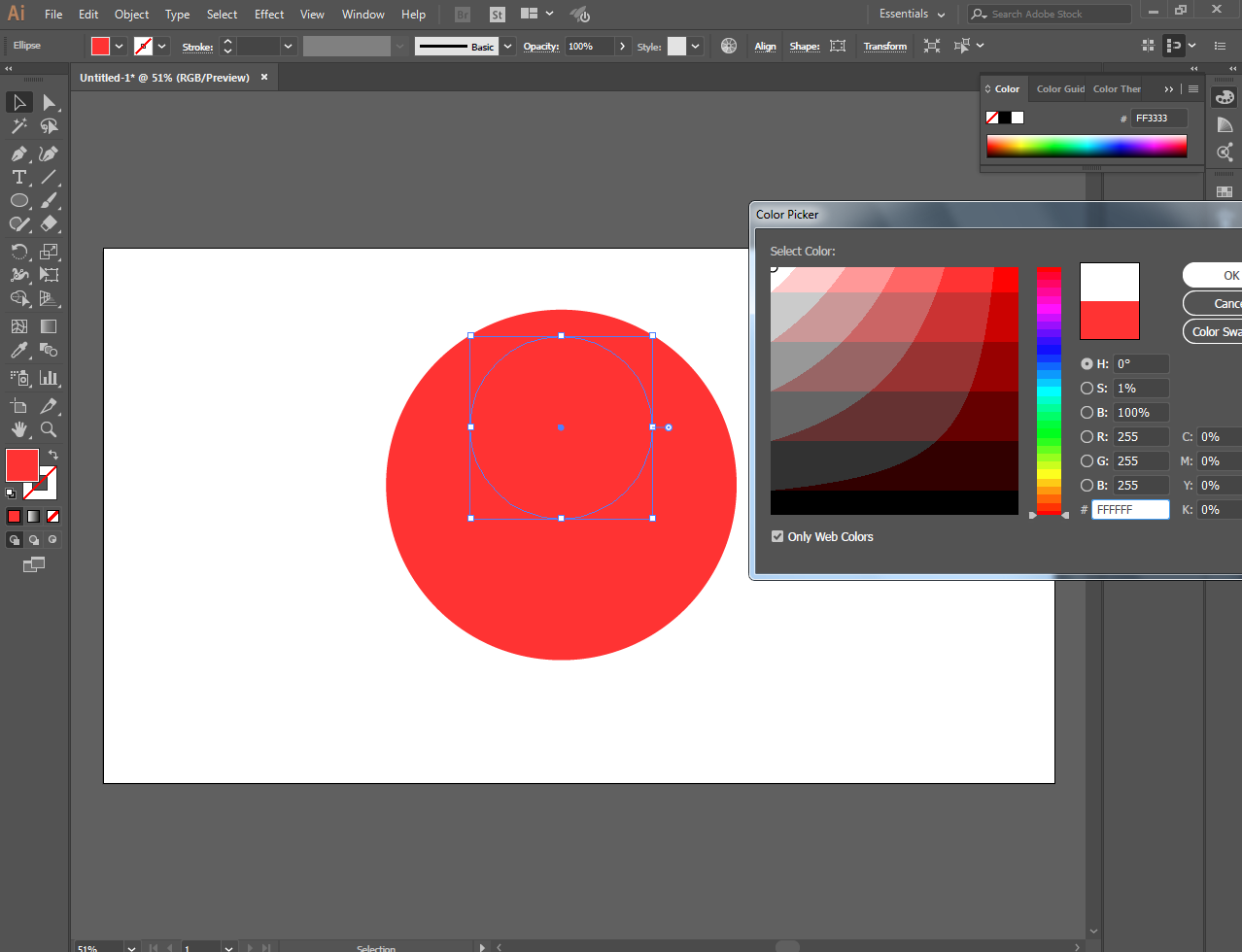
And fill it by color white
[IMAGE: https://cdn.steemitimages.com/DQmZFtoek9m6ExjQ7UstuGyEKeYzE6s9TYSANXkmXjKxhYZ/Screenshot_6.png]
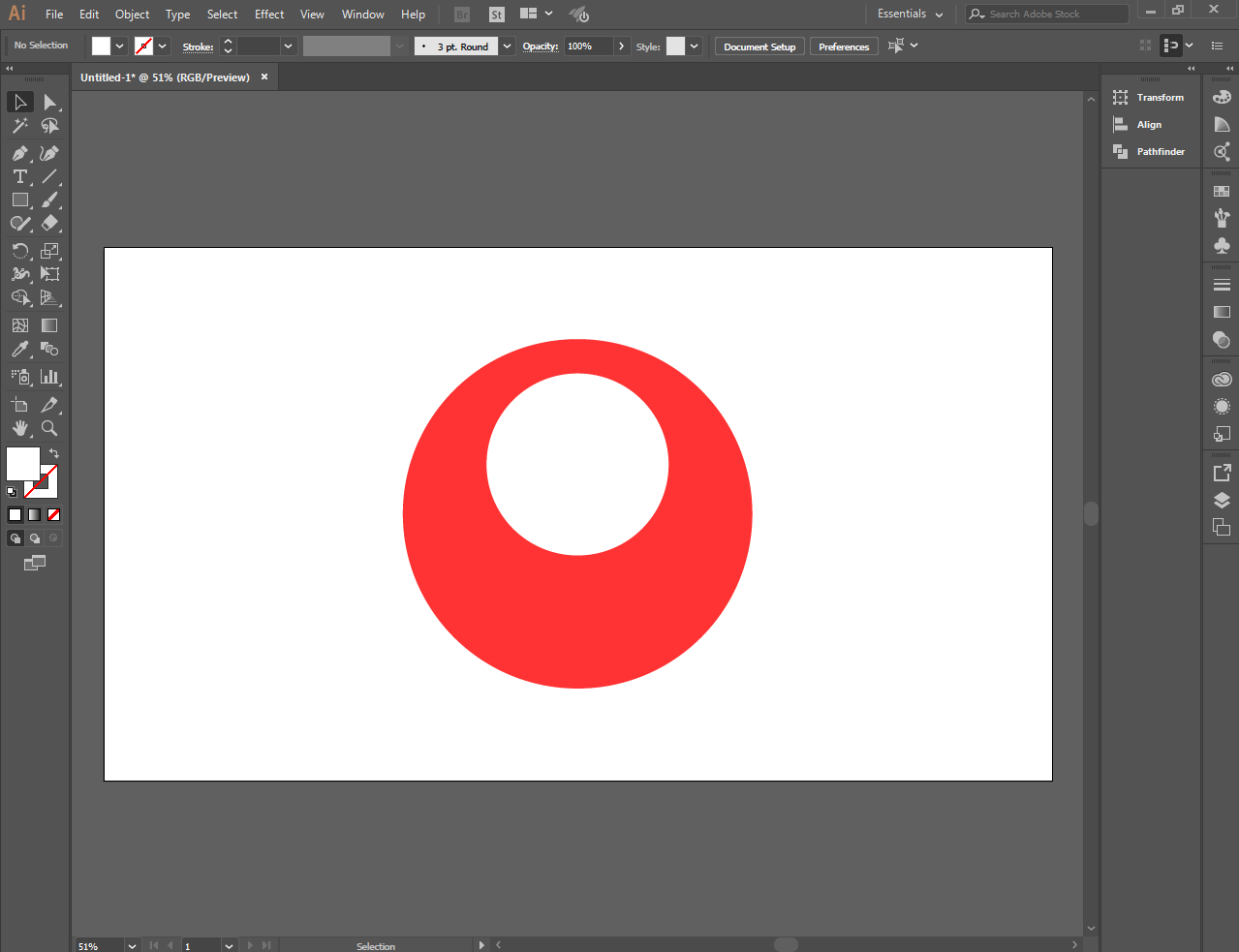
Like this
[IMAGE: https://cdn.steemitimages.com/DQmbCymCmEUd8yqfJks6CbHWyhywimSyFfTfgaoVuQ4ANkE/Screenshot_7.png]
I put the number 3 using the type tool.
Based on the color of billiard ball red is the number 3, thats why i put the number 3.
[IMAGE: https://cdn.steemitimages.com/DQmQQGB8ETYzEC9L81qyrxqM8wNQMNVtUu3gPUteVUP6YDT/Screenshot_8.png]
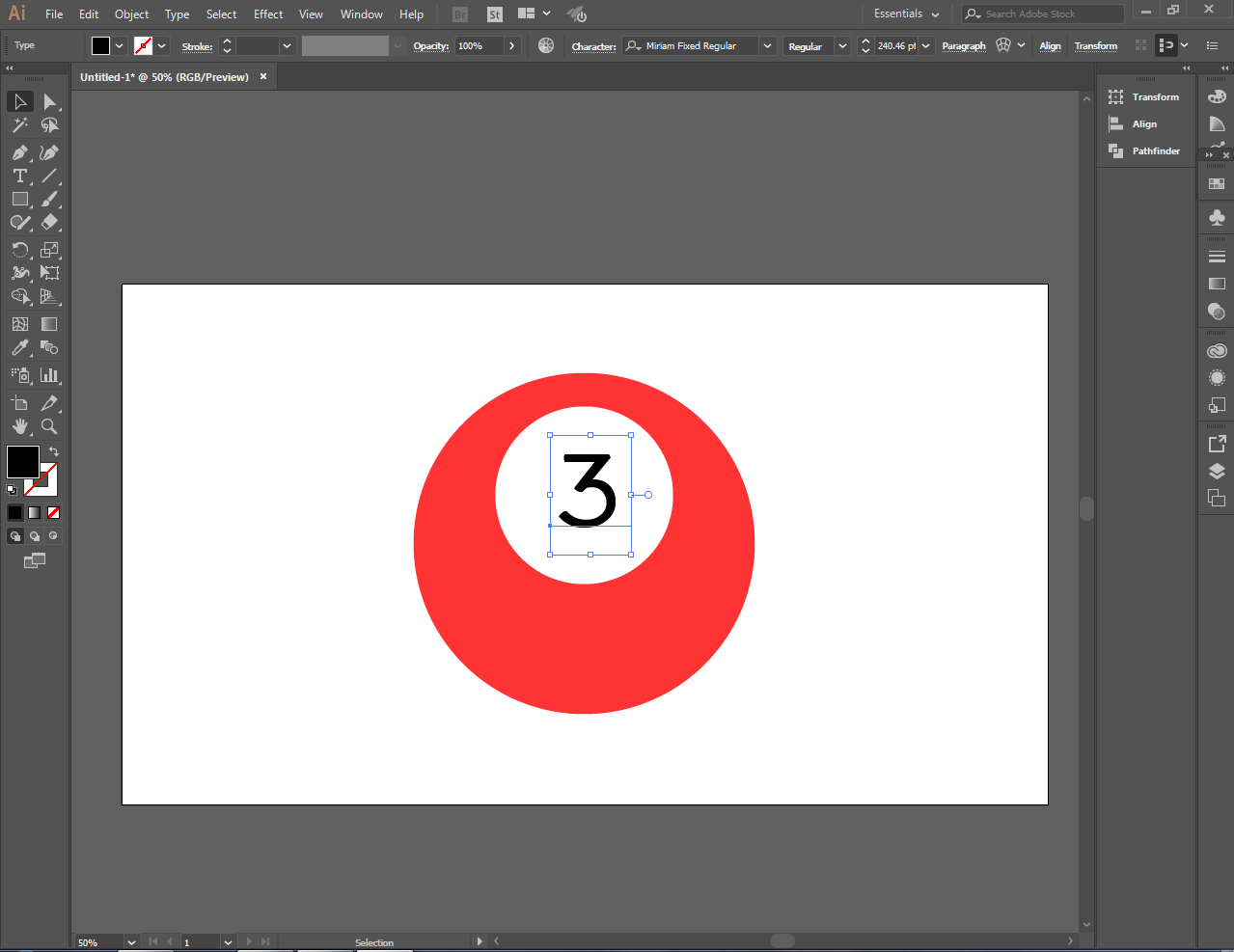
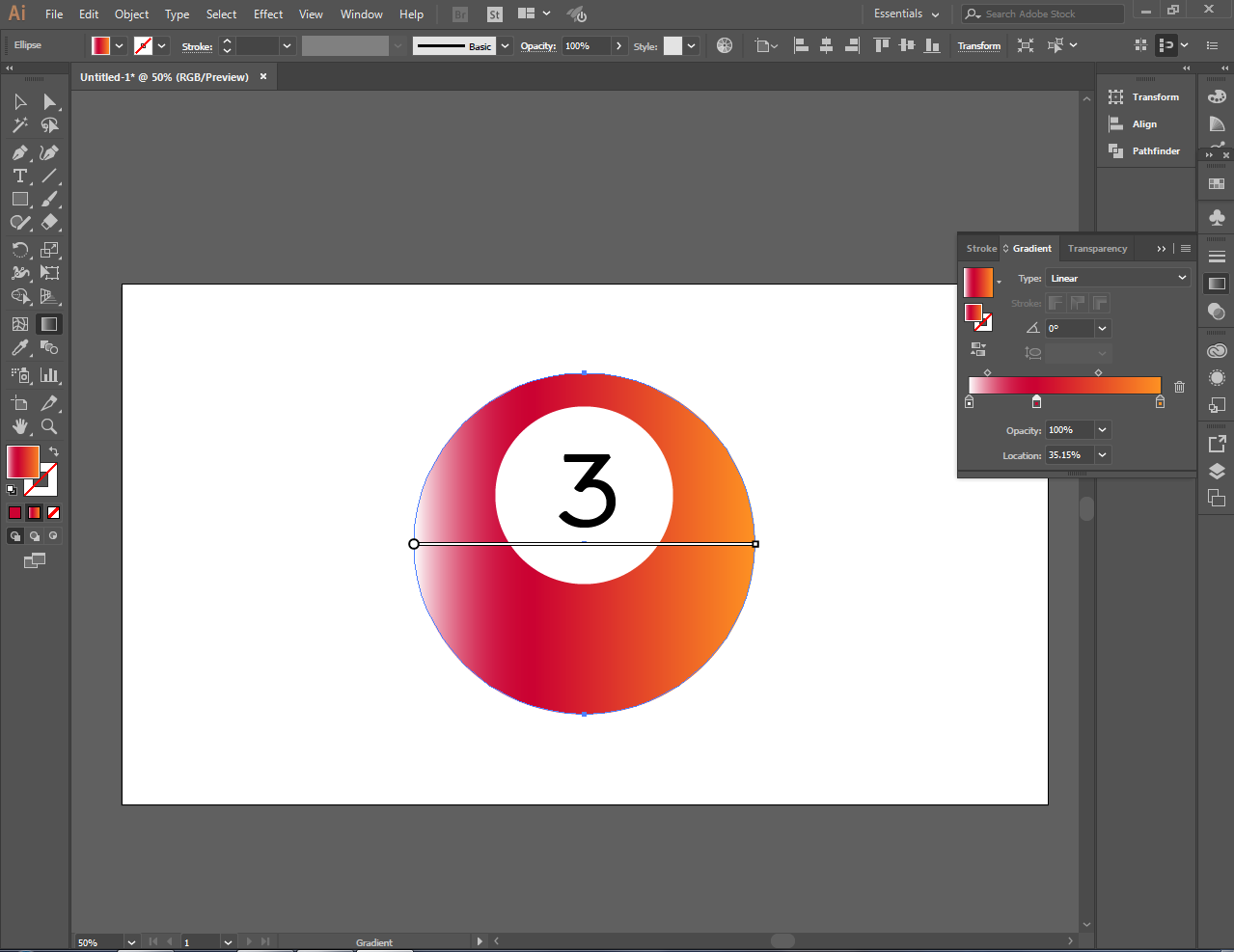
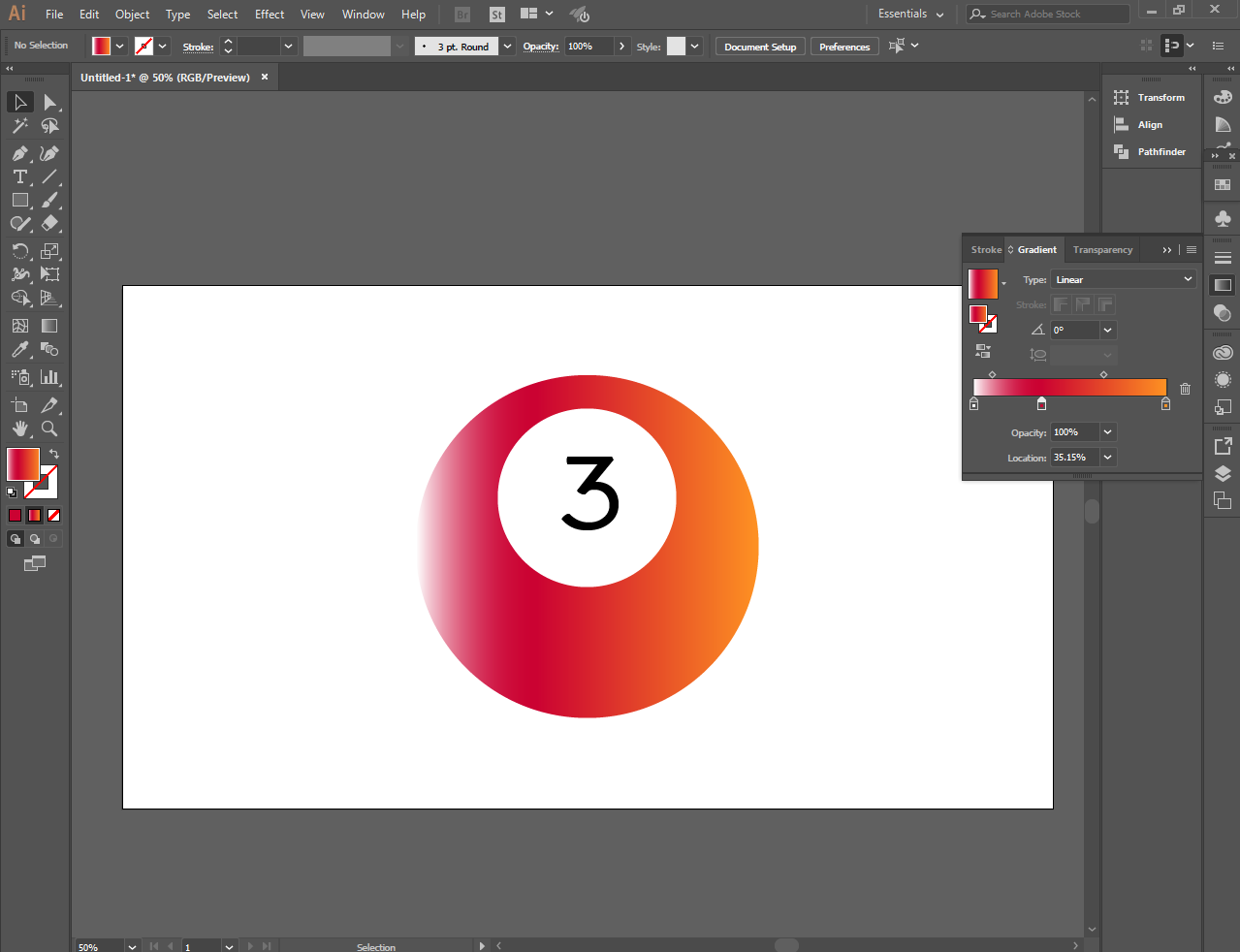
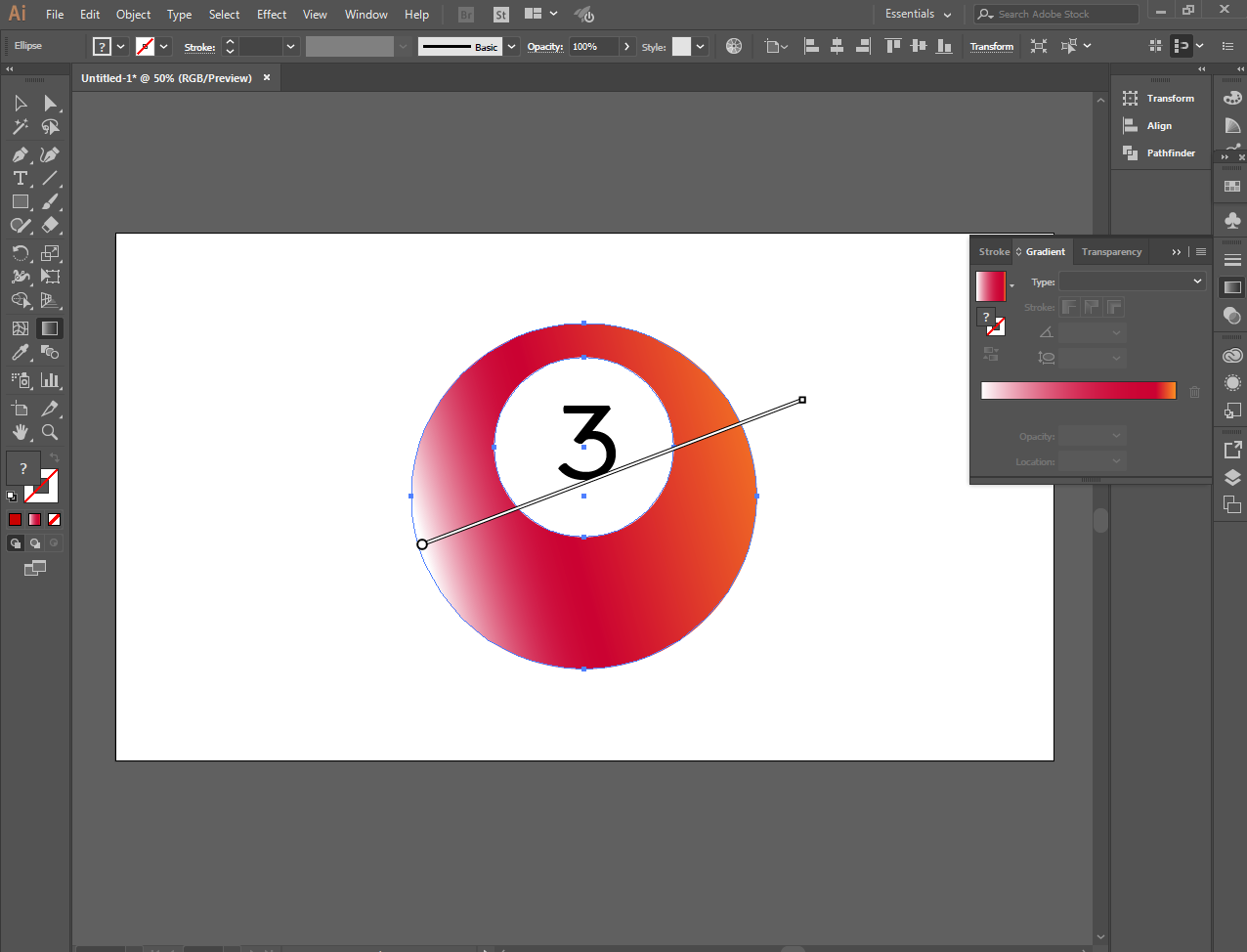
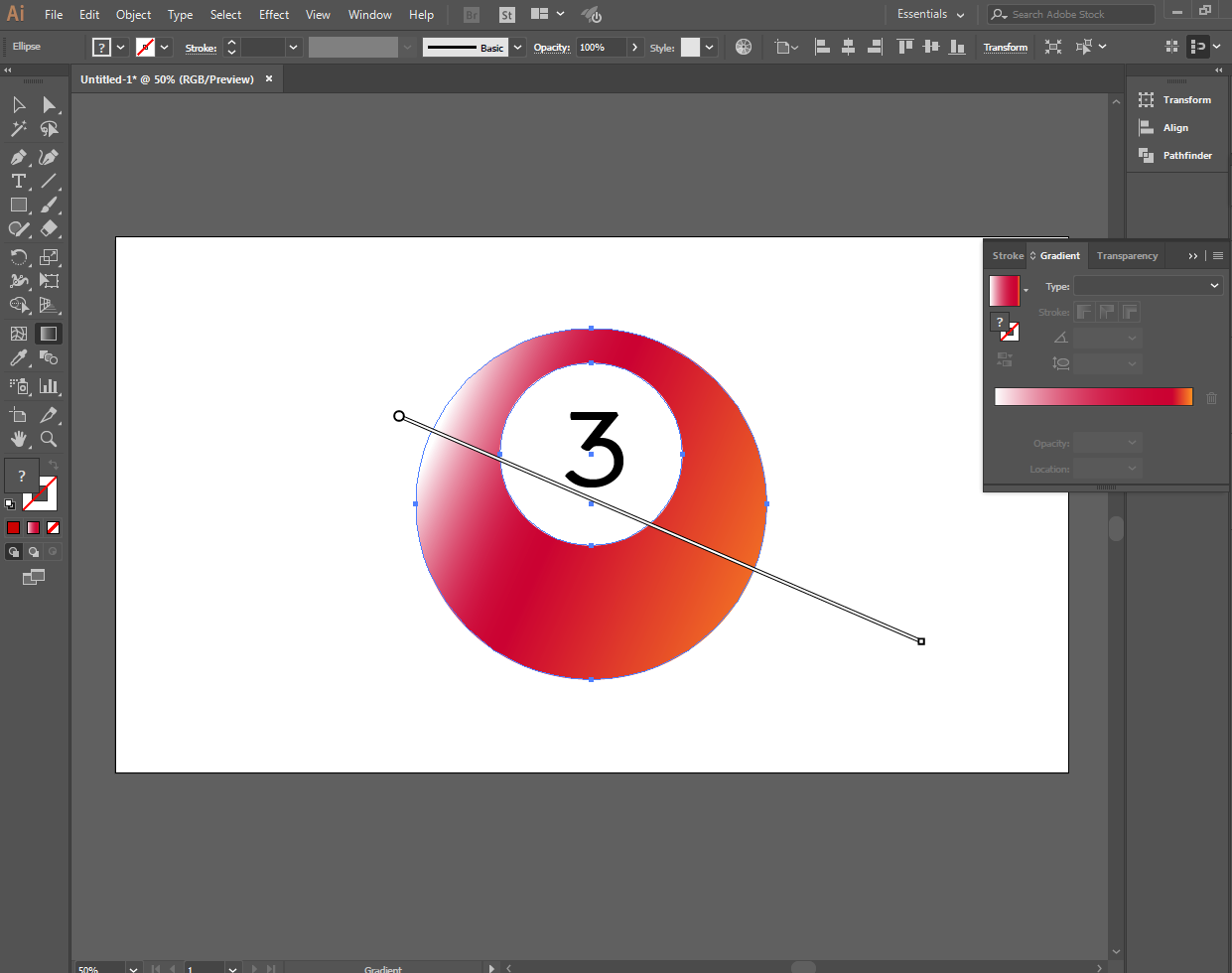
And I used the gradient tool to make the image more realistic and artistic.
[IMAGE: https://cdn.steemitimages.com/DQmPdPF9x5mEqmUR7UwLQwGoiZB2rNRdGF6nWgphJzo5Vay/Screenshot_9.png]
[IMAGE: https://cdn.steemitimages.com/DQmRFwW8qggvMUWhnb1f6mb5wifsPxEGk8D2BuTcrGcmHyA/Screenshot_10.png]
[IMAGE: https://cdn.steemitimages.com/DQmbaVtvS2fM9rcUvpWpxEv55LCxTky19aK8BTfVj47BsuP/Screenshot_11.png]
[IMAGE: https://cdn.steemitimages.com/DQmbQs3i2HEZgGJHkKFdKN5DBjCFv2GwnKKD46Hi8ZPz7t7/Screenshot_12.png]
[IMAGE: https://cdn.steemitimages.com/DQmYwZyDrepU2T1Nt7b6CQ6KXUz1ey2reVZqW94nE3E4xcj/Screenshot_13.png]
[IMAGE: https://cdn.steemitimages.com/DQmR9muerwYz4WzGTfVoHSvGfuUcyoCTwDfbivpUAfuwU4F/Screenshot_14.png]
[IMAGE: https://cdn.steemitimages.com/DQmPt5XdCiXZzPvYzCE8bm6NqryxUefhzMBKz5V1kSFrueY/Screenshot_16.png]
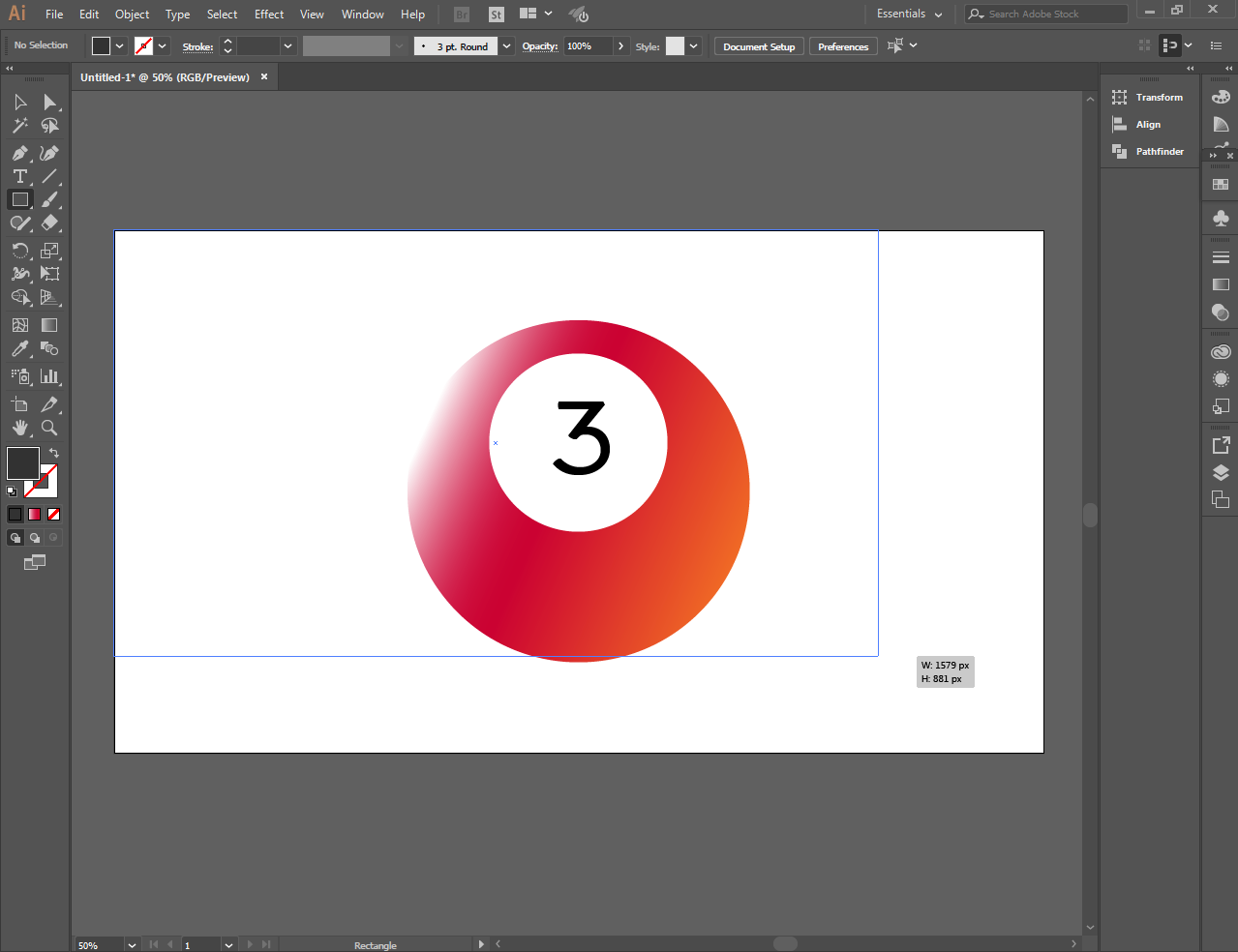
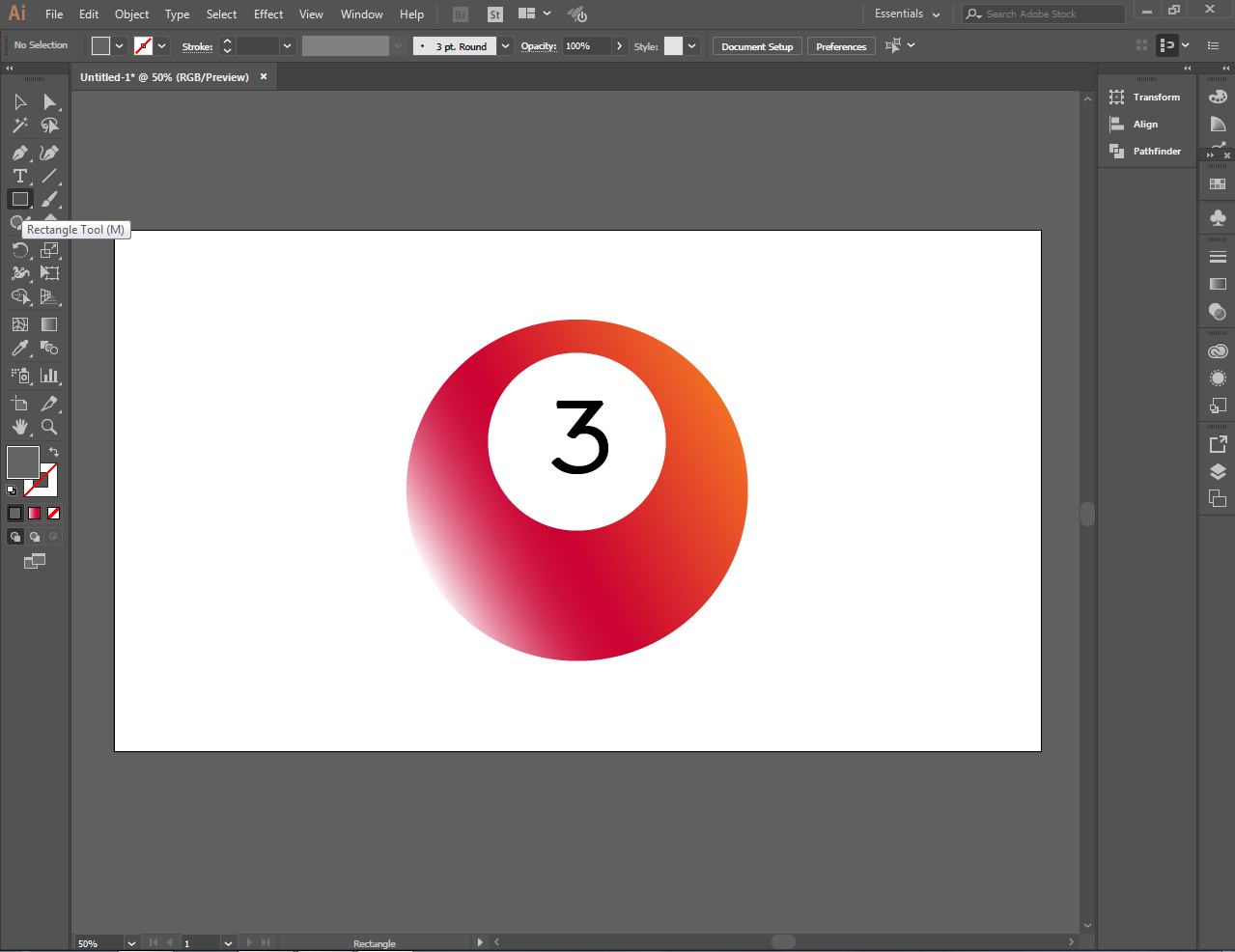
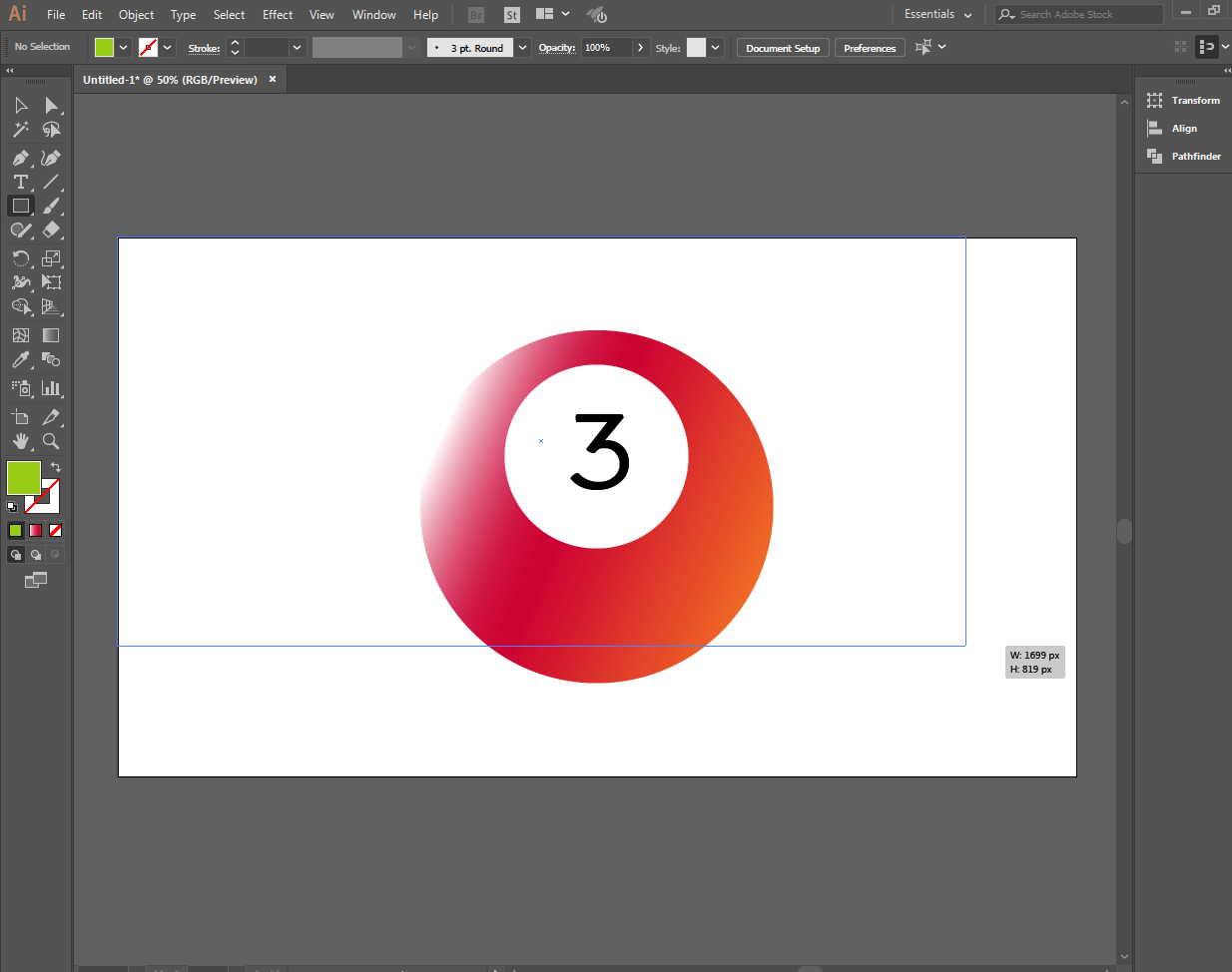
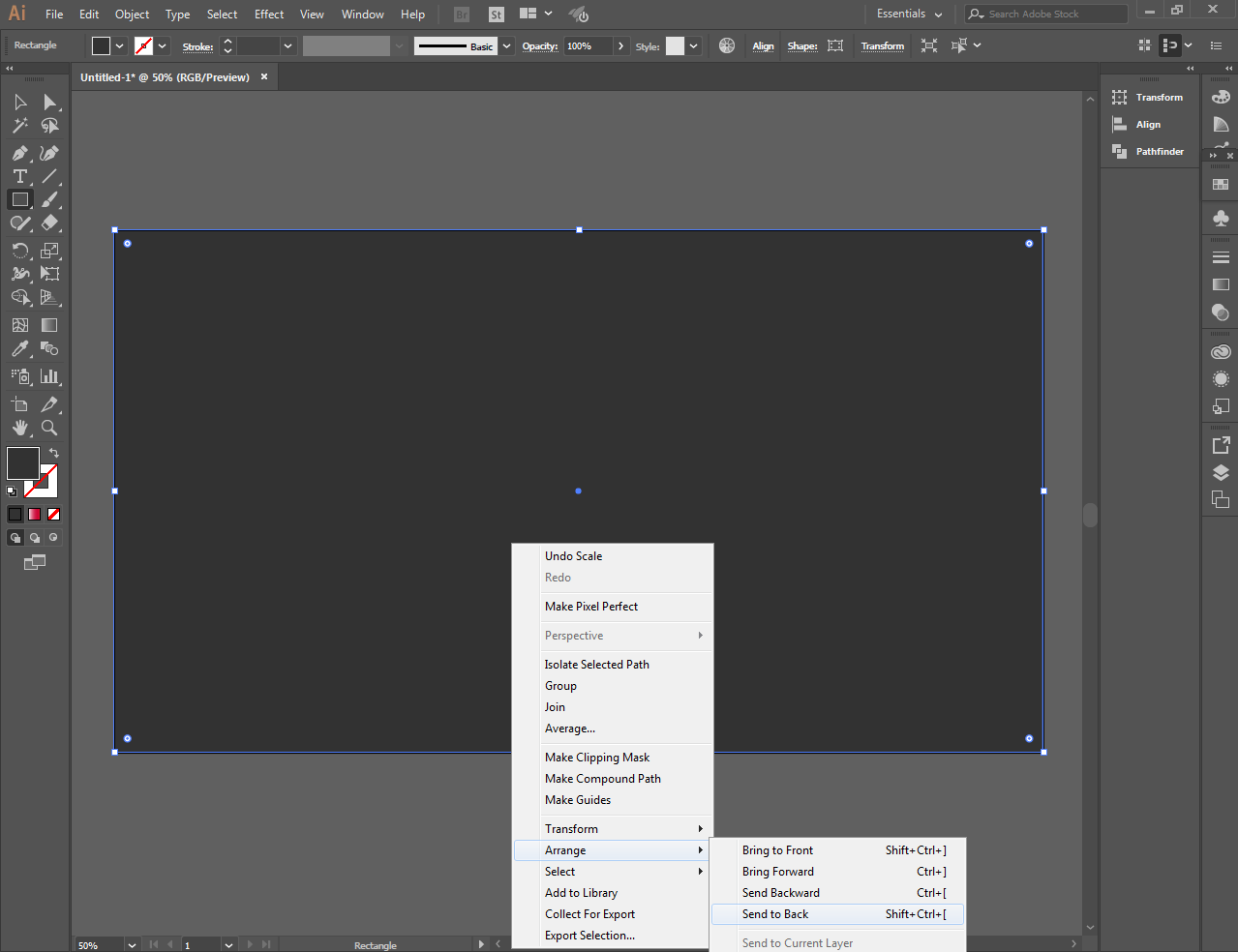
To make the image clearer I choose to replace the background using the rectangle tool and send it to the back of the image by using arrange
[IMAGE: https://cdn.steemitimages.com/DQmeWcVaoFGpkpVDw5AFTeK4SCRprfY8UZqknyWmg1nTLfC/Screenshot_17.png]
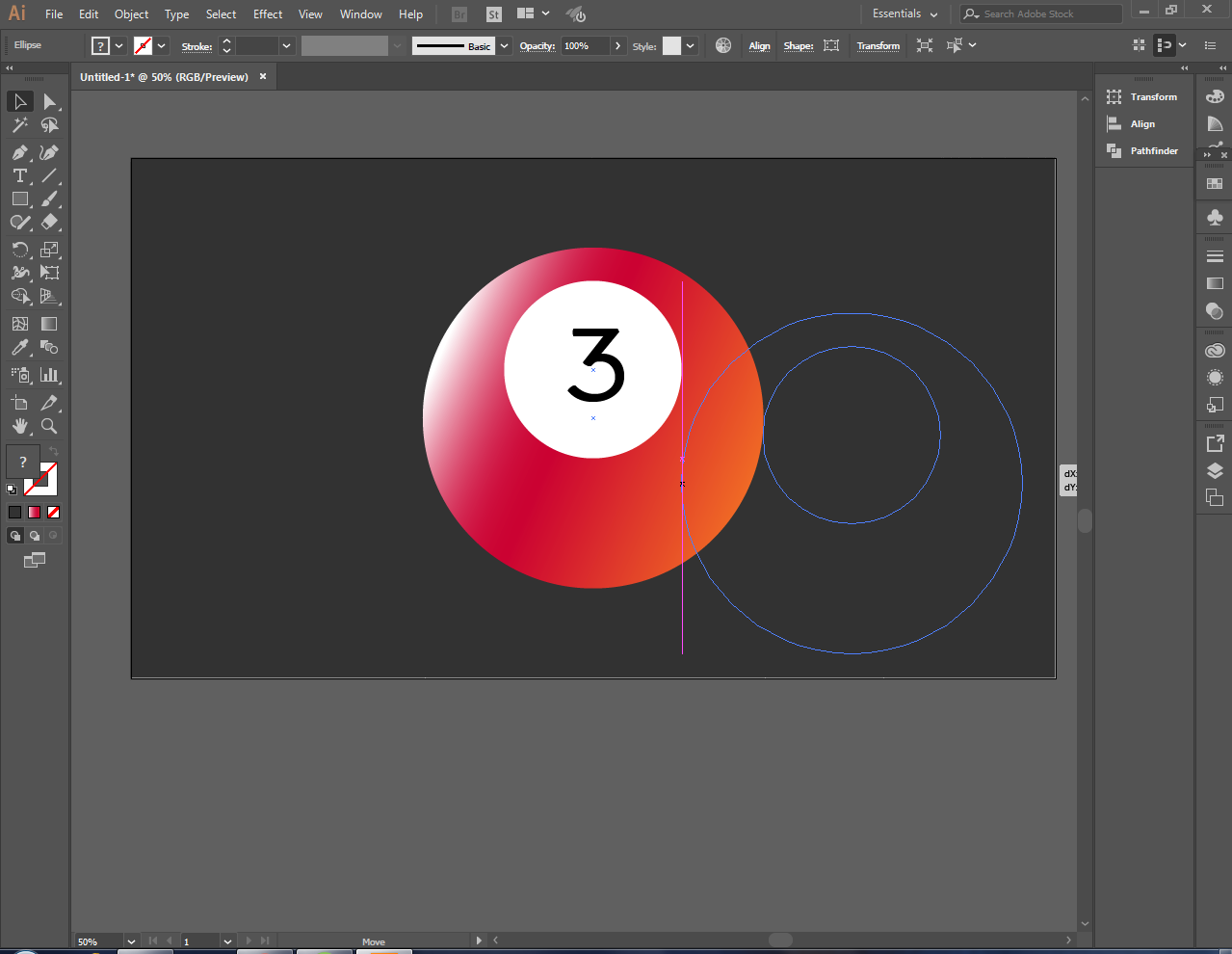
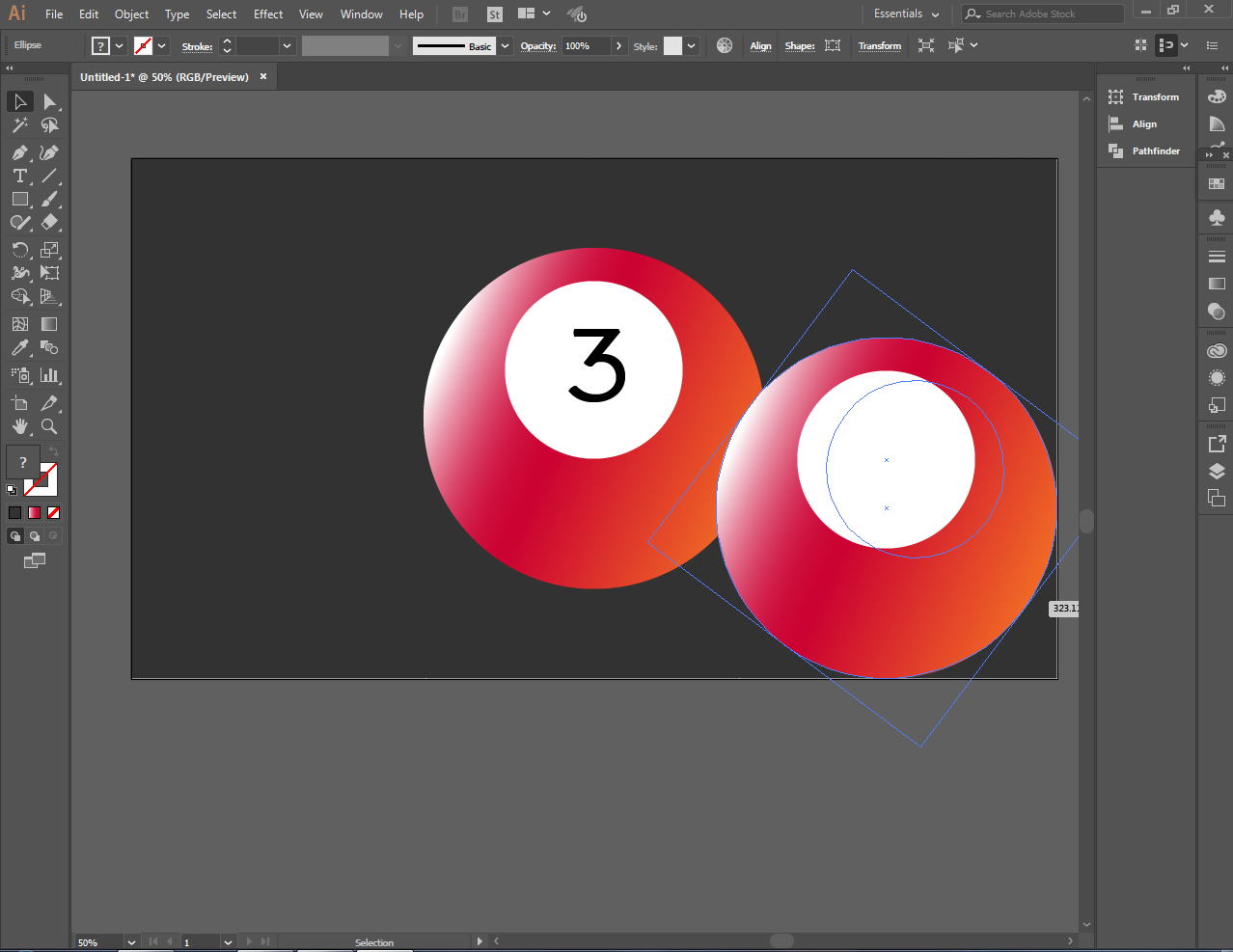
To make another ball faster and easily go to edit and copy the image, paste it anywhere you want and you can already make the same image you have finished
[IMAGE: https://cdn.steemitimages.com/DQmZ5EWuXL7ekjdfdvXp22S6fddCFp2BCP4hR5RC2S3qqgS/Screenshot_18.png]
[IMAGE: https://cdn.steemitimages.com/DQmPVGCi765TPm4Mu5vbsVBQQU5XDpZ4dyYXVgJCZiwFi54/Screenshot_19.png]
[IMAGE: https://cdn.steemitimages.com/DQmTimKf11xtu4zWdgFLWpGjhTFxV4dCLNGXrMYC5mXXmZ9/Screenshot_20.png]
[IMAGE: https://cdn.steemitimages.com/DQmTNCa37LFfvyUANCopYSEdVVecLMUVgFbVyvjHoMFfXgL/Screenshot_21.png]
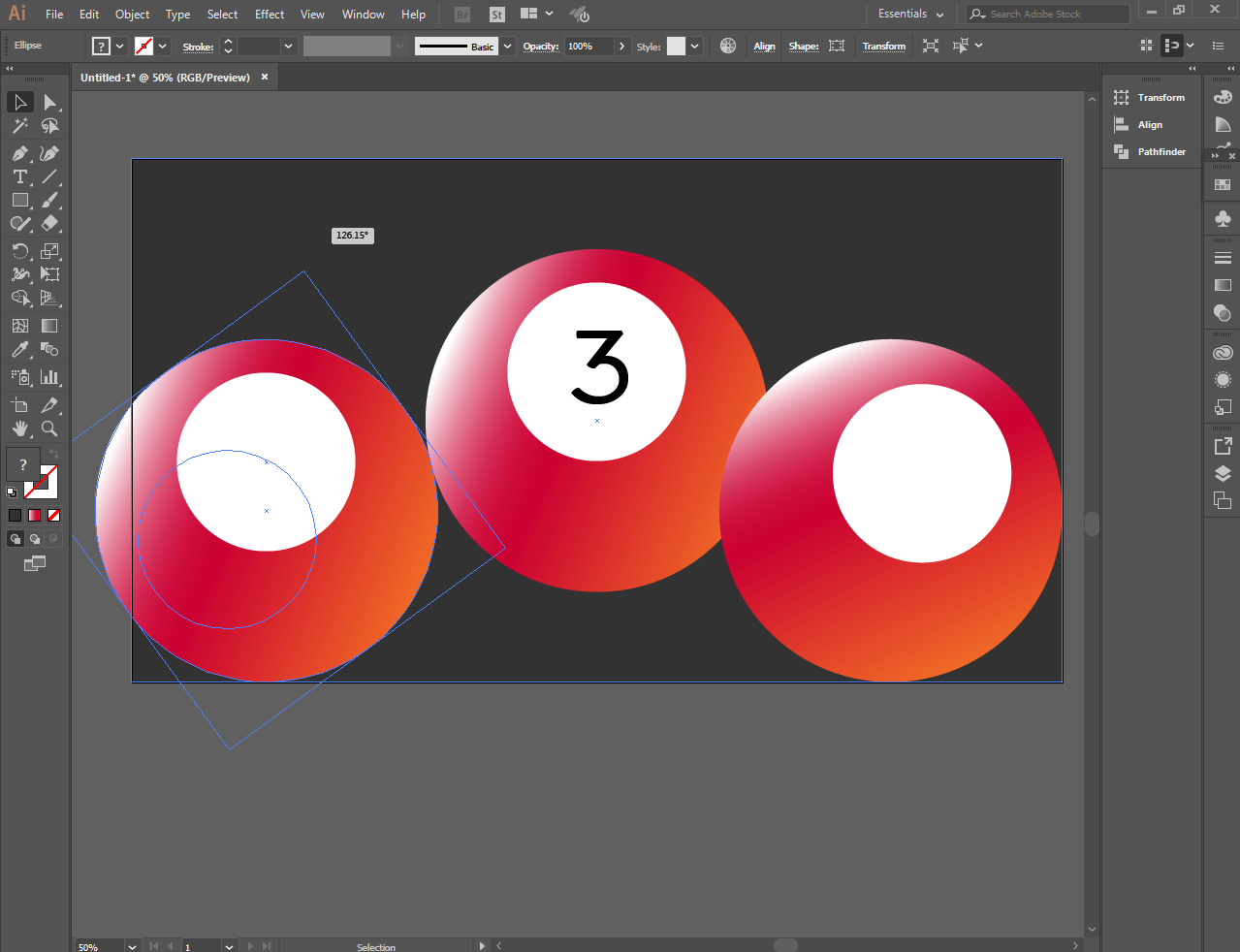
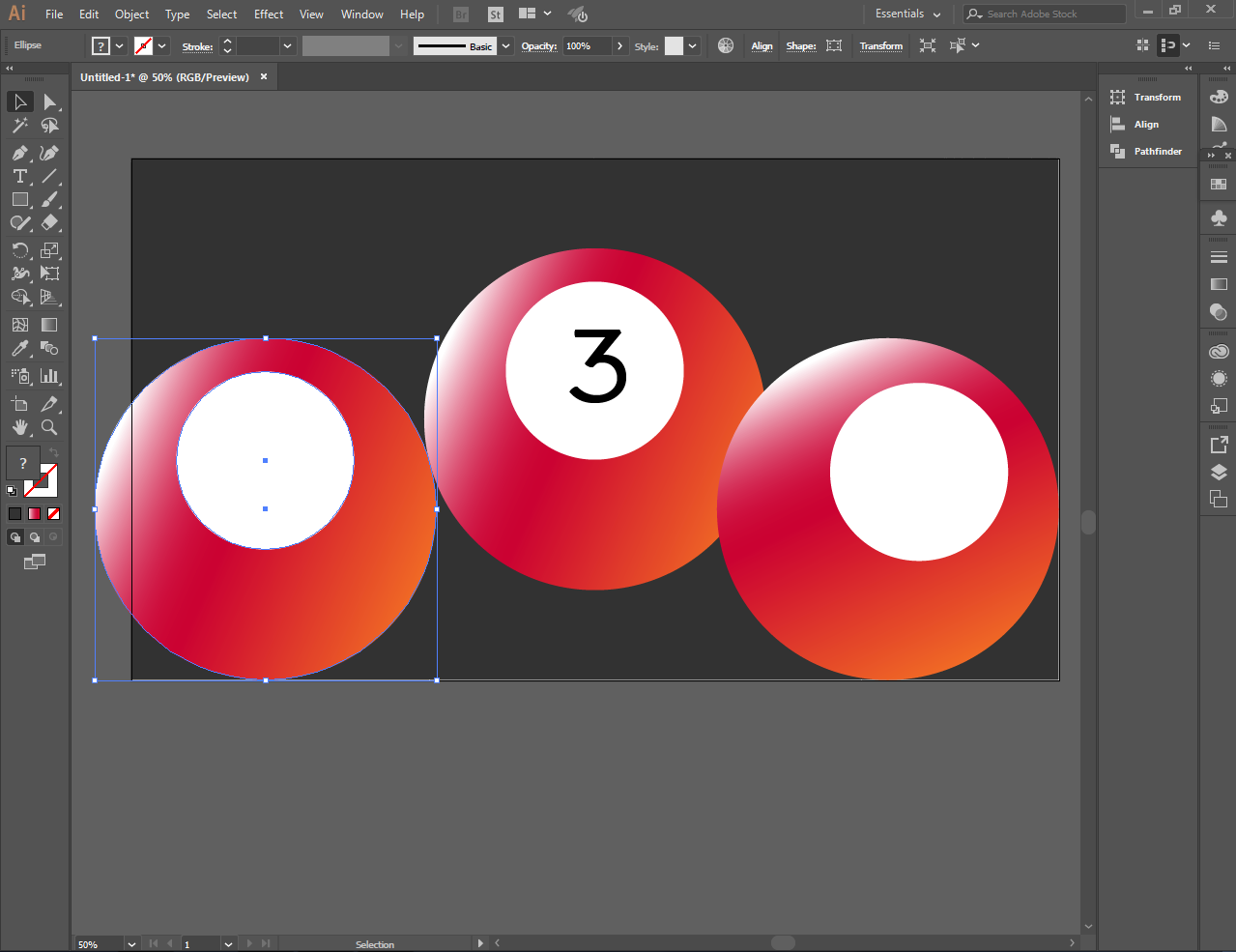
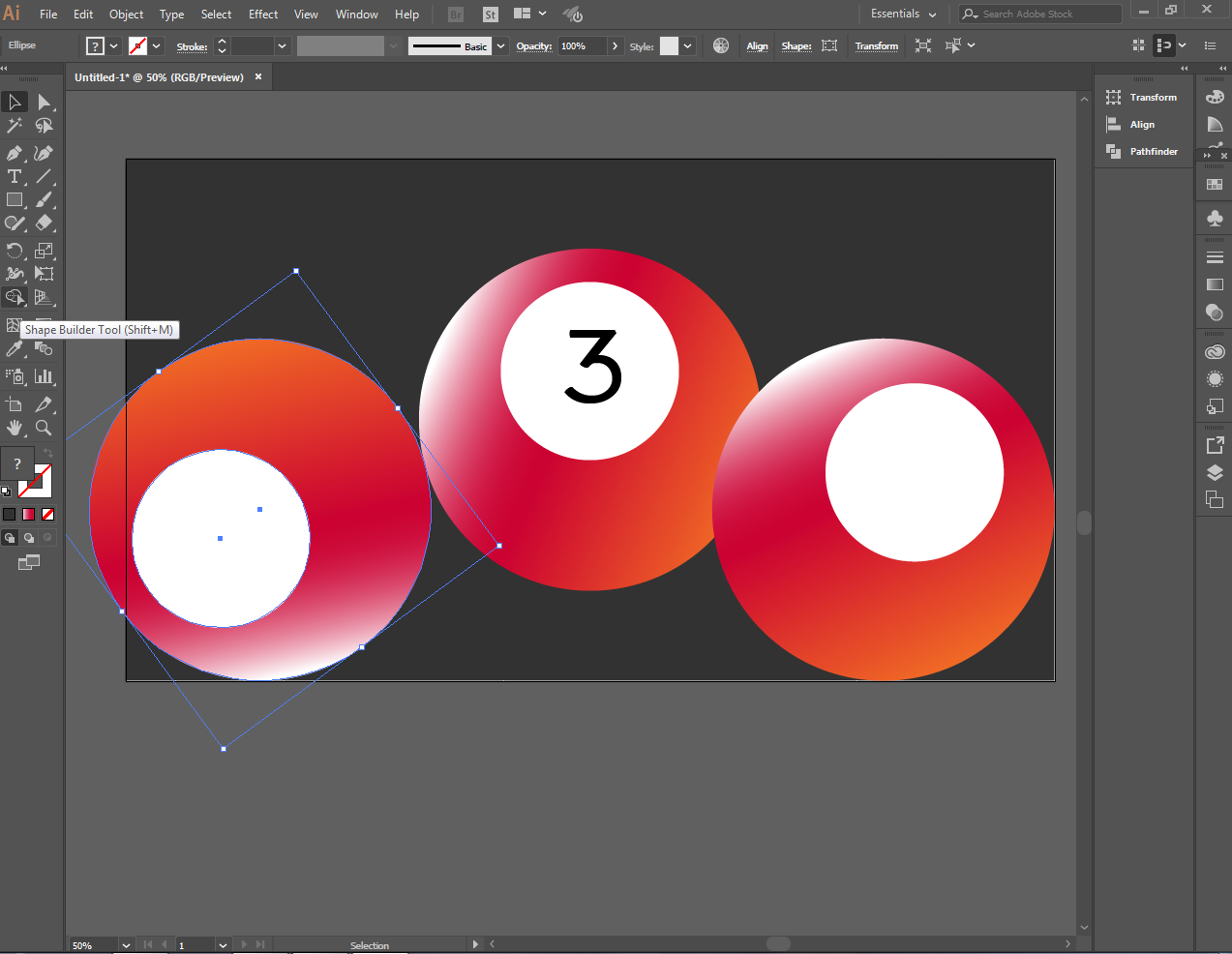
I make two copies to make three balls
[IMAGE: https://cdn.steemitimages.com/DQmY92NtALDdP869eWXZxeqhP3AhssKvrUXYukdHLCDu2qY/Screenshot_22.png]
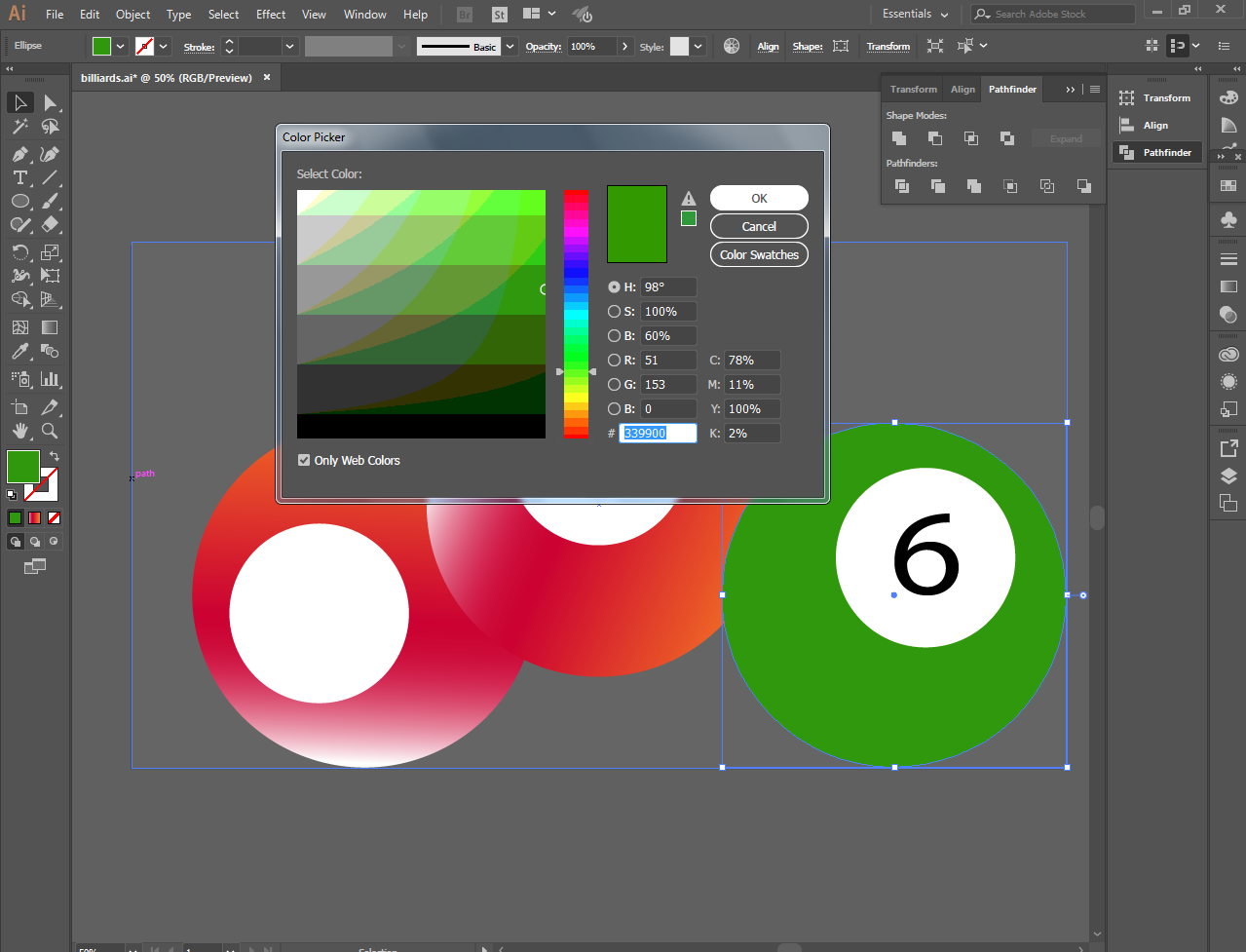
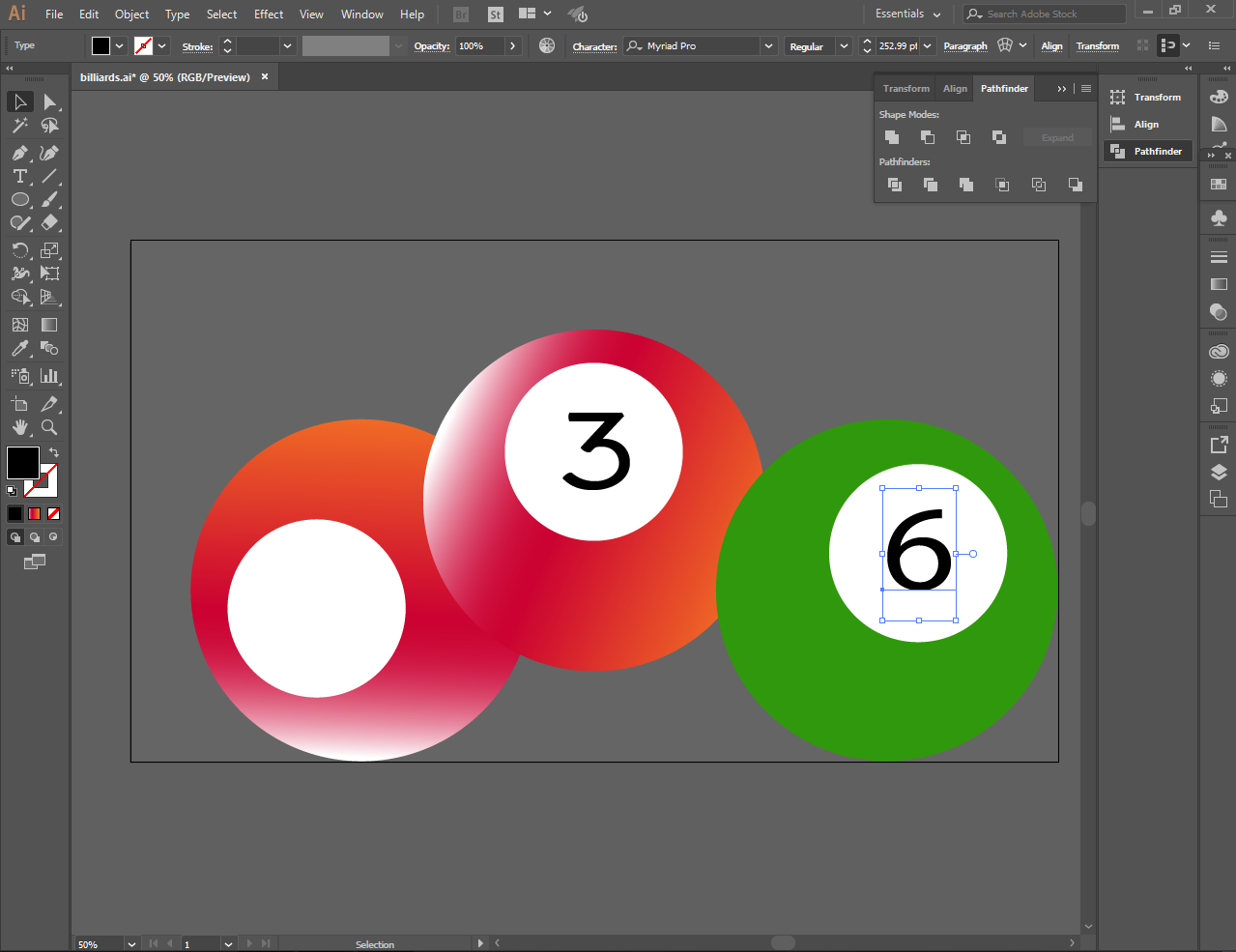
I filled the green color using the color picker on the right side and I put the number 6
[IMAGE: https://cdn.steemitimages.com/DQmdncKKvtTyVyJSGx7JuiGQDQMDxPgWPMhUV9Bi6ST6HiL/Screenshot_23.png]
[IMAGE: https://cdn.steemitimages.com/DQme4o8B4pKLEdzch1Ddvx4bup4rRHhsQTtAw5nq5h3CyMB/Screenshot_24.png]
[IMAGE: https://cdn.steemitimages.com/DQmXboE4gAYQMF9vEmRXfcSL8hXBB9cjBdQNYVL5hz82vn7/Screenshot_25.png]
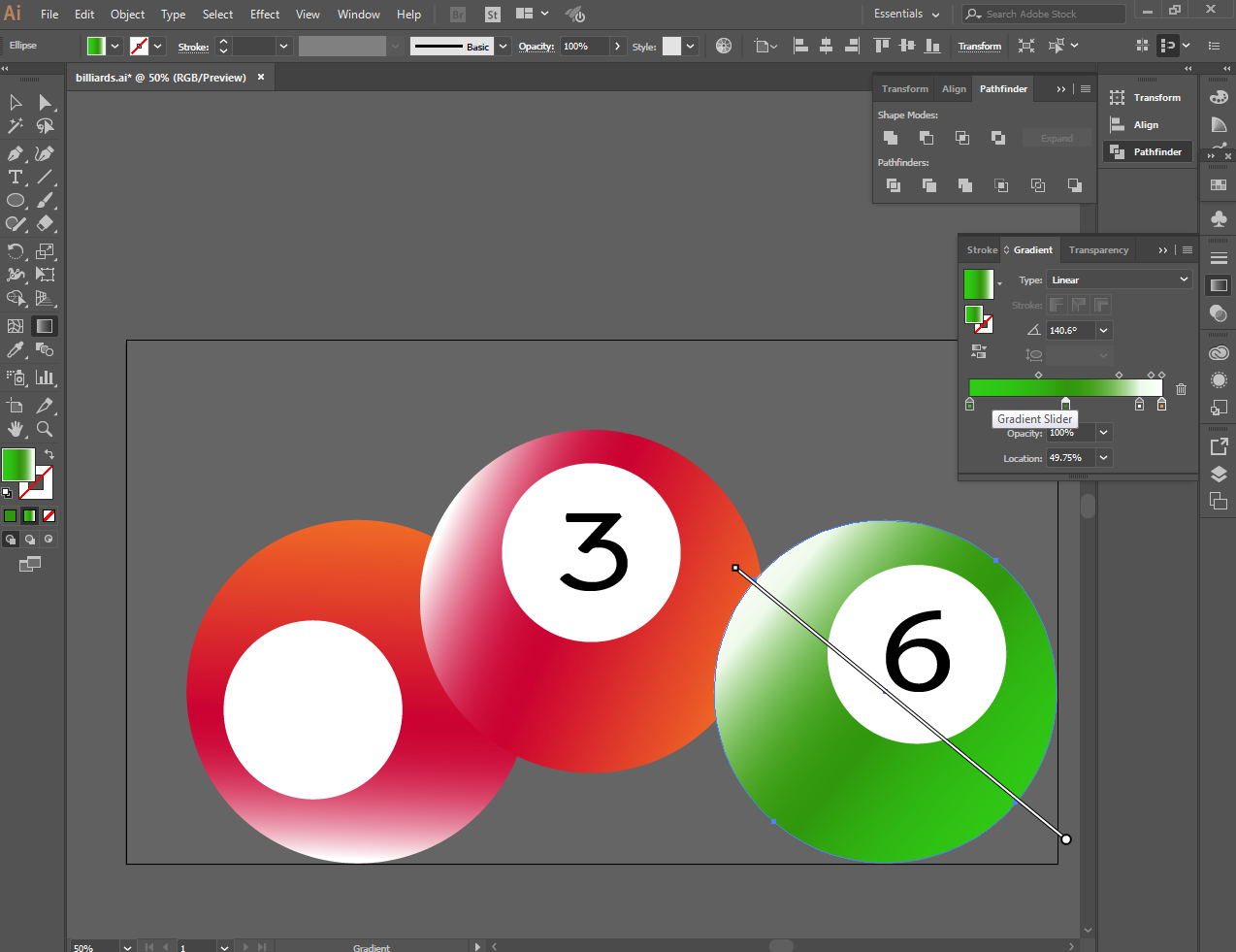
I filled the black color using the color picker on the left side and I put the number 8
[IMAGE: https://cdn.steemitimages.com/DQmRZFuURsVmjtmpR528mKnYar475VwFTD9n2G4dmKBMMMp/Screenshot_26.png]
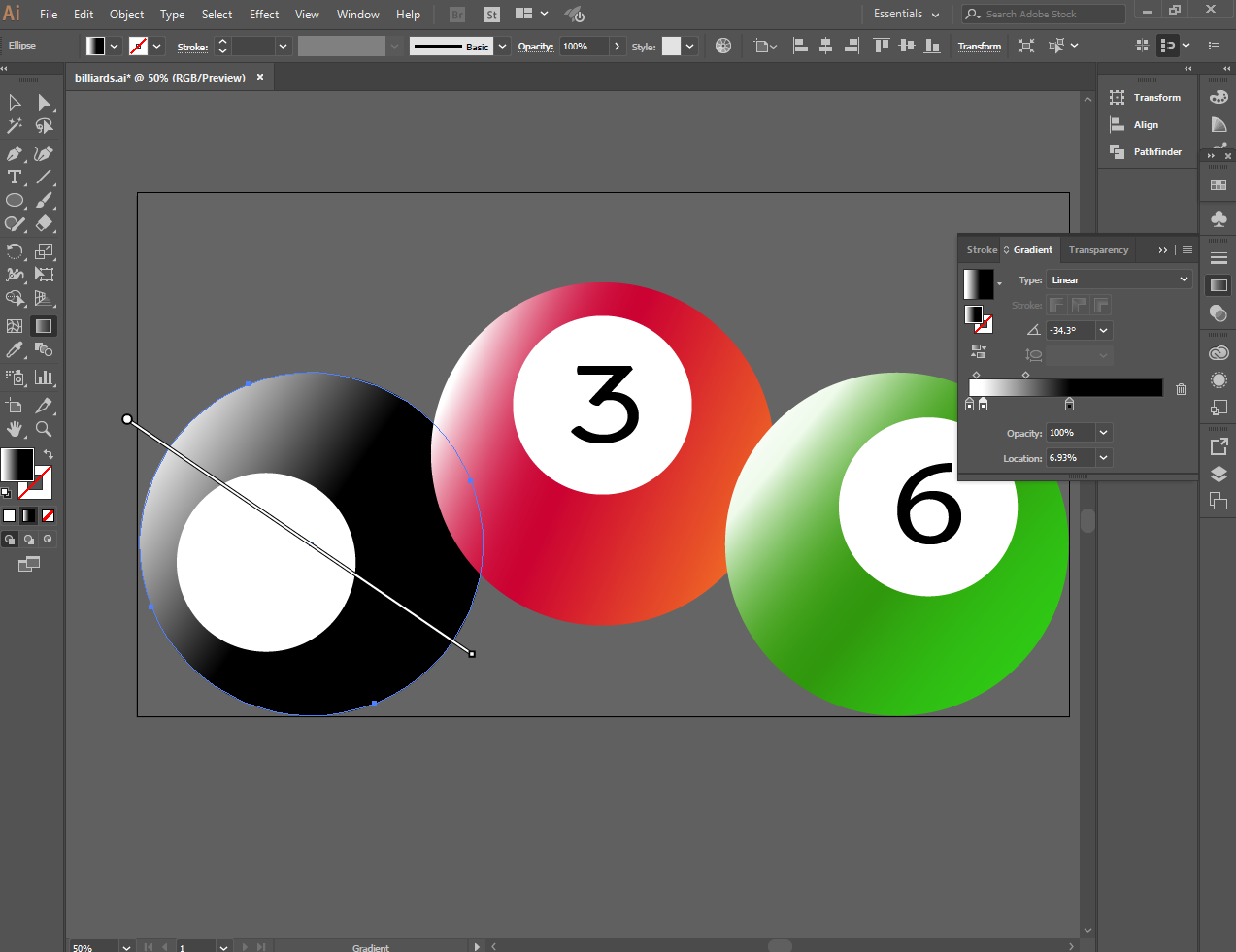
[IMAGE: https://cdn.steemitimages.com/DQmepnUwa8yUKj7JkQcHE5fdixVUPwaAQaRLcRkLmMQrHuF/Screenshot_27.png]
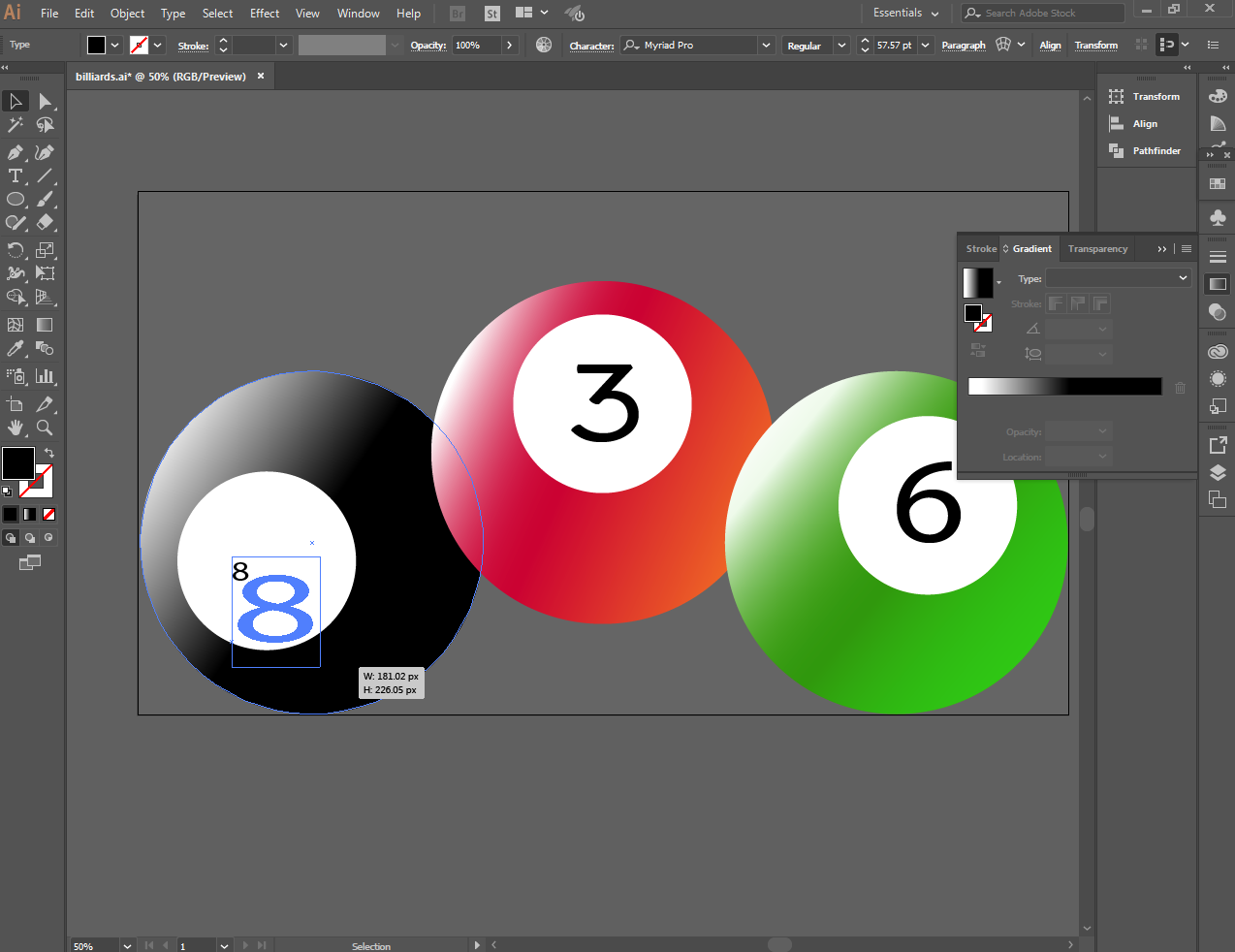
Use the blur effect to create shadow for each image
[IMAGE: https://cdn.steemitimages.com/DQmfYQN2dnvEwfGbL6xRUN7ZuruCzyHVamA9BCkBAKmzSbk/Untitled.png]
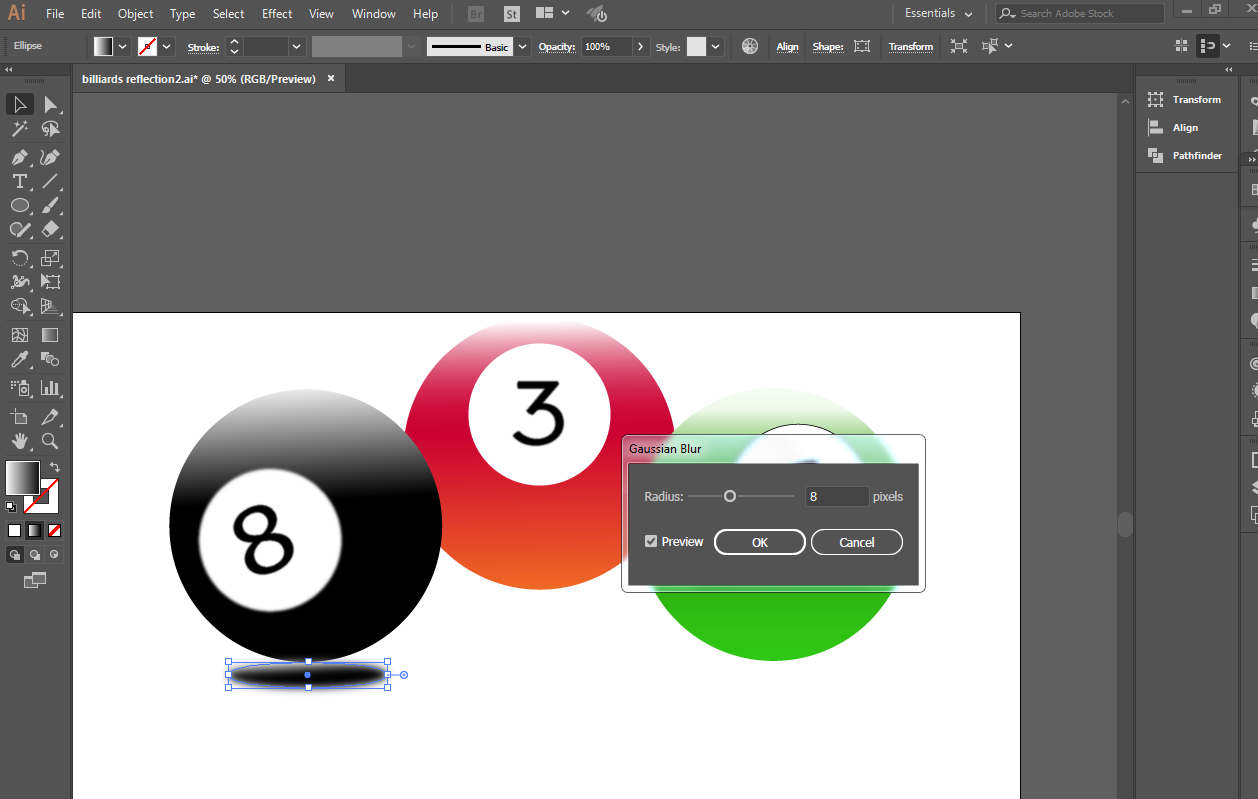
And replaced the backround
[IMAGE: https://cdn.steemitimages.com/DQmUooiRp7KczjeJiZywar4dHmEs27TQdbS9XjyFzFq4F2t/Screenshot_33.png]
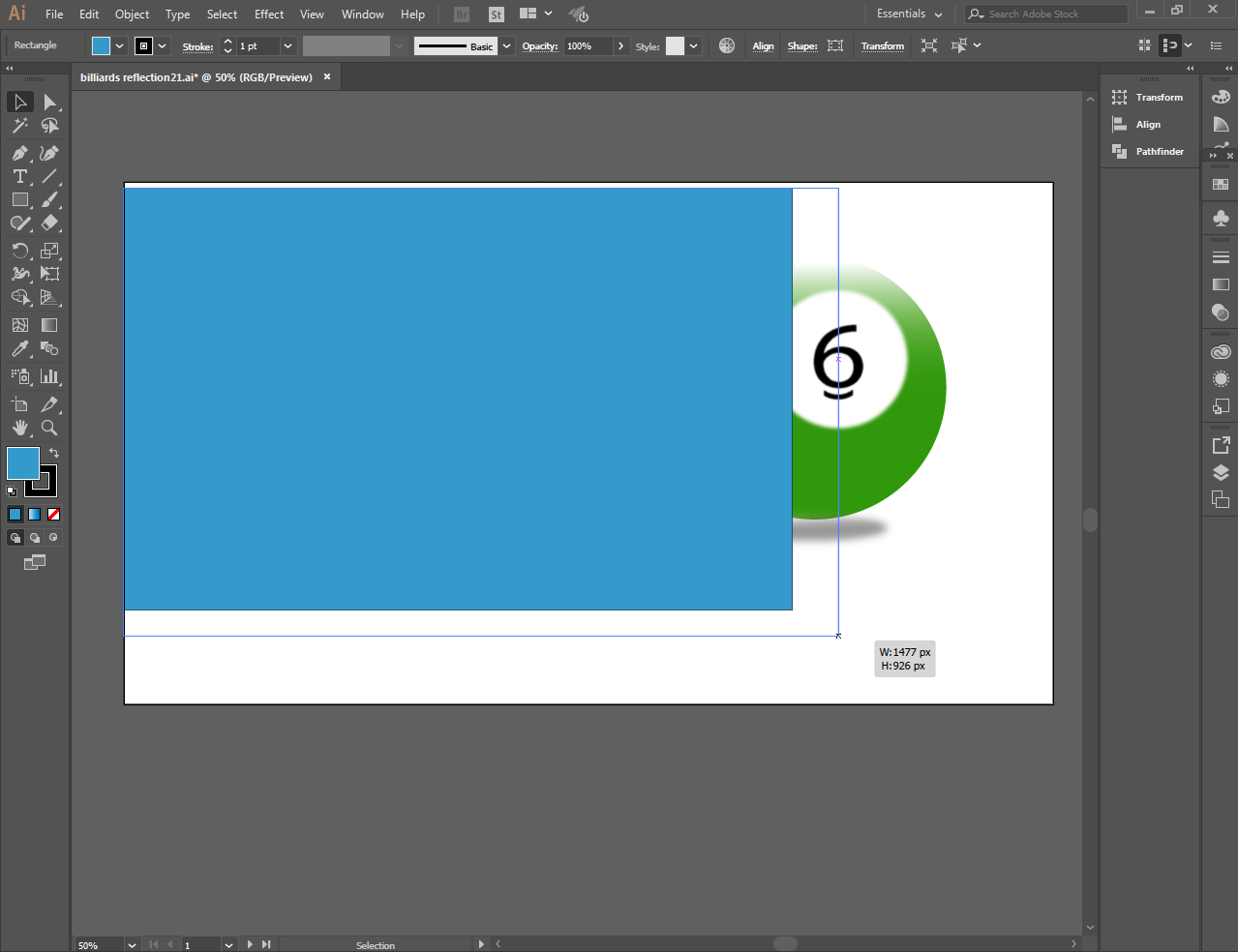
And put a little effect to make the image look better
[IMAGE: https://cdn.steemitimages.com/DQmVryhcEyZbzJLxRuvtS7jAL5yt1YZjLirbXrC8ZAJ3Dyx/Screenshot_31.png]
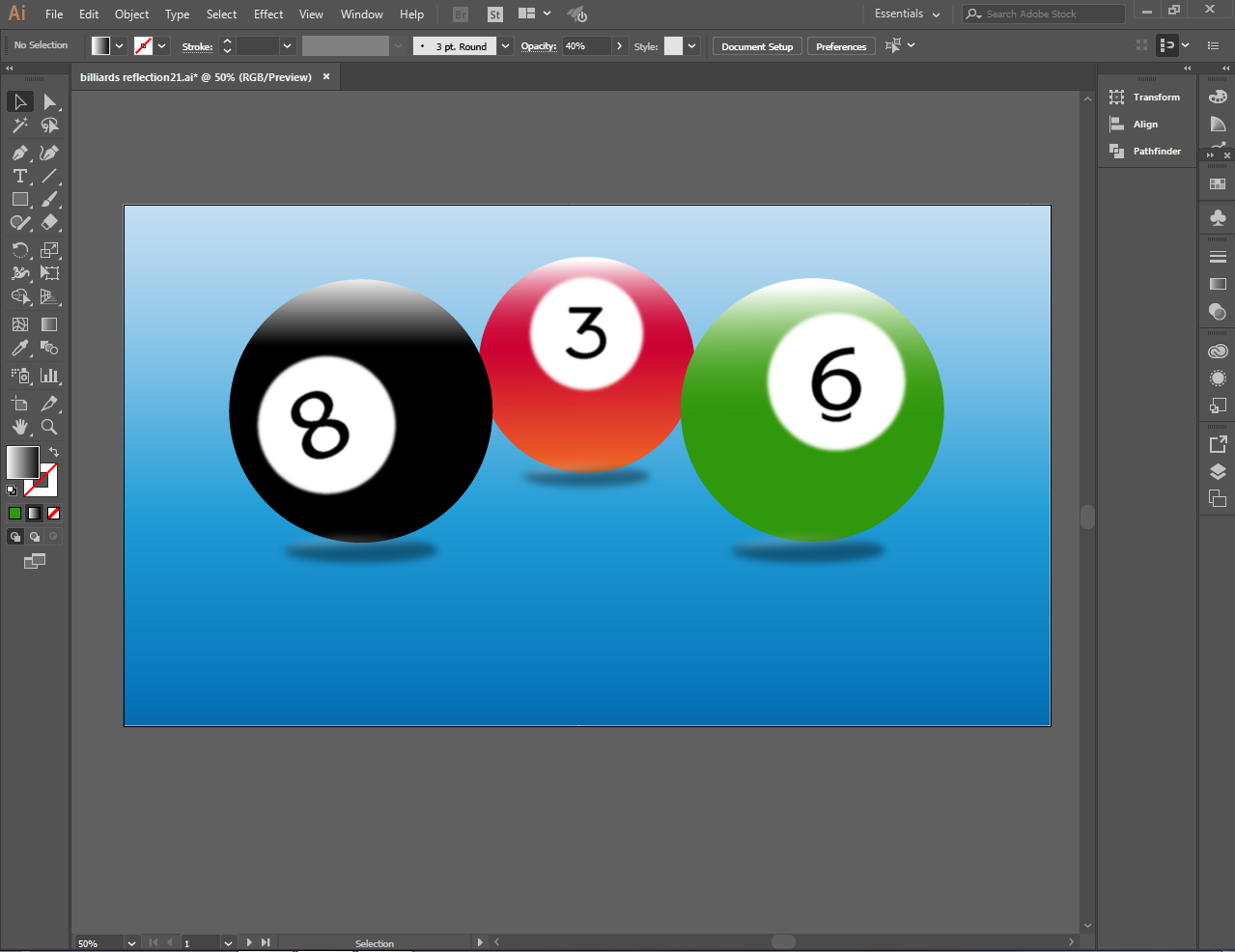
This is it! Billiard balls using the latest version of Illustrator.
[IMAGE: https://cdn.steemitimages.com/DQmeJRVjDWQyb4QSCgAaa1JTWY4W7DG7j77SGXDLPkhj9SC/Screenshot_32.png]
Thank you very much for dropping by and to review my works. Until next time..