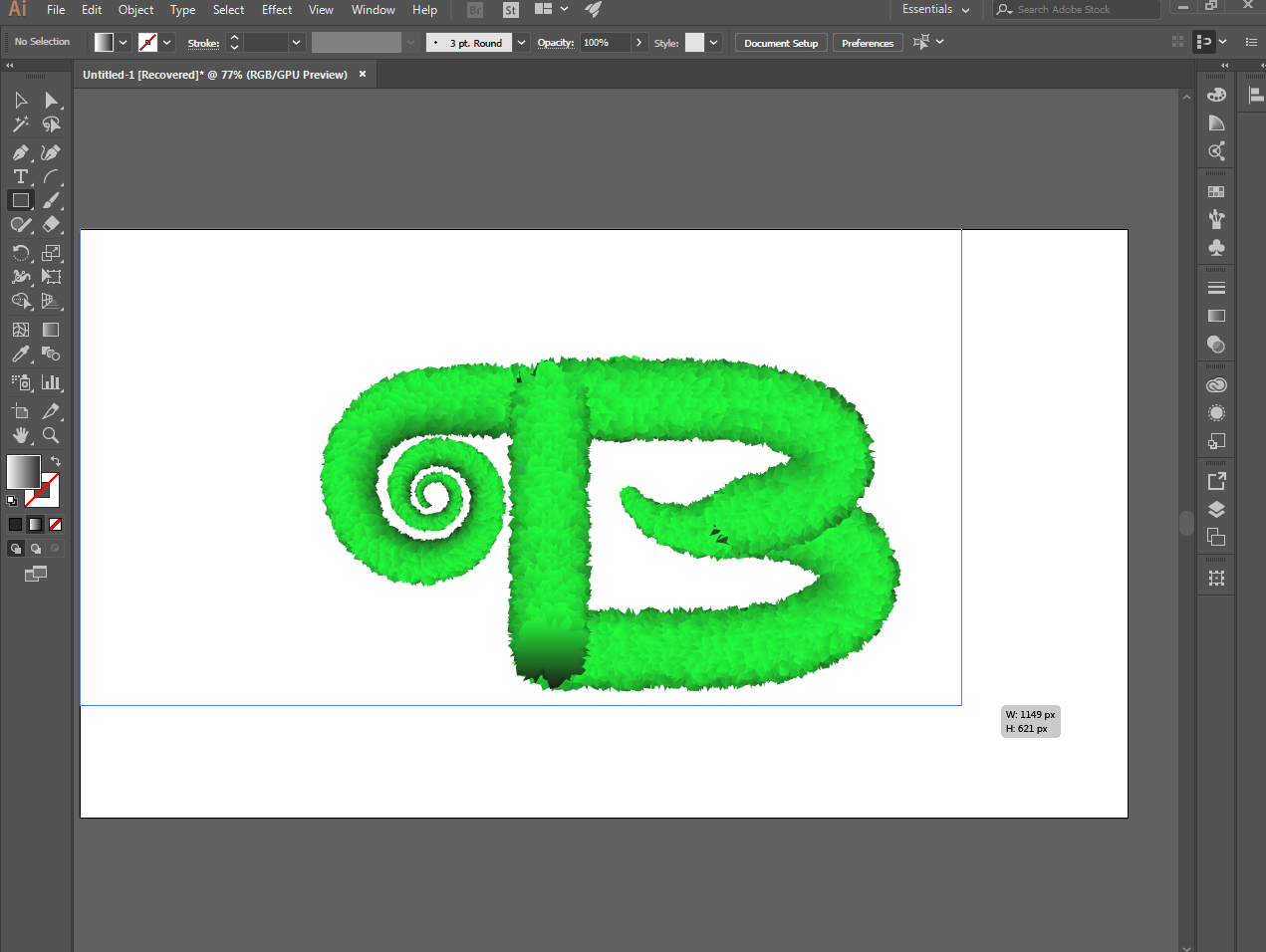
You can use illustrator to make realistic text, as I did in this letter. You can do it with any of the letters you want to make them realistic with the illustrator.
I will show you the simple procedure how to make realistic text to the illustrations below.
[IMAGE: https://cdn.steemitimages.com/DQmRm8rYVKcqAXDi3Fmbgzh3q95hvyY5cjPPWe7P4Vuot2o/Screenshot_51.png]
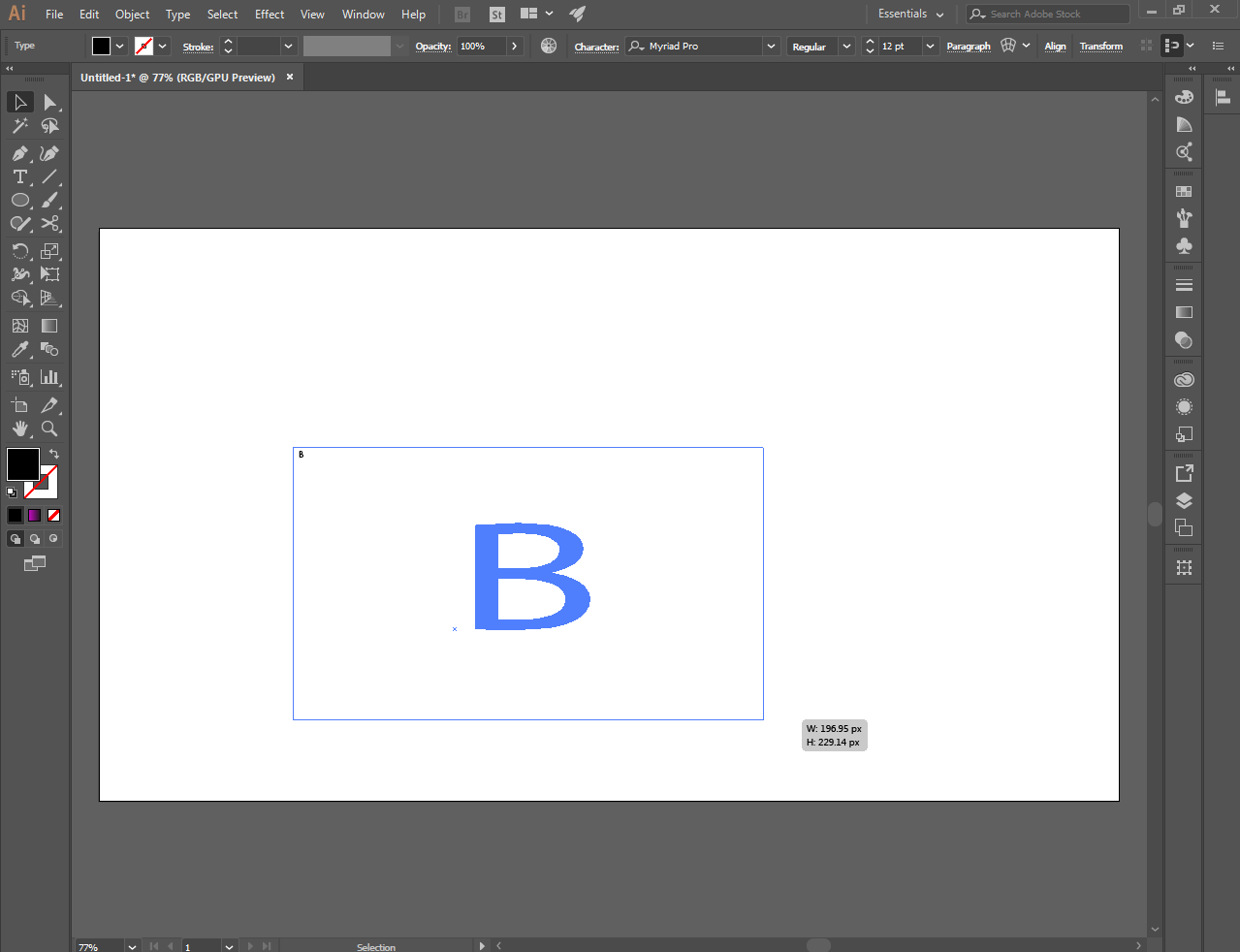
First, you can choose letters from the the type tool
[IMAGE: https://cdn.steemitimages.com/DQmVRQMXuXWgKzxR7P3A6sczCSmPGdbyDQoJZopw6eHXh7P/Screenshot_1.png]
[IMAGE: https://cdn.steemitimages.com/DQmcgLBeb8hcXkK86LfmCBbiK7a7edXaDGA9jbcXGPRpqJj/Screenshot_2.png]
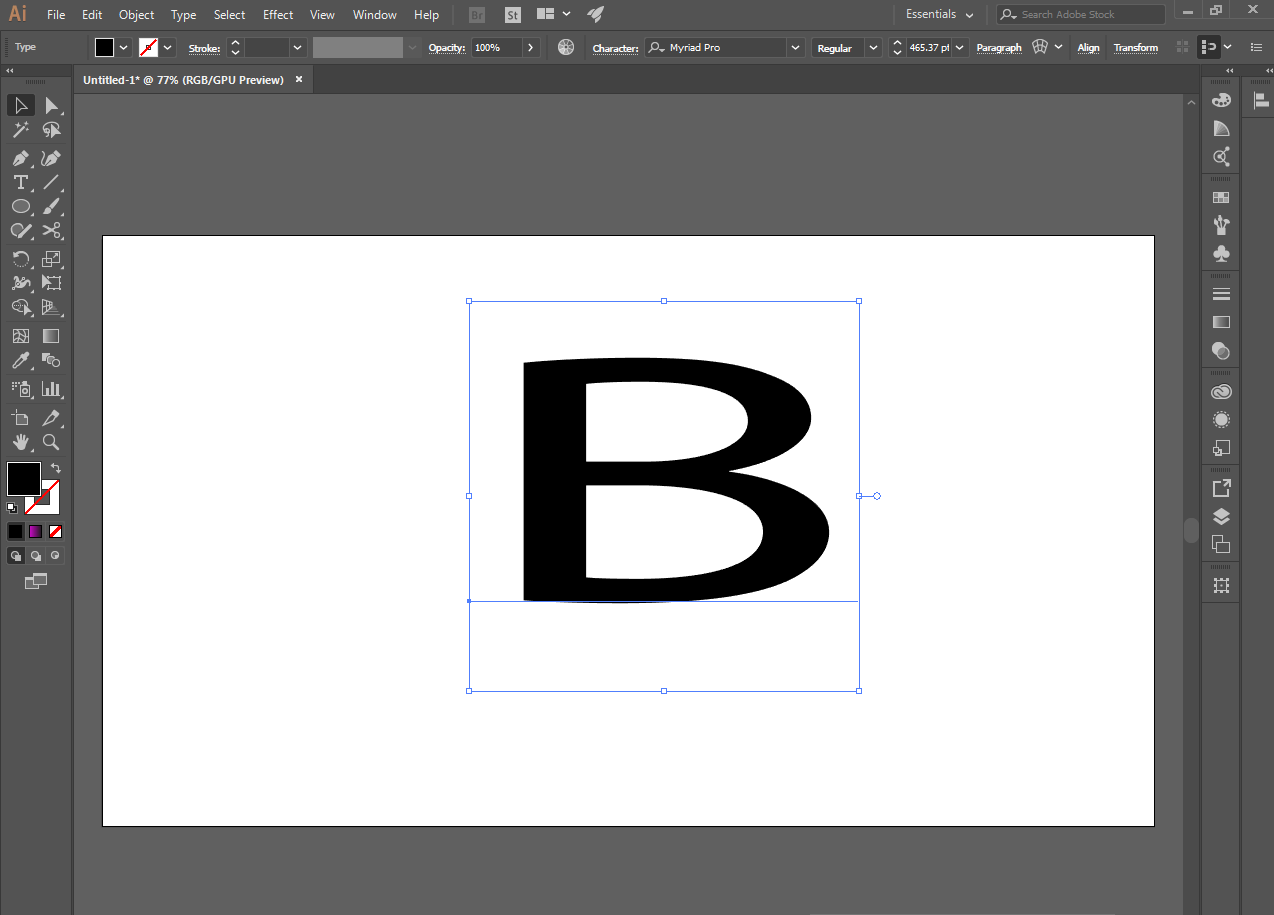
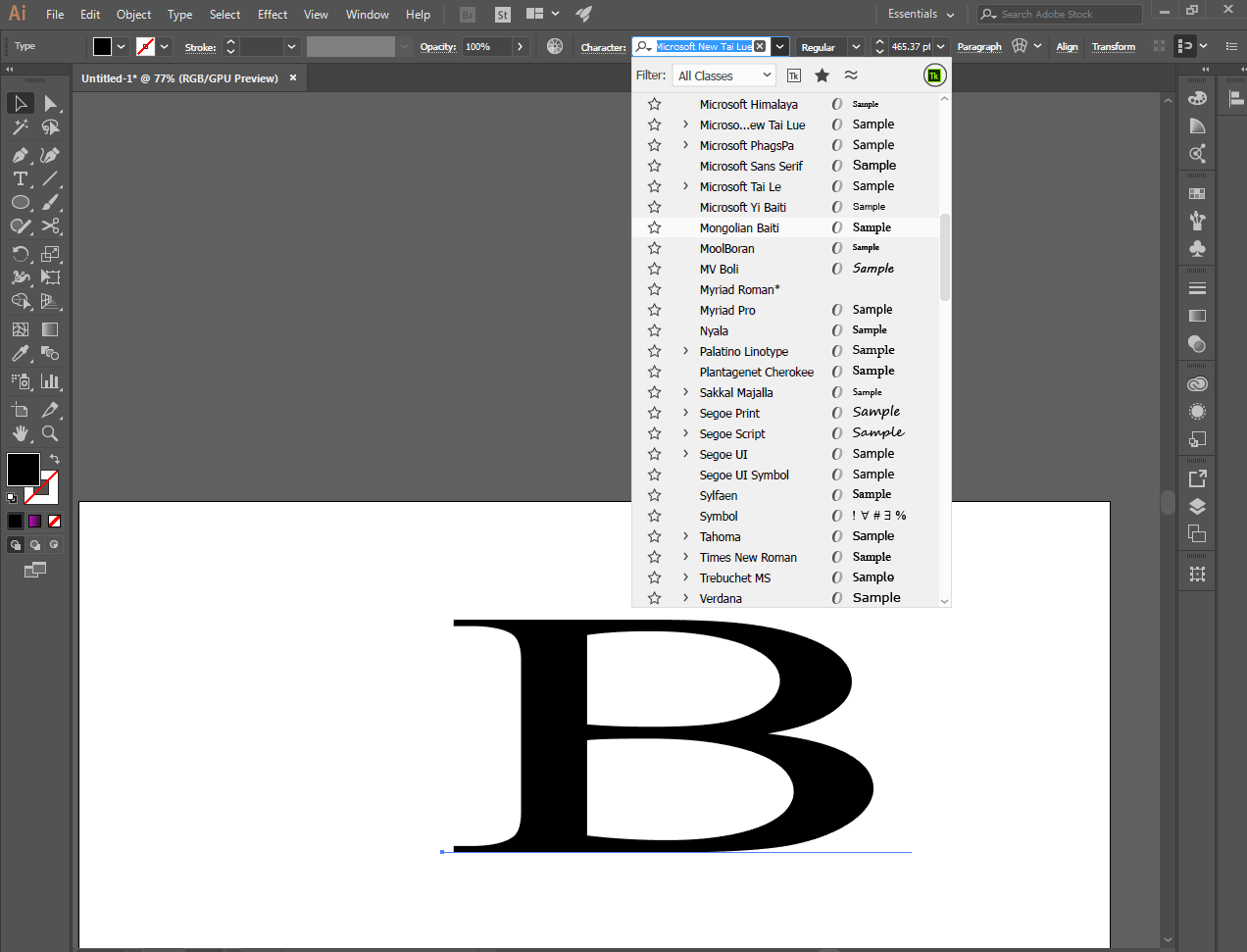
Then choose the font you want in the letter you selected, I choose bold letter
[IMAGE: https://cdn.steemitimages.com/DQmU8RP1ZaQM1ae86ZLzE81jNZXngVjc6geK9Zfk5oCnyx3/Screenshot_3.png]
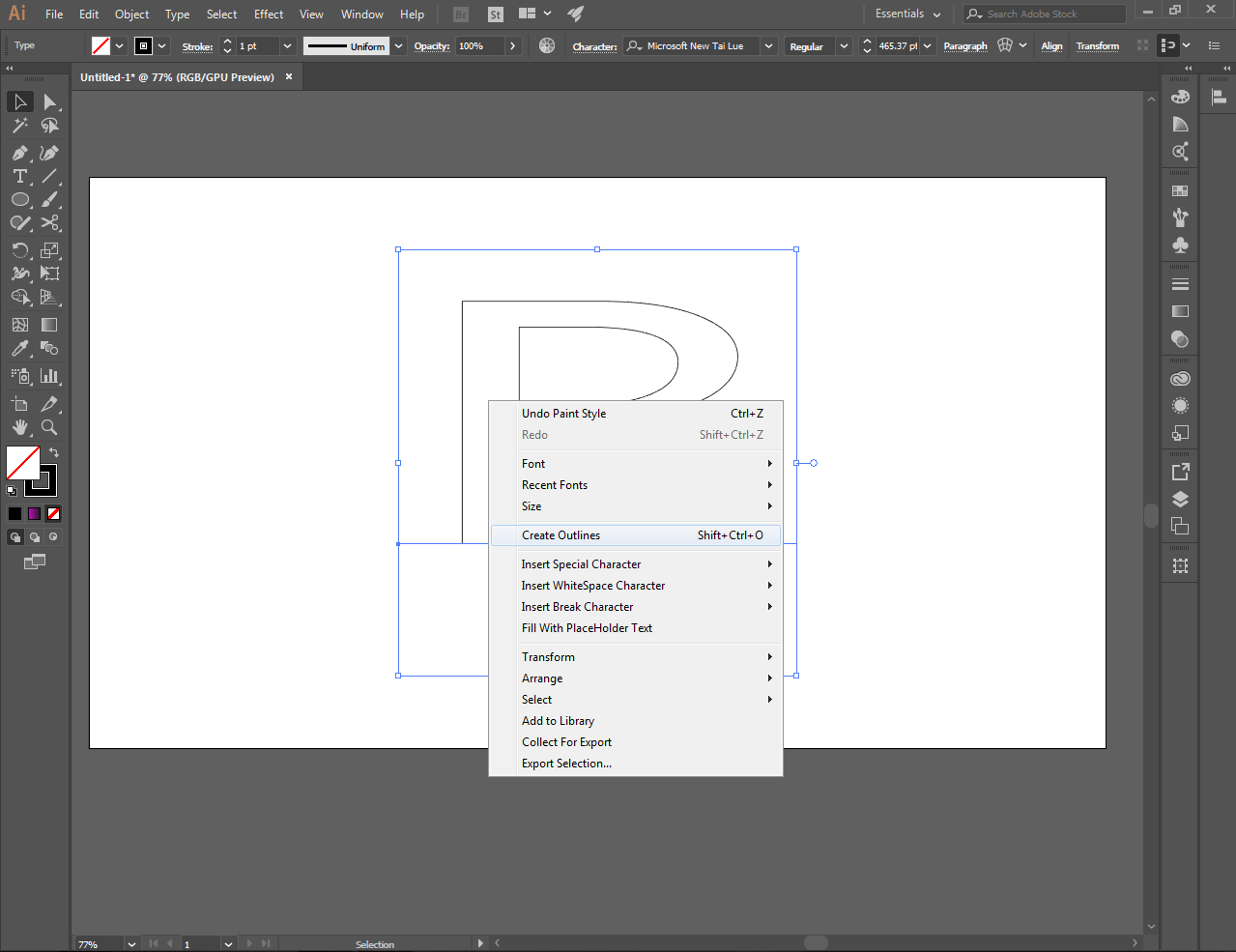
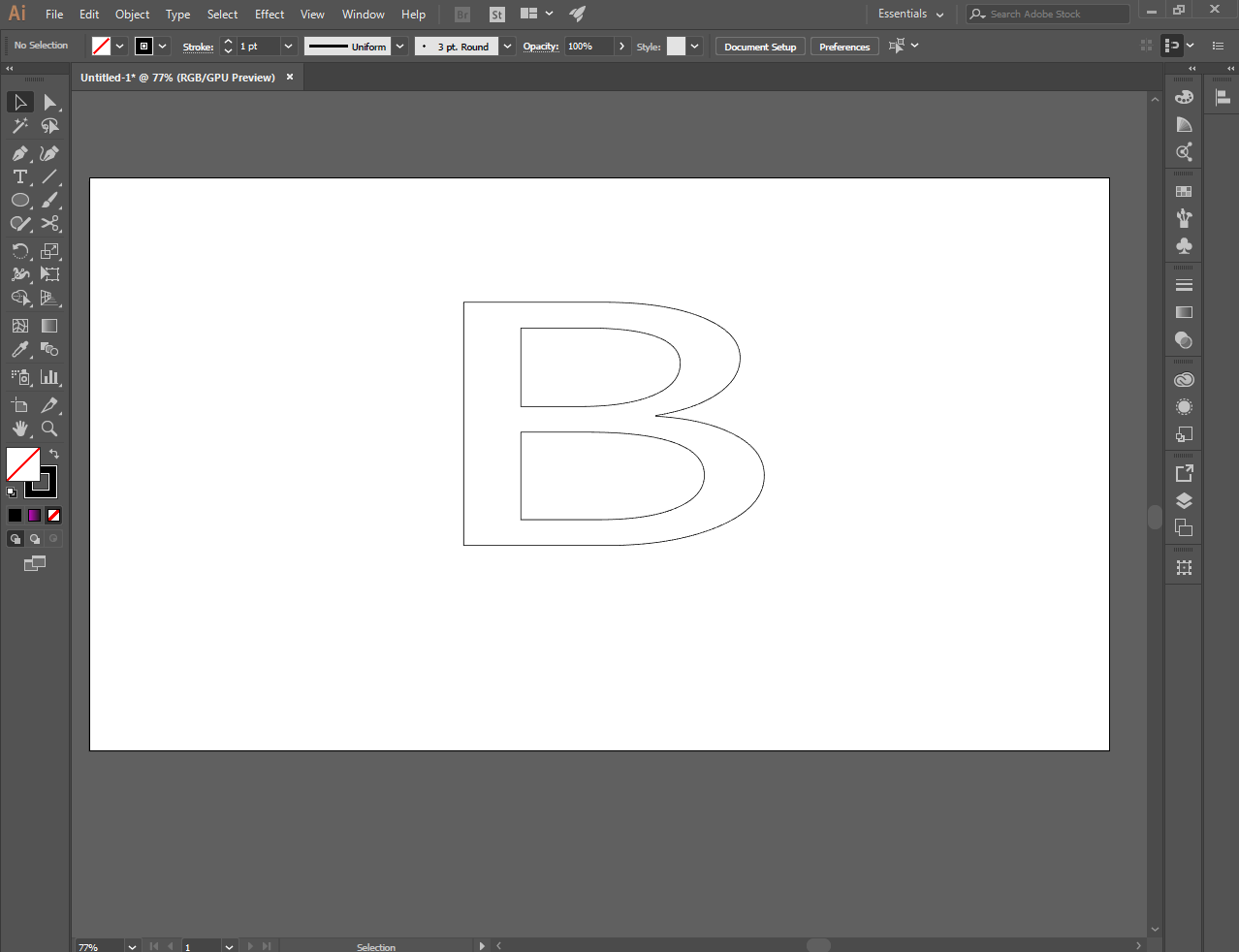
Then select create outlines
[IMAGE: https://cdn.steemitimages.com/DQmV7YEUYJez1cQ6Aags184nzE6CiVHUPrGZSCyF7dzvfKo/Screenshot_4.png]
[IMAGE: https://cdn.steemitimages.com/DQmNUgtsGZvS4HBZCCKUkHRMUMiiUacnk4JcoLQZYh86rNe/Screenshot_5.png]
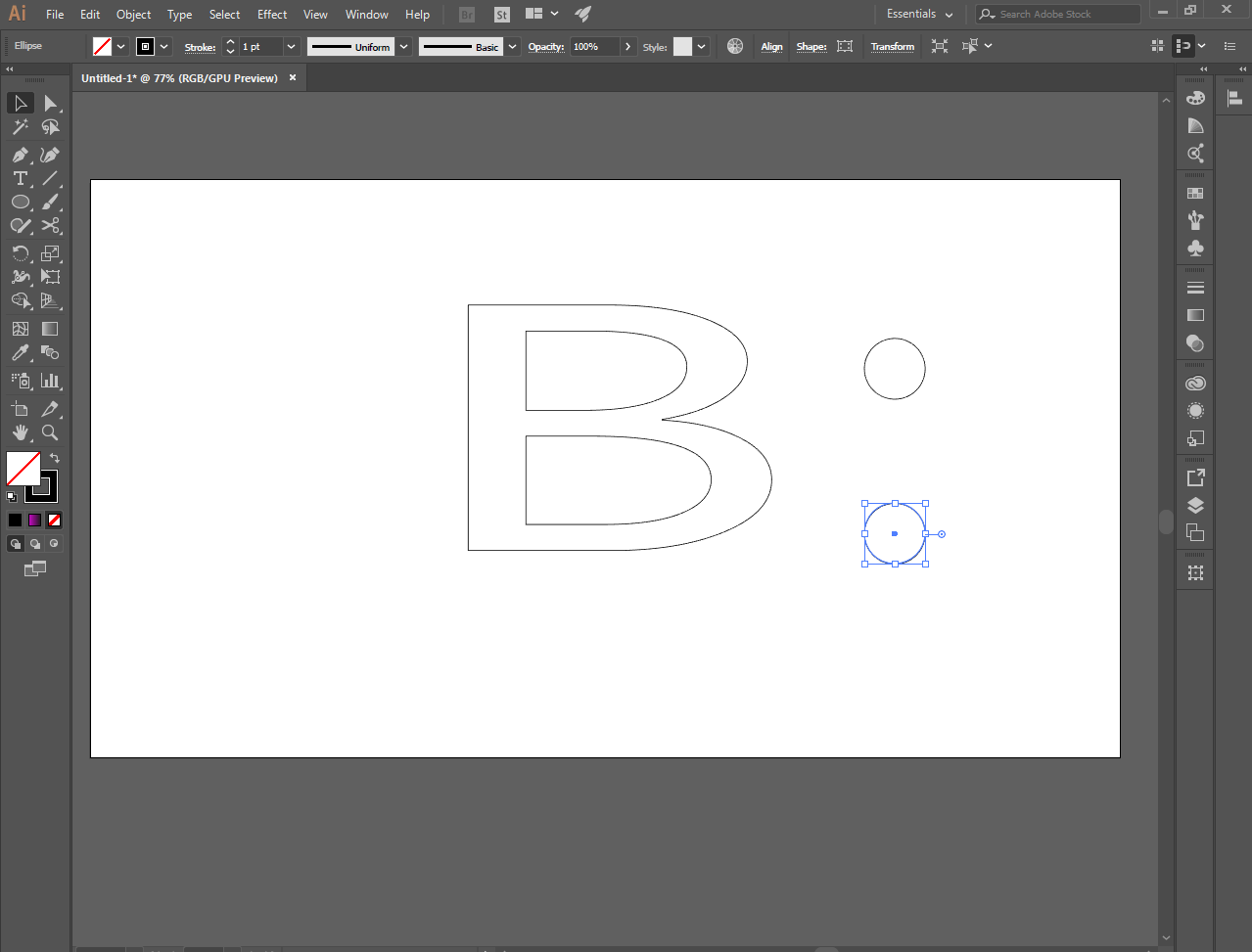
Make 2 small perfect circle using the elipse tool
[IMAGE: https://cdn.steemitimages.com/DQmbn1bK3vpWHXmM7yUCqevLaa86Zkzgcv6GmgpsV42HBvm/Screenshot_7.png]
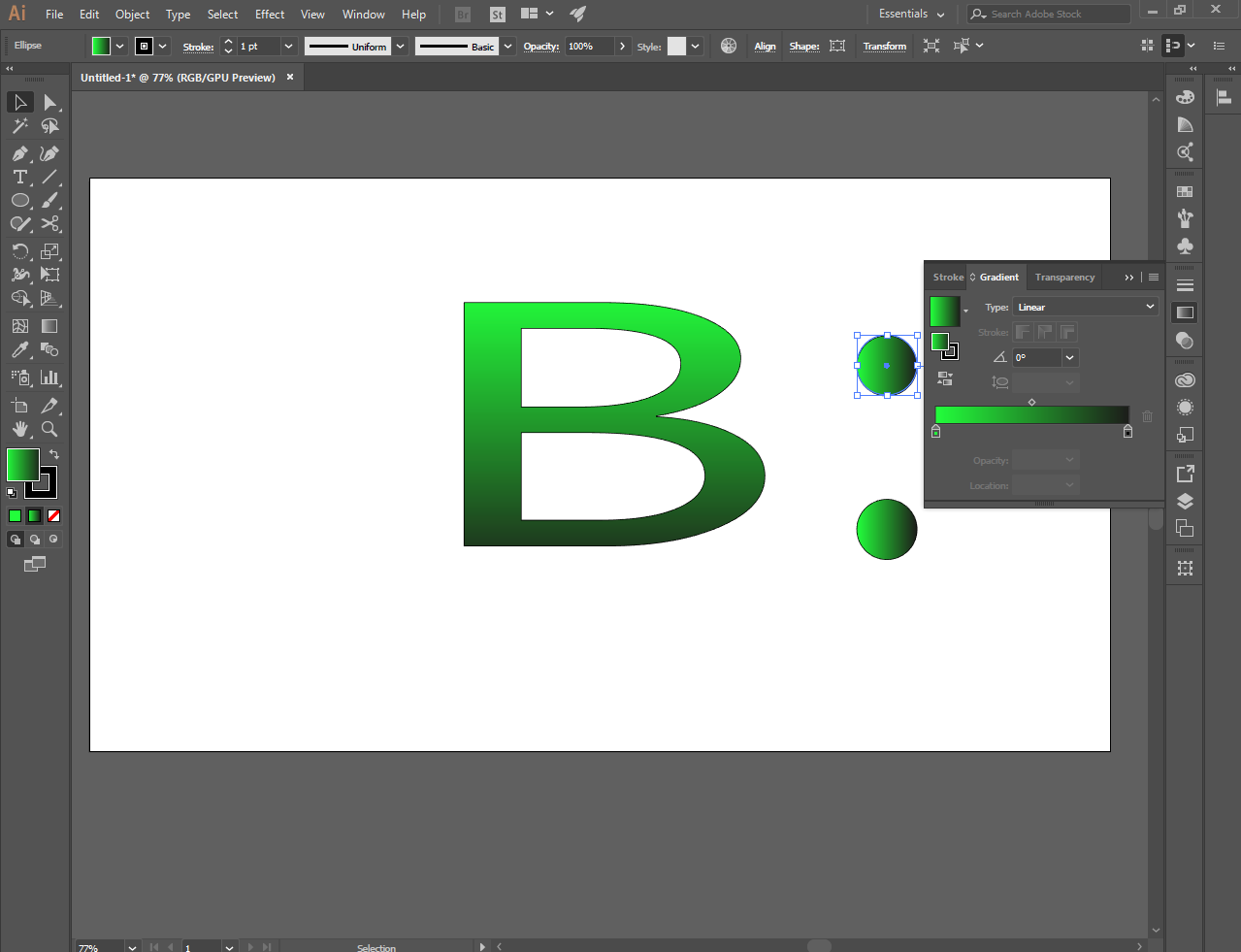
And color it using the gradient tool. I chose green for everyone
[IMAGE: https://cdn.steemitimages.com/DQmaSdLm4xGGk472TbMYefj2x5oPVauDbKG63bwgt9Fay6m/Screenshot_9.png]
[IMAGE: https://cdn.steemitimages.com/DQmWrpm2JzQvcgD1UKeziqCi68vyJ2ovxdTDuu4mUe51jQi/Screenshot_13.png]
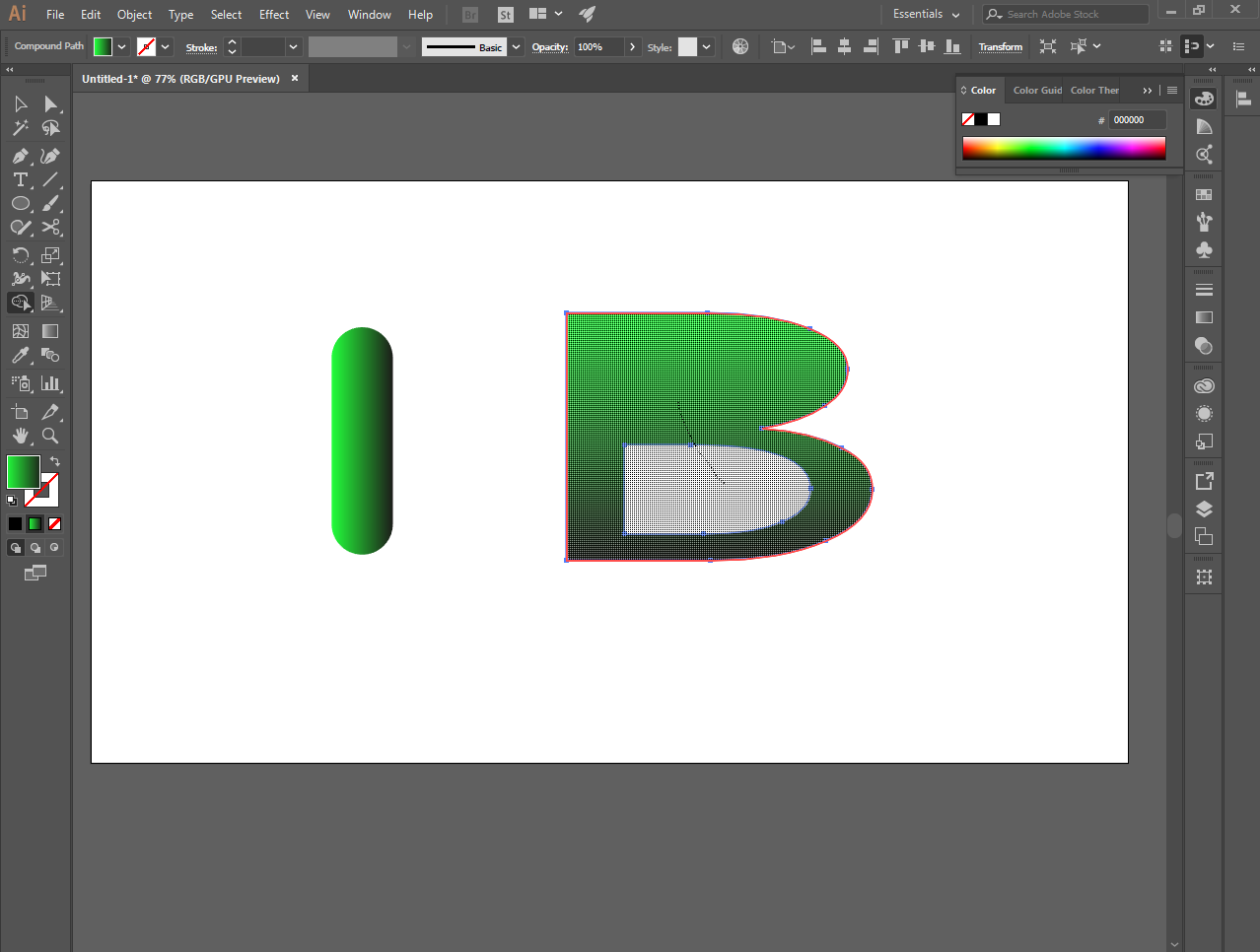
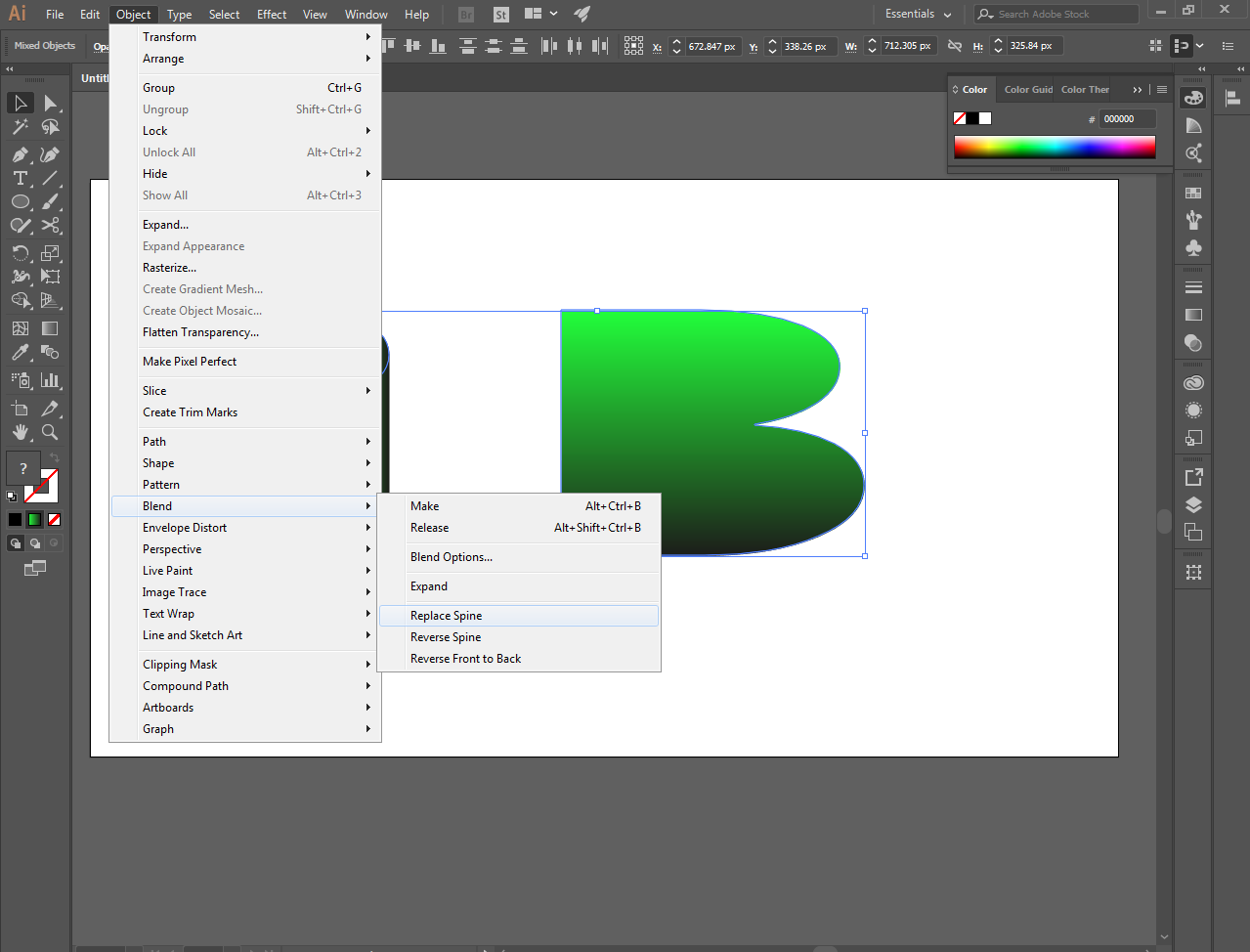
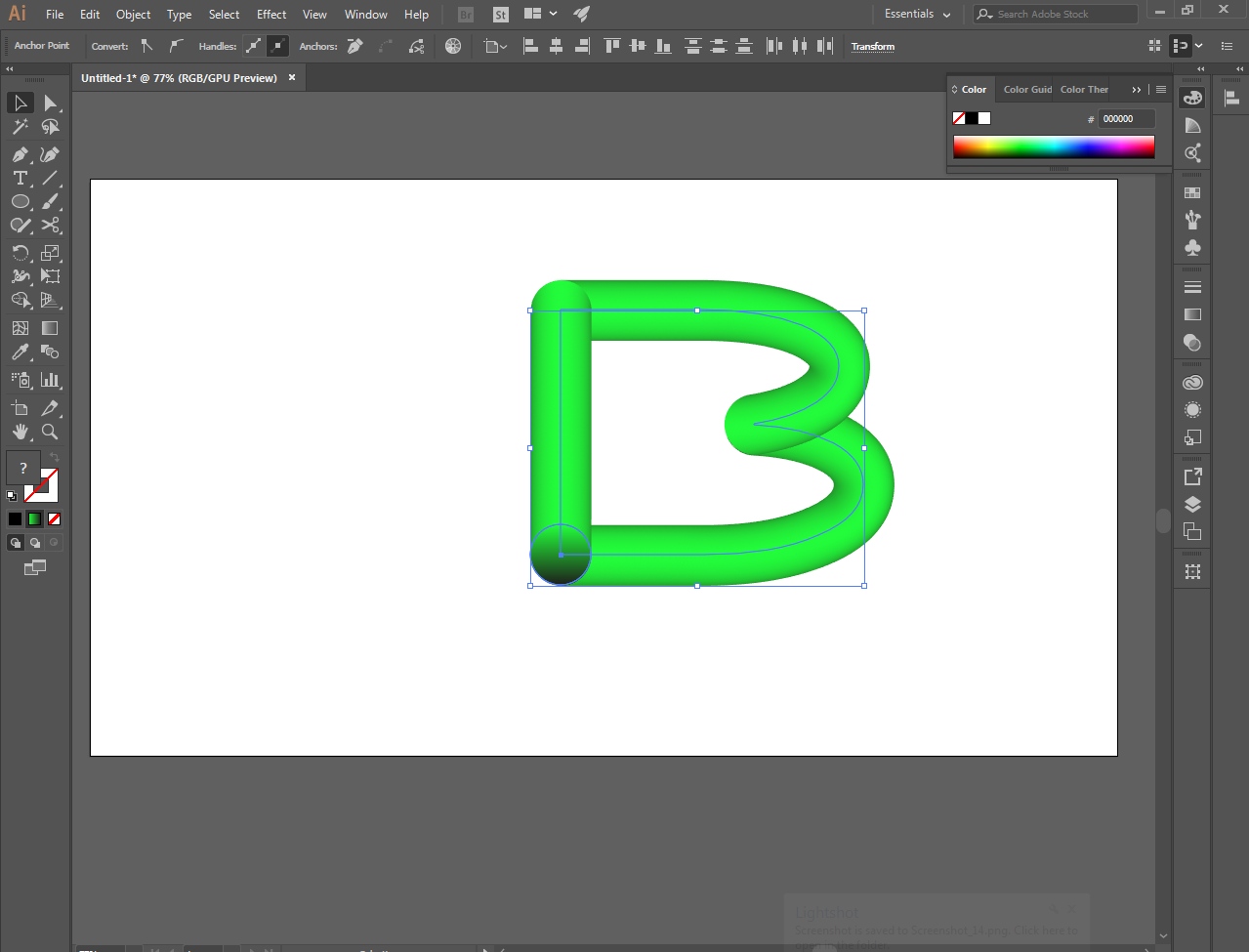
And combine them all through the blend tool to make a realistic text
[IMAGE: https://cdn.steemitimages.com/DQmd9cZCTuZwEZvA5rRmySKfvAVHbuadGuM2scJq97cnCqn/Screenshot_14.png]
This is it.
[IMAGE: https://cdn.steemitimages.com/DQmUAnRW4FWQ4gFp37cPjexP8PNVAtWrMeLHzmcsWwEEWsC/Screenshot_15.png]
[IMAGE: https://cdn.steemitimages.com/DQmdjbtvrXZjHSPyLHZVpQh6dMPArTNBAnyhvP6tT56ett4/Screenshot_16.png]
[IMAGE: https://cdn.steemitimages.com/DQmea2T6qywXpMiDoFaXfGWwVG8c5C4bGYTQgbFvVKFwKZw/Screenshot_17.png]
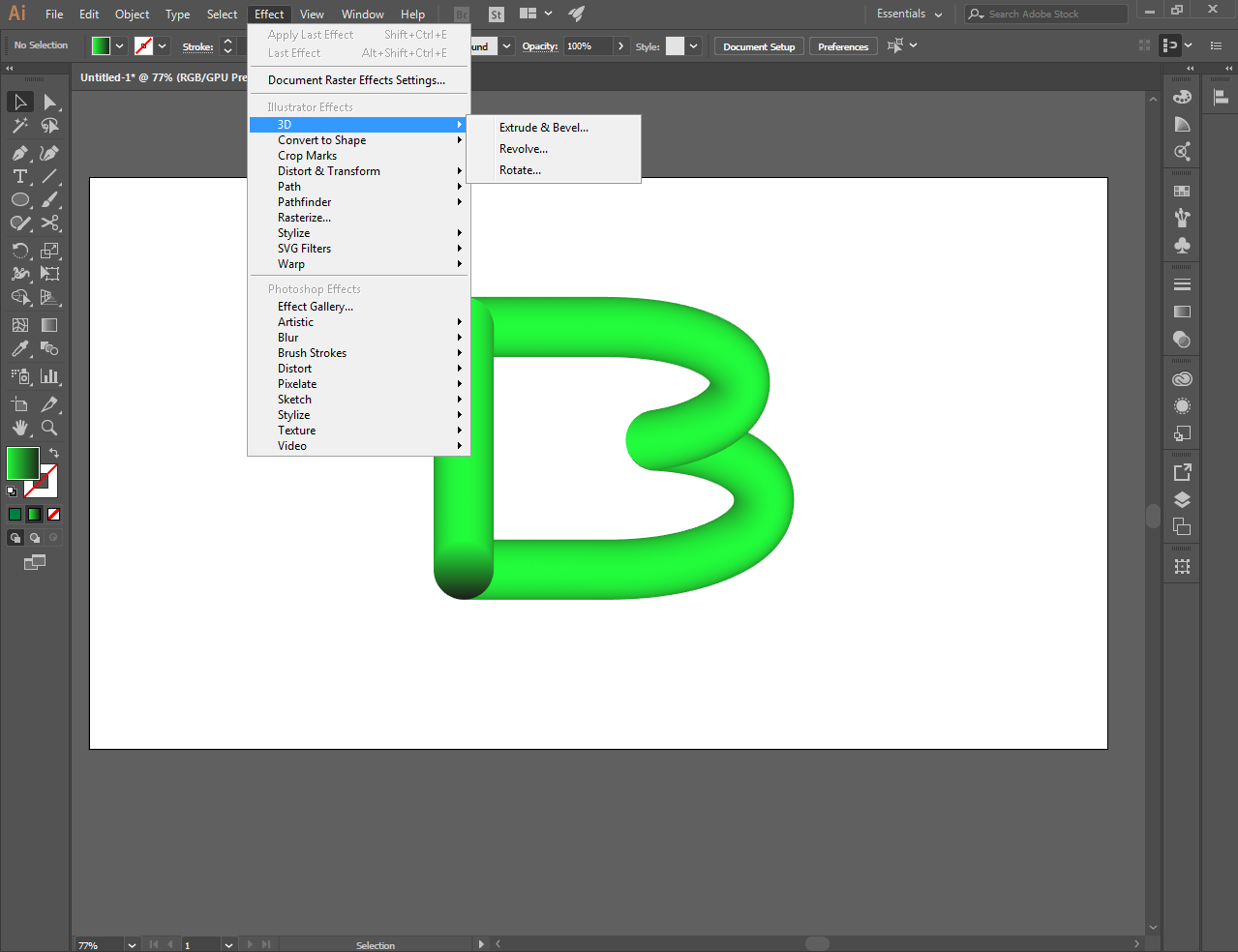
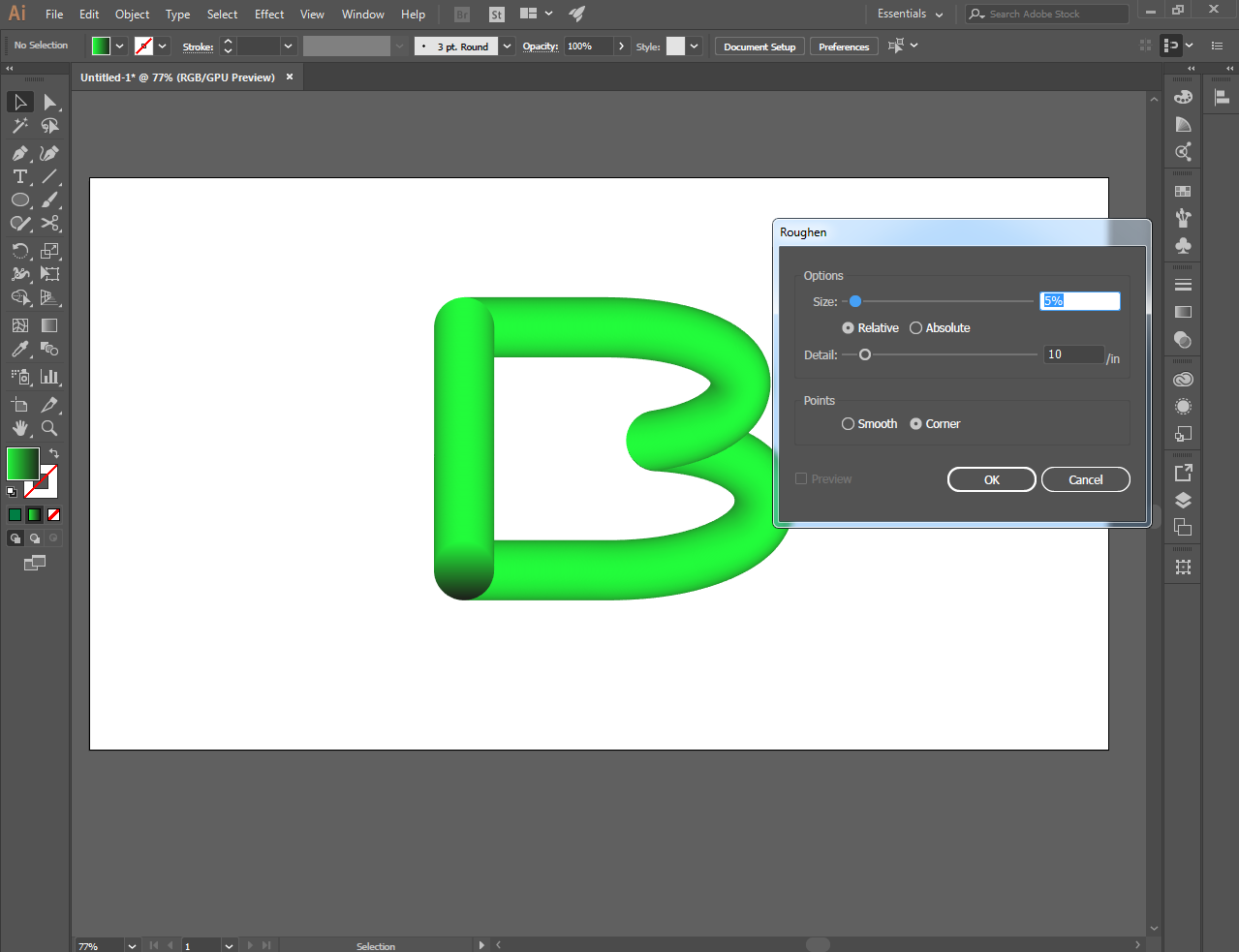
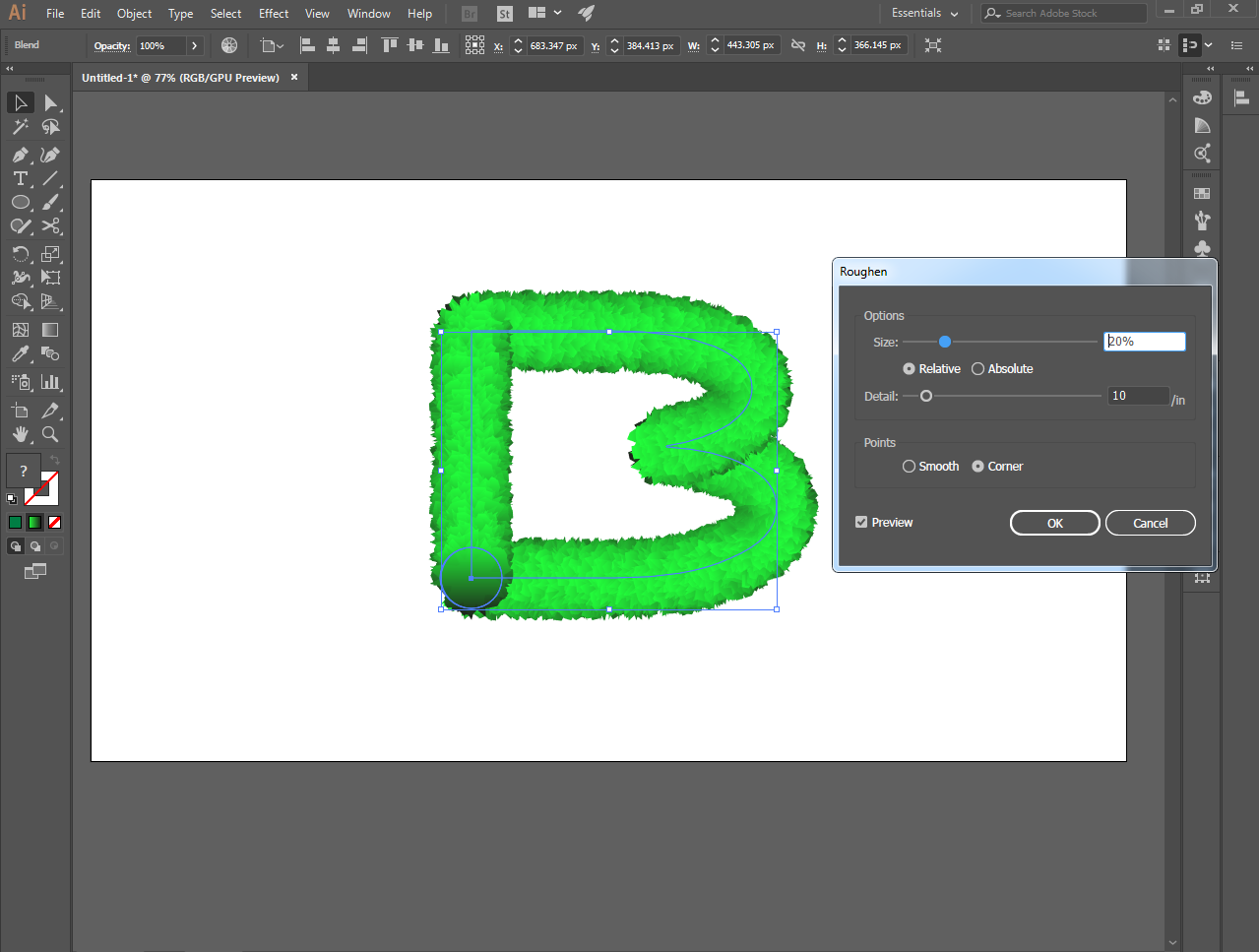
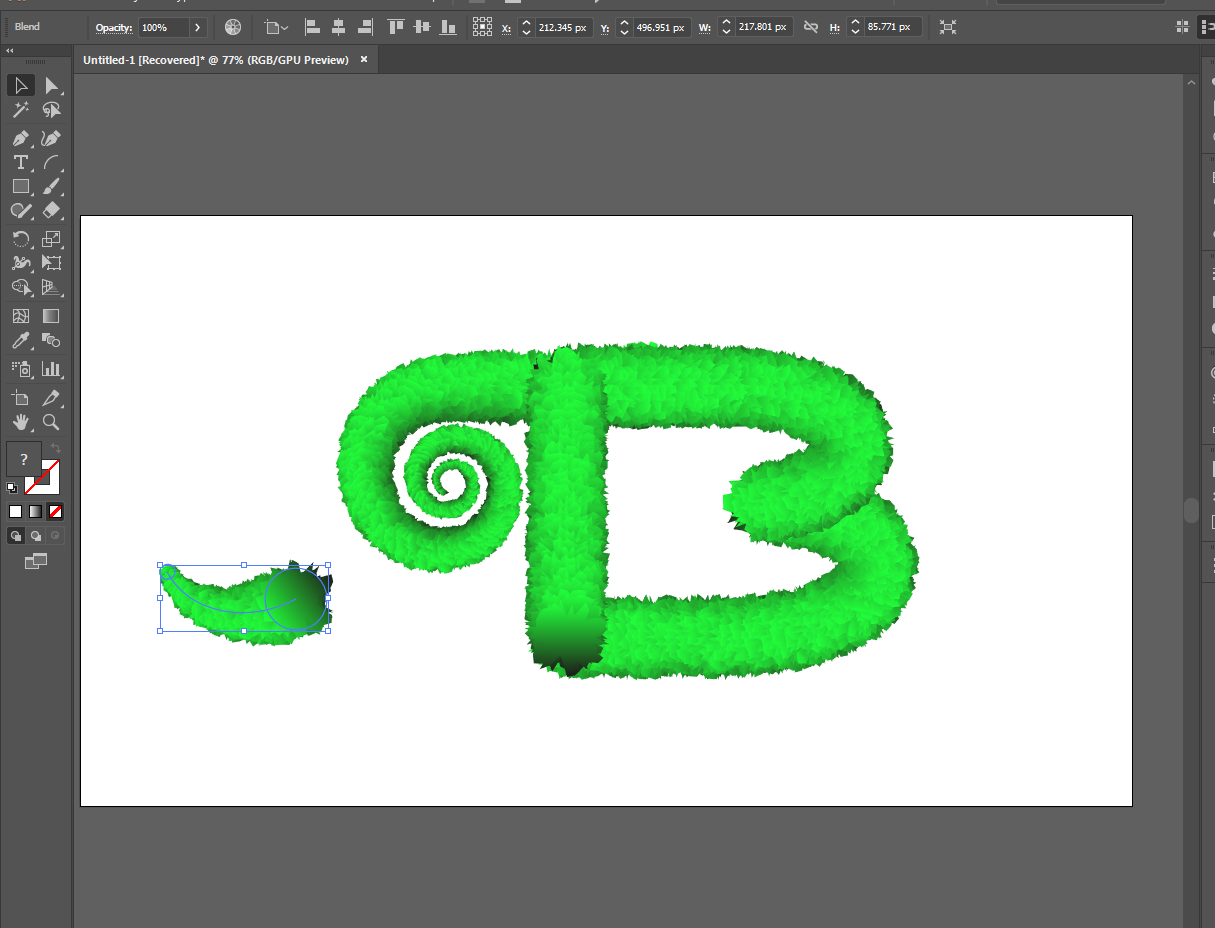
And make it even better with the 3d effect by roughen tools
[IMAGE: https://cdn.steemitimages.com/DQmTQ7c3RQZqj8GHUvrTmjoYMAP3yTkcPifTu38QJrJyjY1/Screenshot_18.png]
[IMAGE: https://cdn.steemitimages.com/DQmU83gDGZ1gURpZmCAE1tY2KsrUKvTPXrdeemoVUHGdn1m/Screenshot_36.png]
[IMAGE: https://cdn.steemitimages.com/DQmdJHGzNSMZM2369wrD9oEtYxQJRG5tANB9iSC6NosaPmz/Screenshot_37.png]
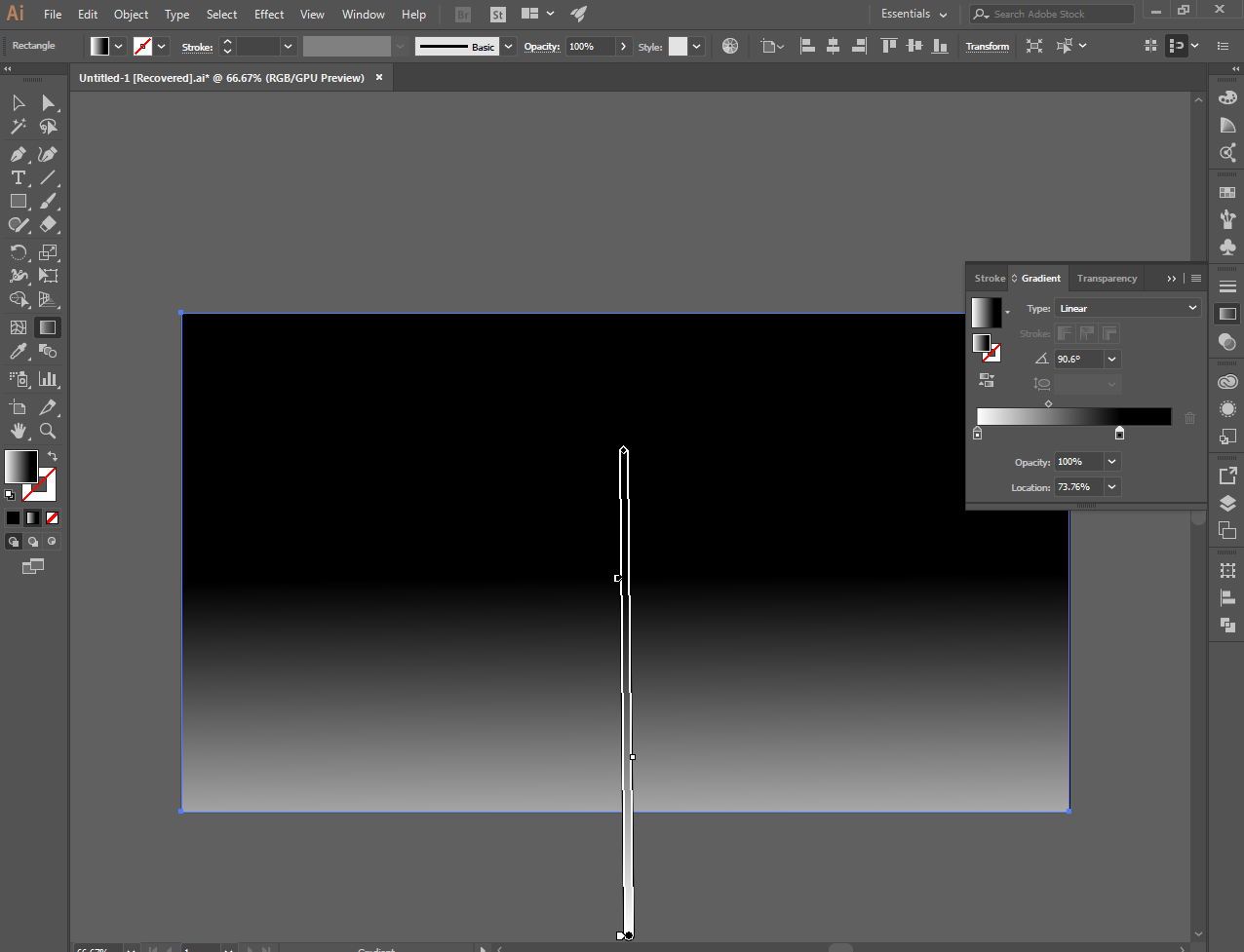
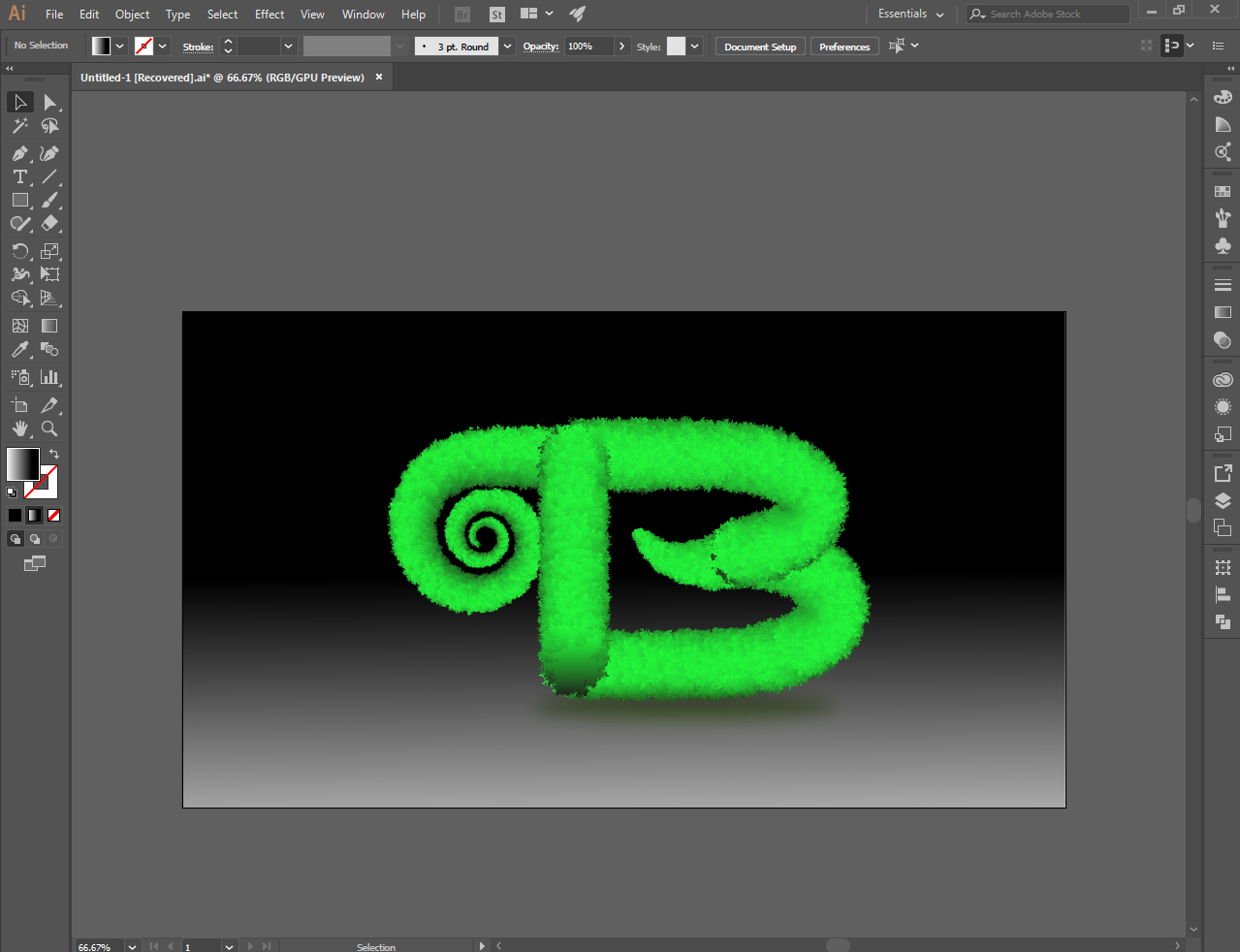
Then choose background you like suitable to your work
[IMAGE: https://cdn.steemitimages.com/DQmT6EnPRUg3X3vu54YAUy8sbcvc4DFg8ntQWNoZY7cKAdC/Screenshot_53.png]
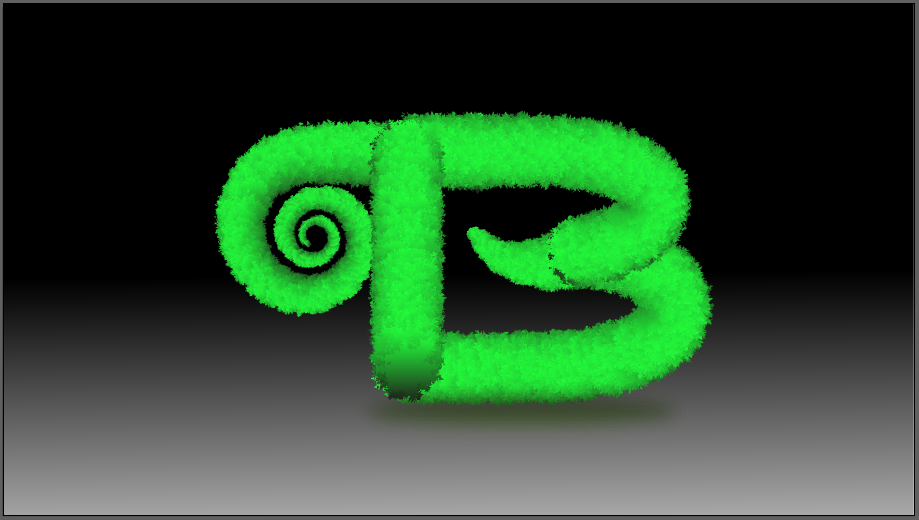
This is it, a simple realistic text using the illustrator ..thanks for everyone till next time.
[IMAGE: https://cdn.steemitimages.com/DQmYoGscbZBRvsZ5PxnXYURZWEgdCKfJk6bH2TSdfXpT7n9/Screenshot_52.png]