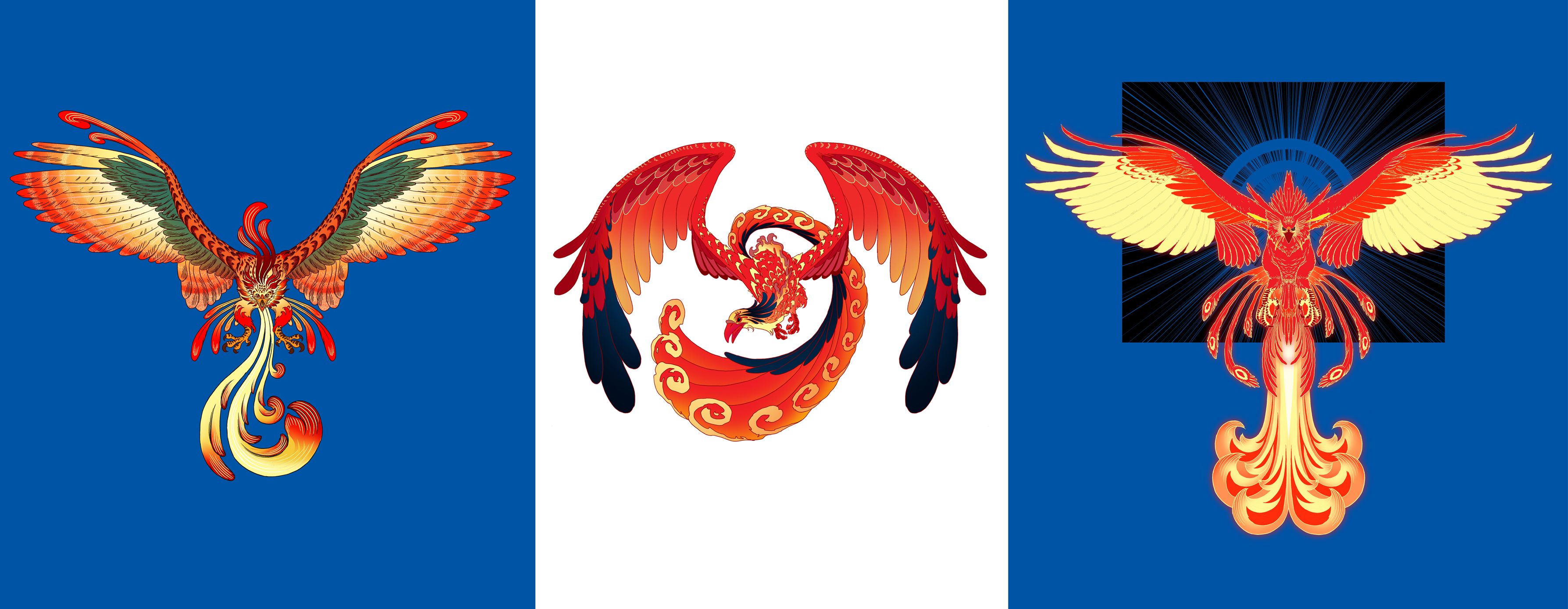
these are my entries for Jerry Banfield's Phoenix Design Contest
[IMAGE: https://steemitimages.com/DQmWaofUaRiqNWi8P2hKWBgc1Vp2DT7xEmtAmx3h7tfdKSx/entries.jpg]
THE PROCESS
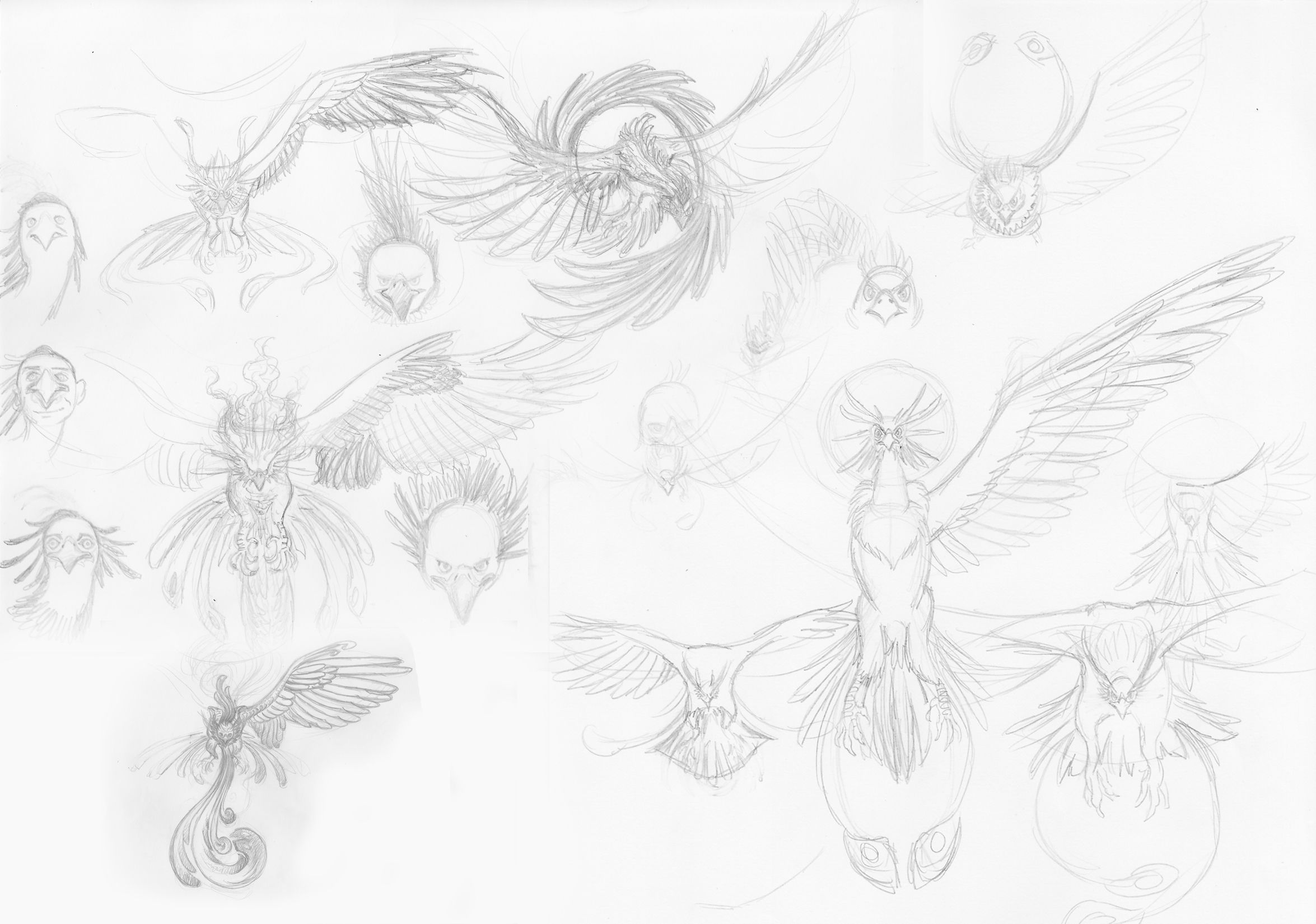
first, I sketched a lot of birds and picked the ones that I like.
[IMAGE: https://steemitimages.com/DQmdYVUBmVuNsRwrEo3YCBupT8F5MdaqBiWGLSsZSngCDEG/skts%20concept.jpg]
[IMAGE: https://steemitimages.com/DQmTHzdnAg9w9pfQqTcxZFJKSHx2XnhzWvs2dXUPzbNgh2Z/skts%201.jpg]
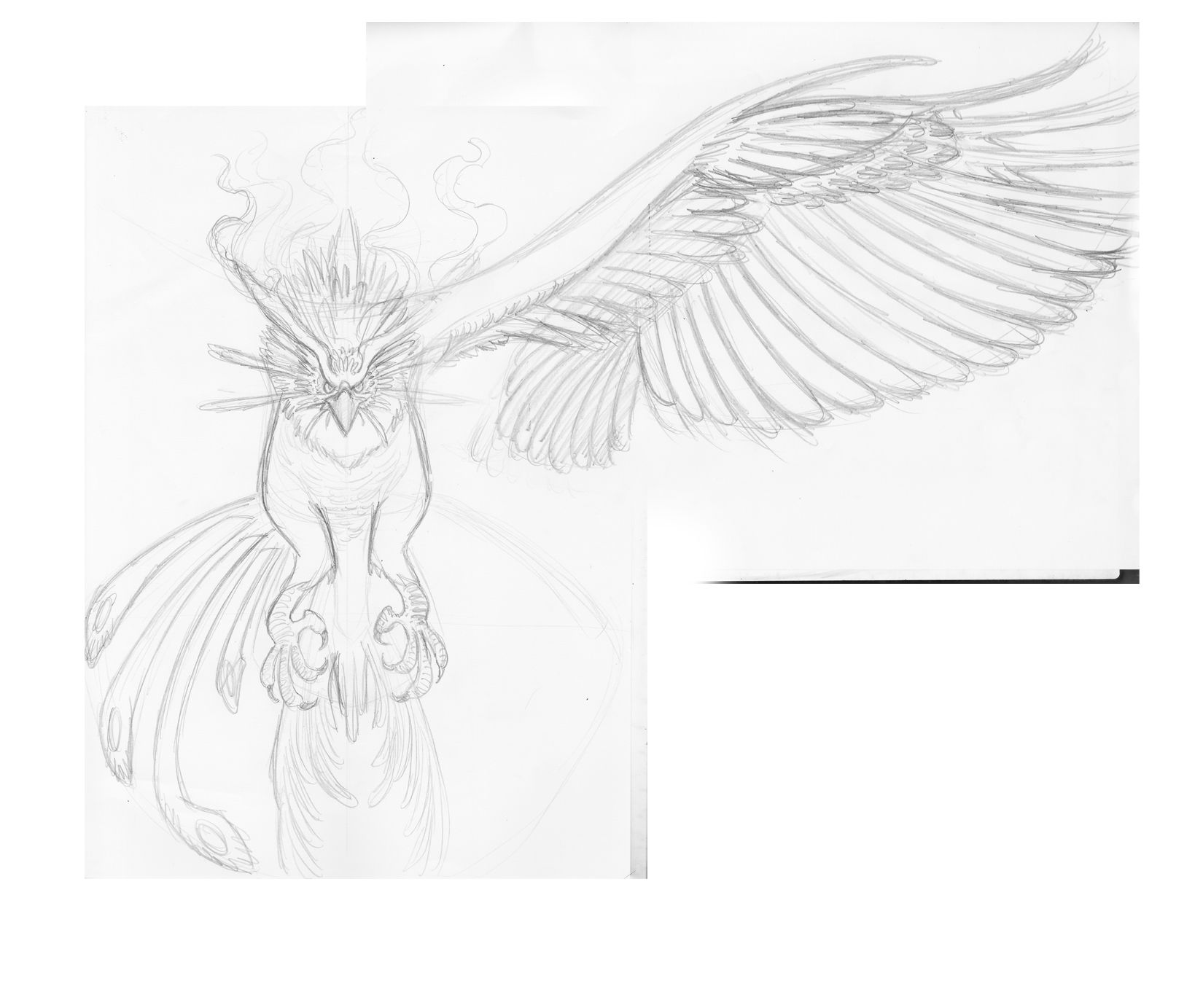
after finalizing the design, I ink it on paper and scanned it.
[IMAGE: https://steemitimages.com/DQmeDsgn9G5JRLRfxPpGDLvWePq1CyJdEUfARKGAFQX3ZL1/1%20scanned.jpg]
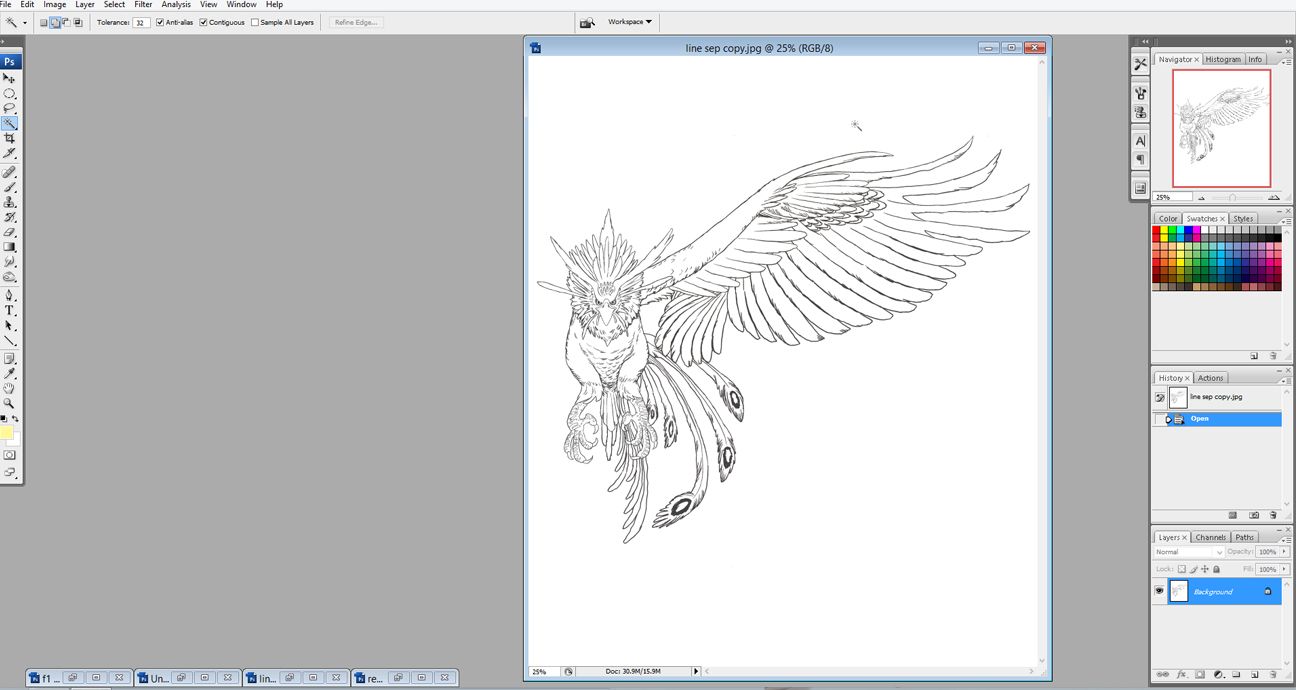
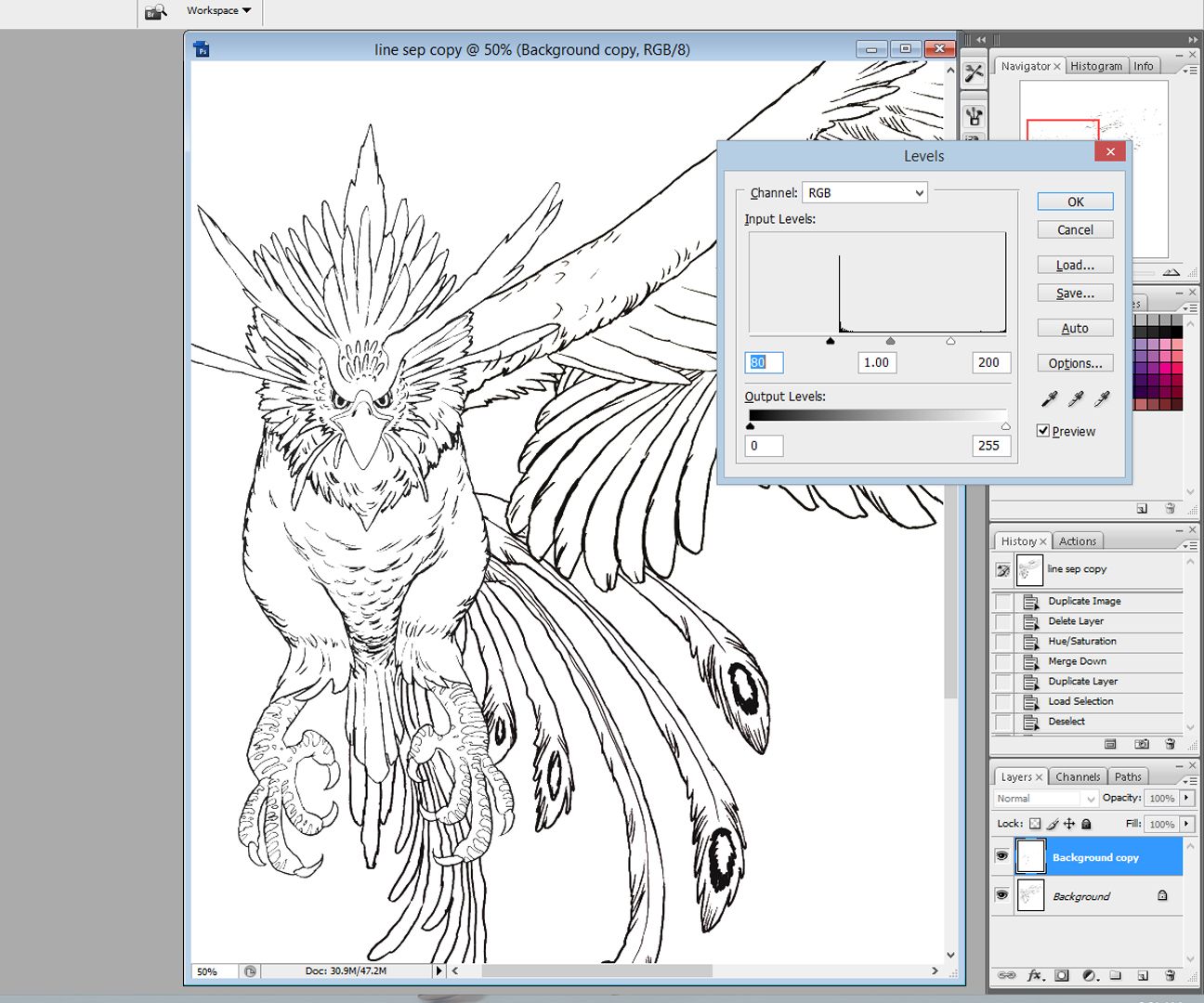
next, I'm going to separate the line drawing from the white background, but before that, I adjusted the LEVELS of the drawing by pressing CTRL+L.
[IMAGE: https://steemitimages.com/DQmSc7ssoBD9Pk3h2noTQFHioWBzXDHVsEWKg229BCV3kv3/2%20levels.jpg]
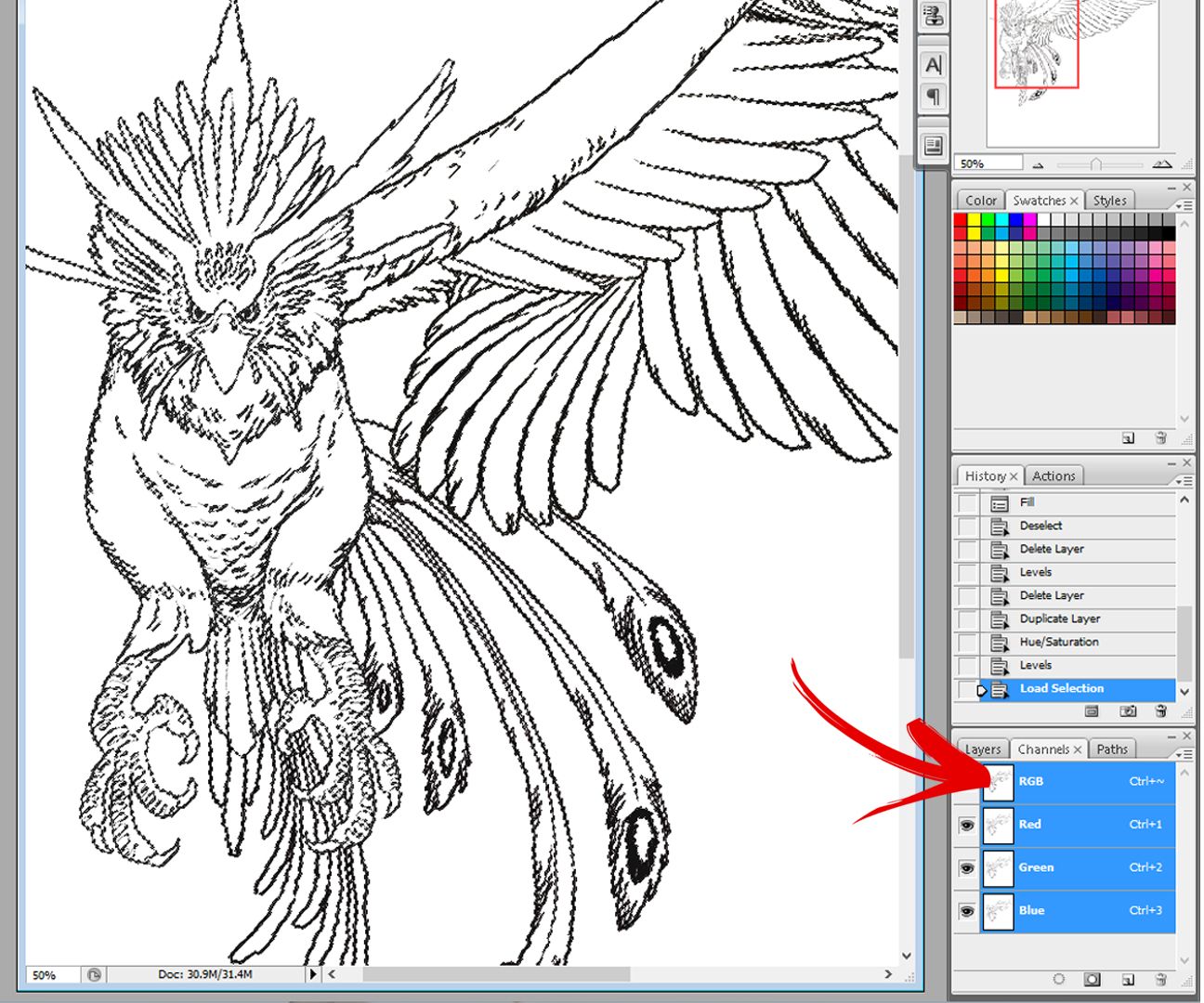
after that, I go to channels and CTRL+ click the RGB layer. this will make a selection on the line drawing.
[IMAGE: https://steemitimages.com/DQmeqesrGg8eDnpHhd2LtjrCVur9ojcx3pfpScPmi6m8Mzo/4%20channelsRGB.jpg]
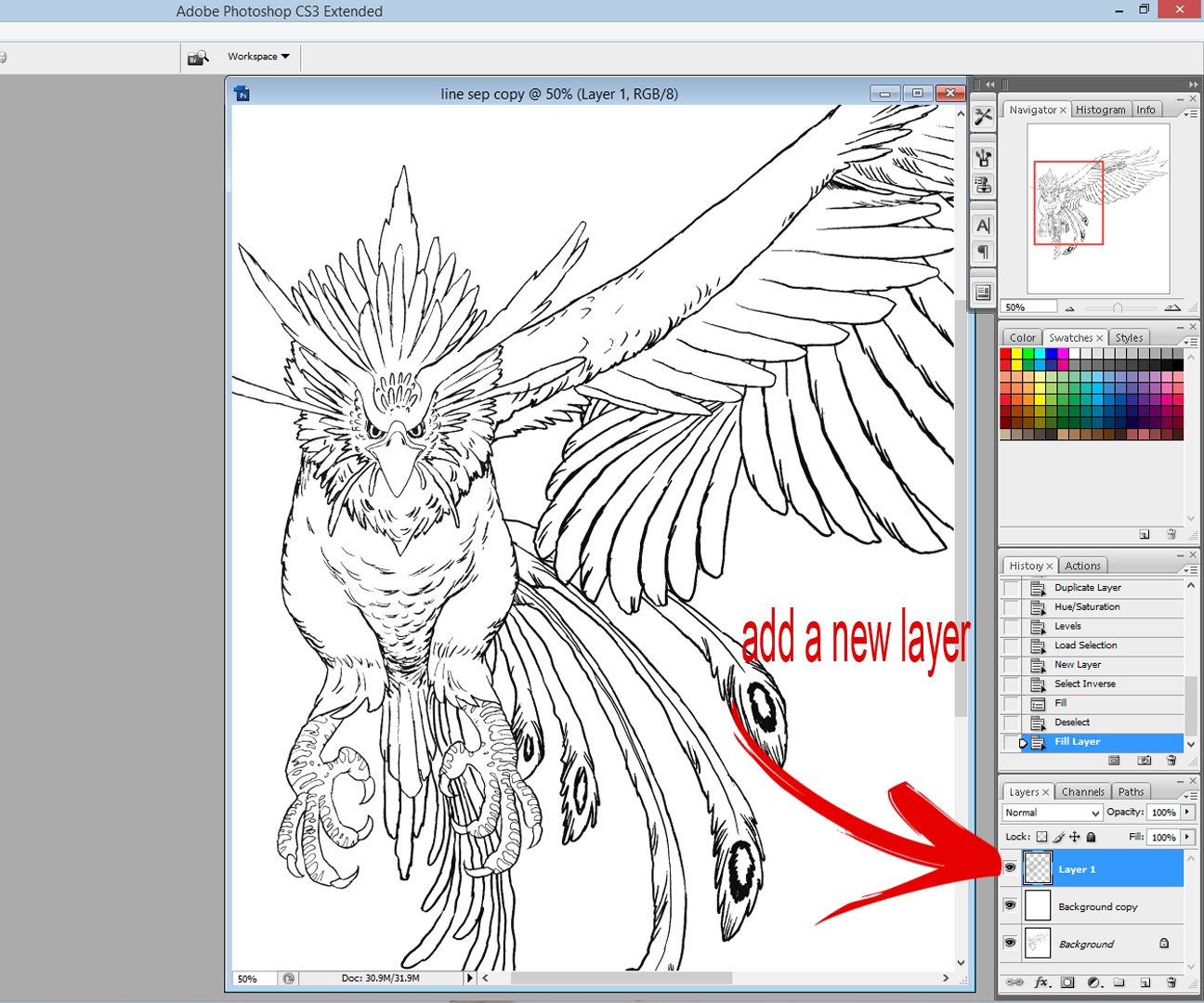
go back to the layers palette and add a new layer and fill it with black.
[IMAGE: https://steemitimages.com/DQmZGdY6oL4sKA8pNyZjVREJauPoaQds7fESi9ARxGutCCn/5%20add%20new%20layer%20and%20paint.jpg]
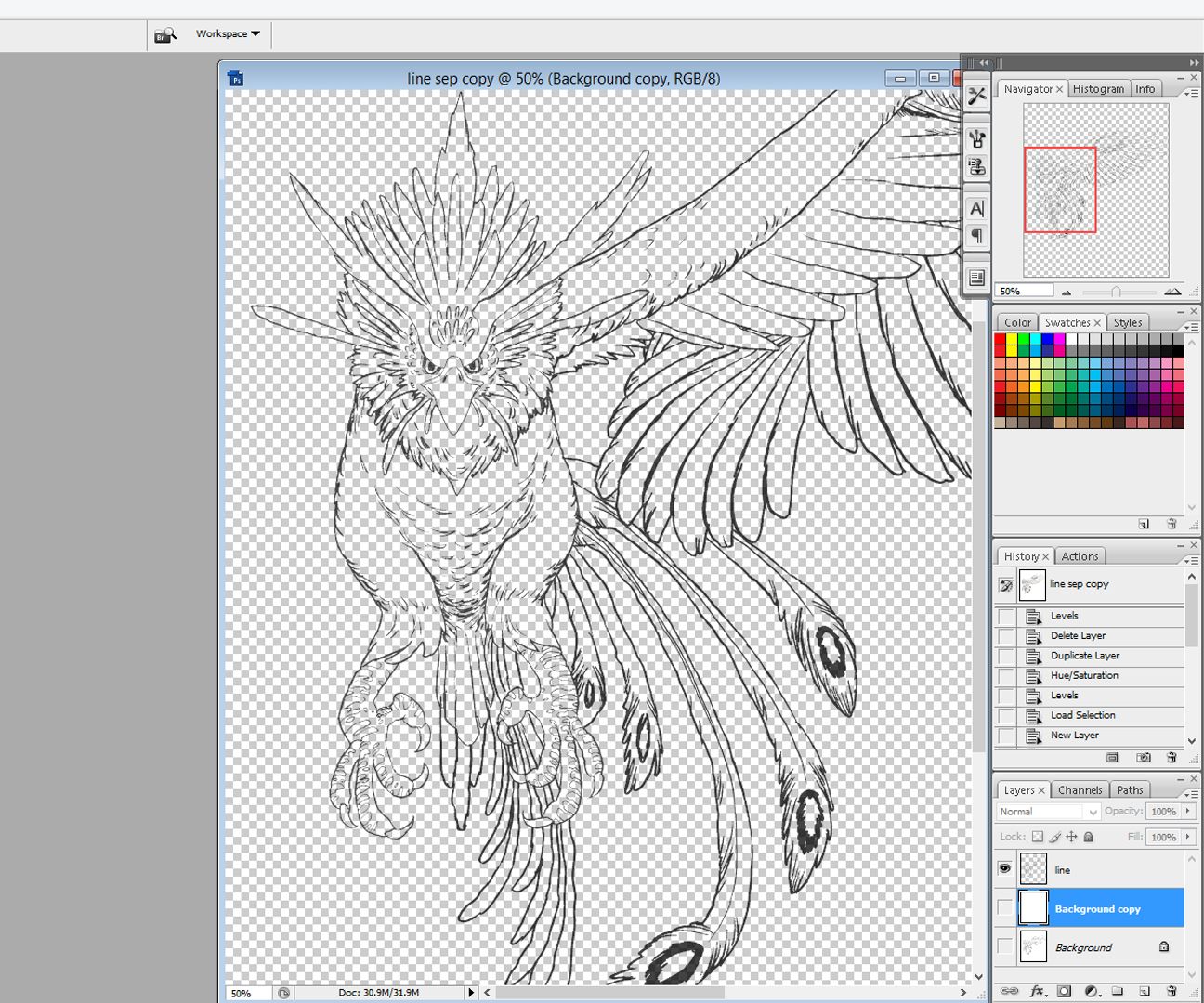
now I have the line separated. I added a new layer under the line layer and fill it with white.
[IMAGE: https://steemitimages.com/DQmeU6MH8WmuQrXY4sozoG3G8p7oDiQtXnjzD44TH2LSyBV/6%20line%20separated.jpg]
next, I'm going to paint a flat color under the line drawing layer. I use the wand tool and I click anywhere outside the line drawing's layer (or the negative space) and it will create a selection. then I inverted the selection by pressing CTRL+SHIFT+I.
[IMAGE: https://steemitimages.com/DQmRov7LXoLifnqmE37eYb3iGFeC3tLaRhottzDmdGEo6B3/7%20wand.jpg]
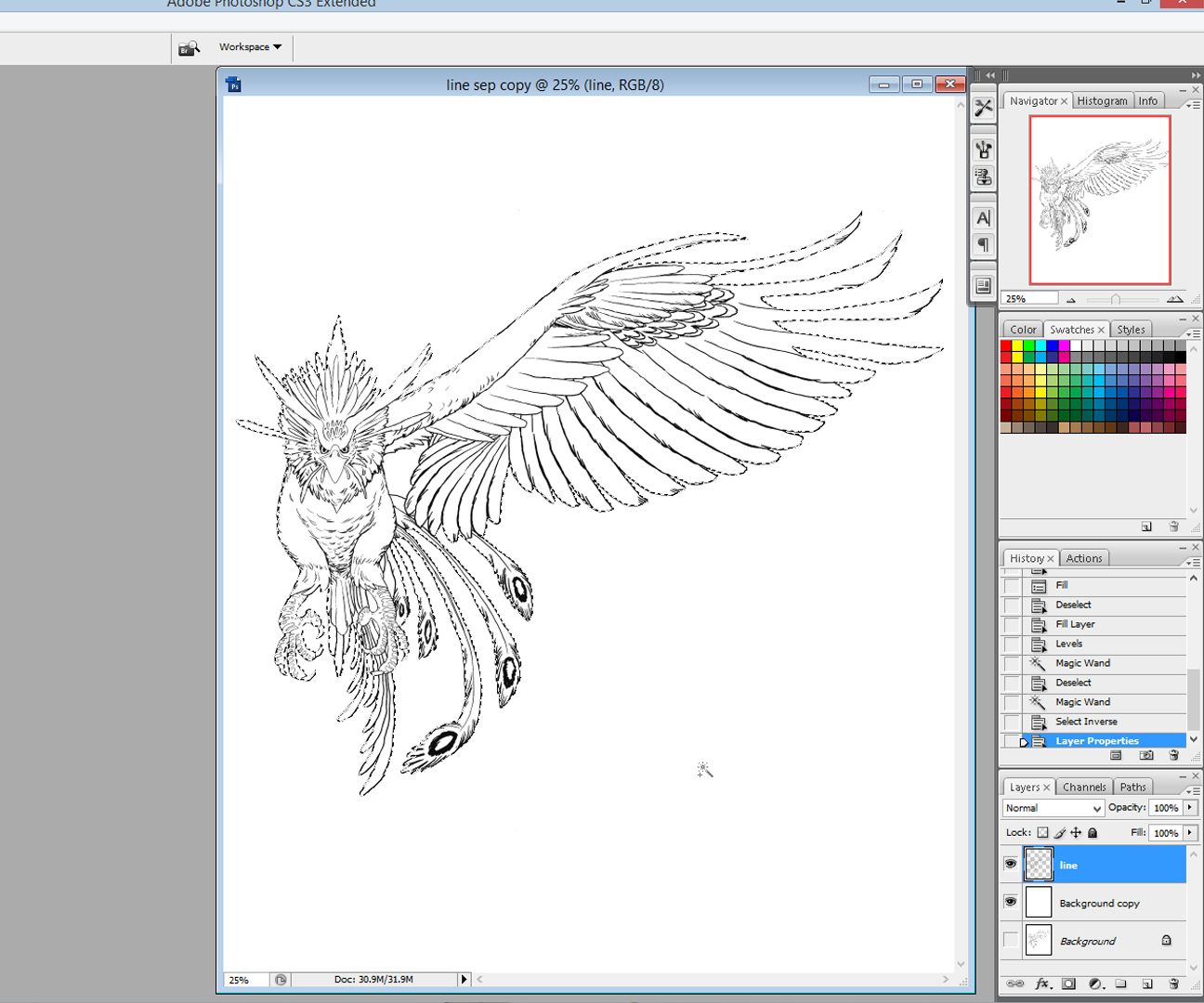
and fill it with yellow.
[IMAGE: https://steemitimages.com/DQmfXx3QBbBtZpHk8HZ7ZmMKyEzDHadVra4Lr8MT6sGvULn/b2.jpg]
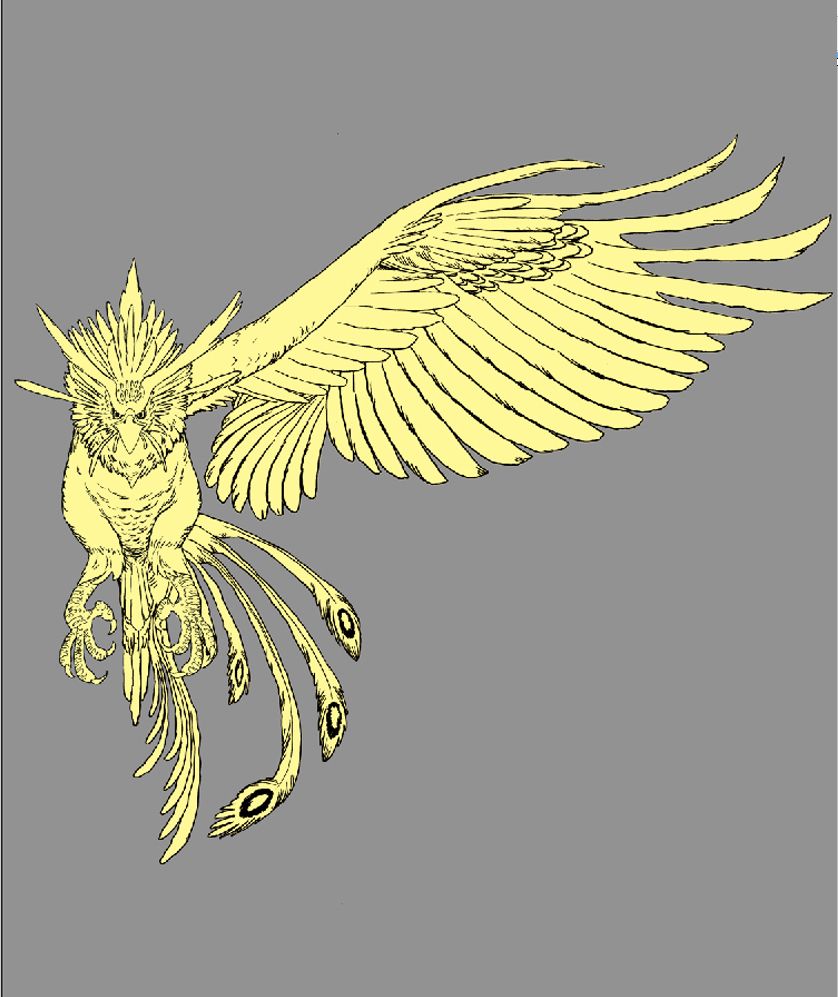
I added red and orange and little details
[IMAGE: https://steemitimages.com/DQmUPcsVzqGMnqjUnACL8Y9F5ReJxSLNiLCcwjKtMh8w8Hg/c2.jpg]
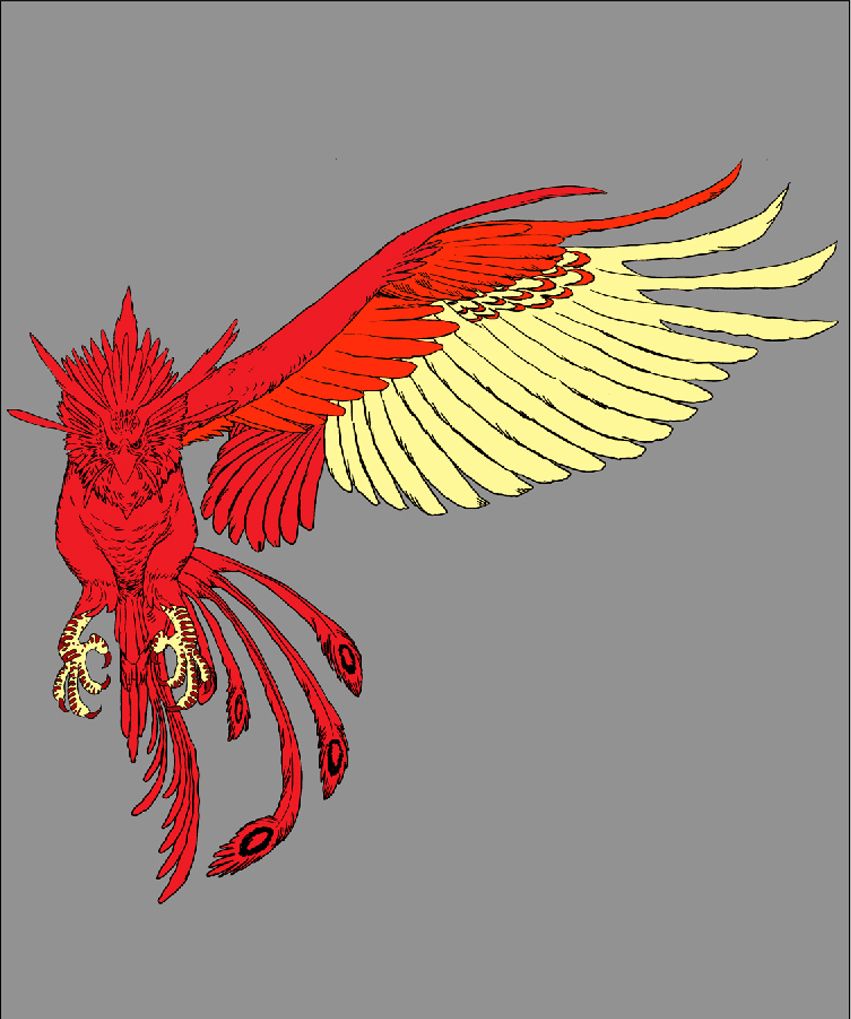
here, I changed the color of the outline to light yellow.
[IMAGE: https://steemitimages.com/DQmYven1sGAuPPrtS2apPJaqu6hfCmRYL6a2XnnipbNZbBD/d2.jpg]
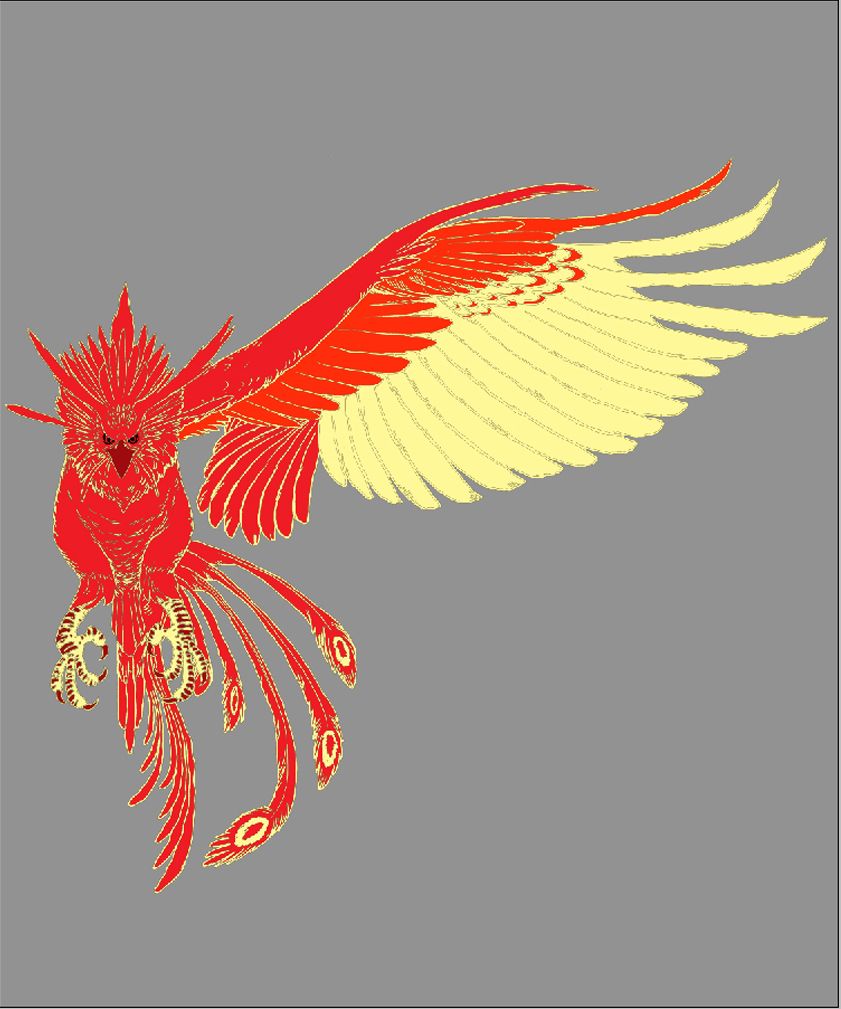
usually, the Phoenix have a long tail feather so I go back to my drawing table and draw the half of the tail, scanned and paint it.
[IMAGE: https://steemitimages.com/DQmS7C2hUubaarx9wyhNexSv7Hwu6jMDUacWtXhmYCaGeY3/e2.jpg]
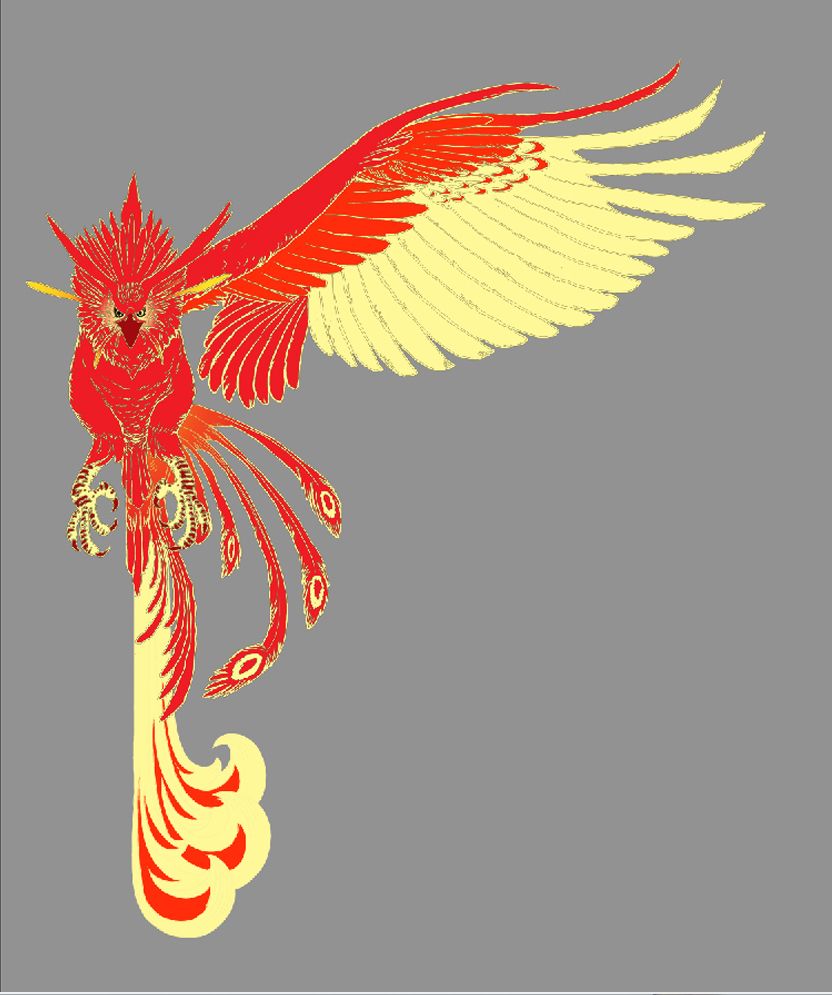
here, I duplicate the right wing and tail, I flipped it and put it on the left side. I use the line to align and center the Phoenix.
[IMAGE: https://steemitimages.com/DQmNRJGeYfg3bP58D7nTFwY6JJVphbnuaJdxoNNQ3fY99ca/f.jpg]
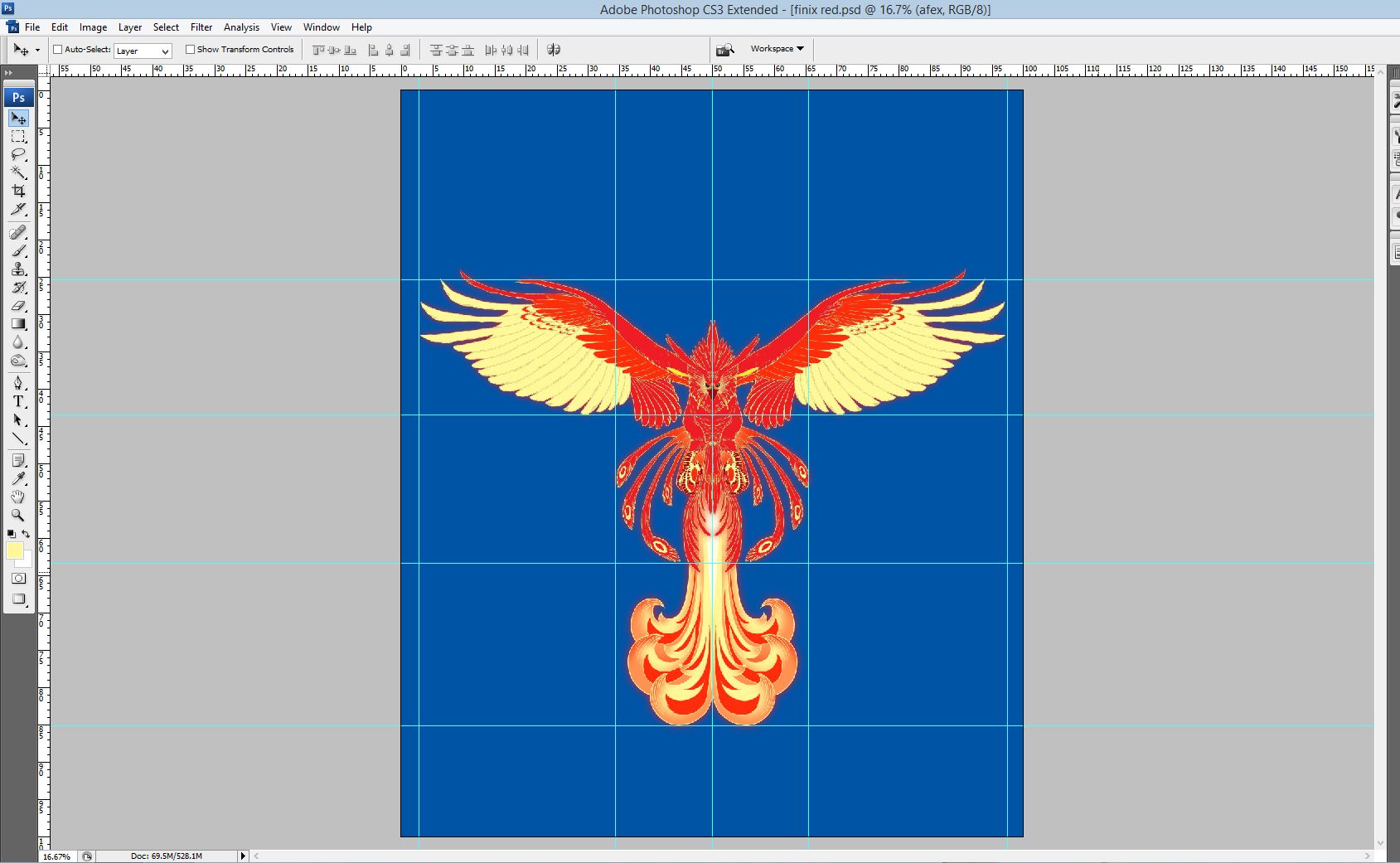
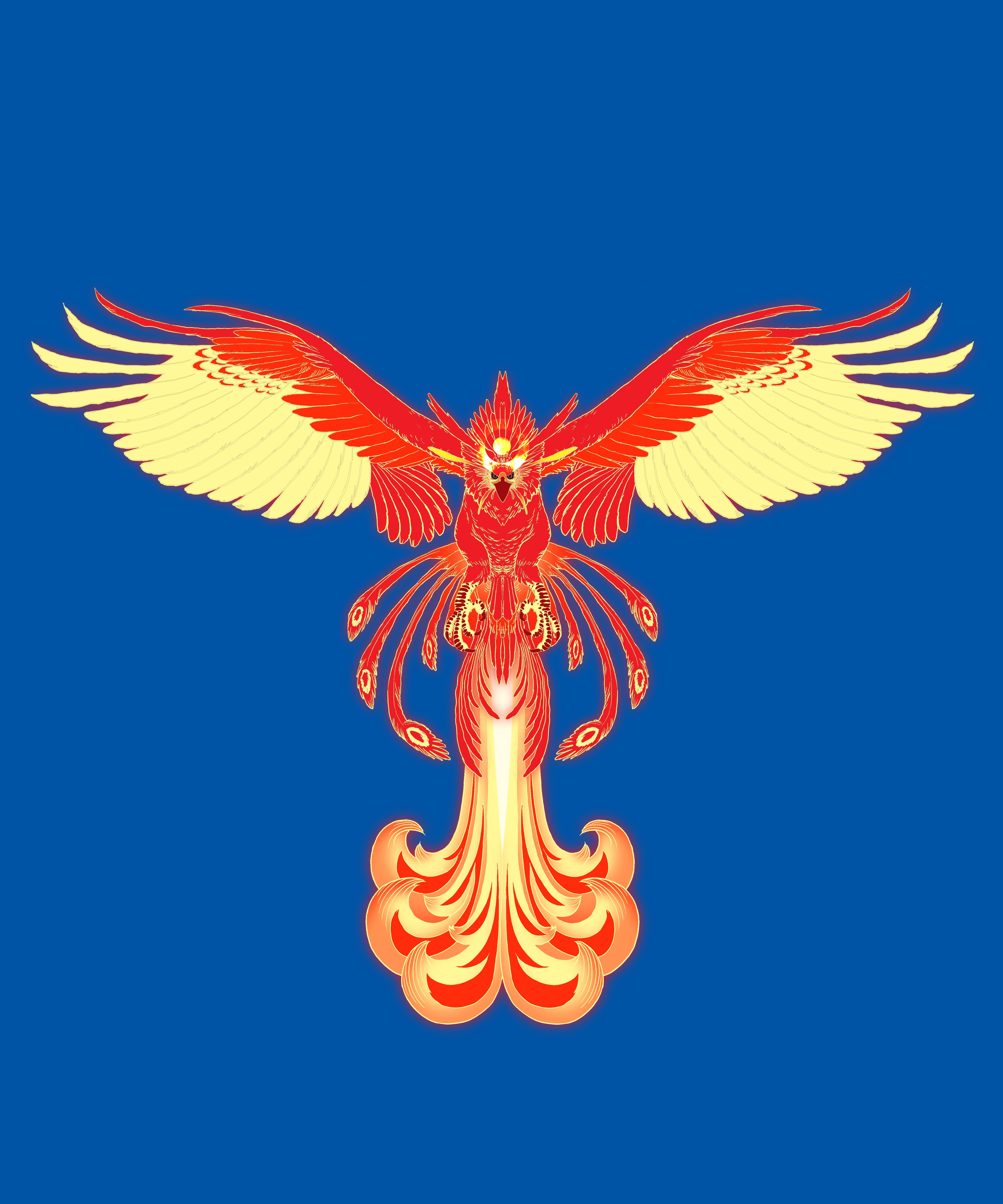
HERE'S THE FINISHED PRODUCT
Phoenix Design #1
version 1
[IMAGE: https://steemitimages.com/DQmQ89zqEFX9bdA9z6KgaapEJM6PcSsmUAVFqYM7R4hce4b/finix%20red%20ver%201.jpg]
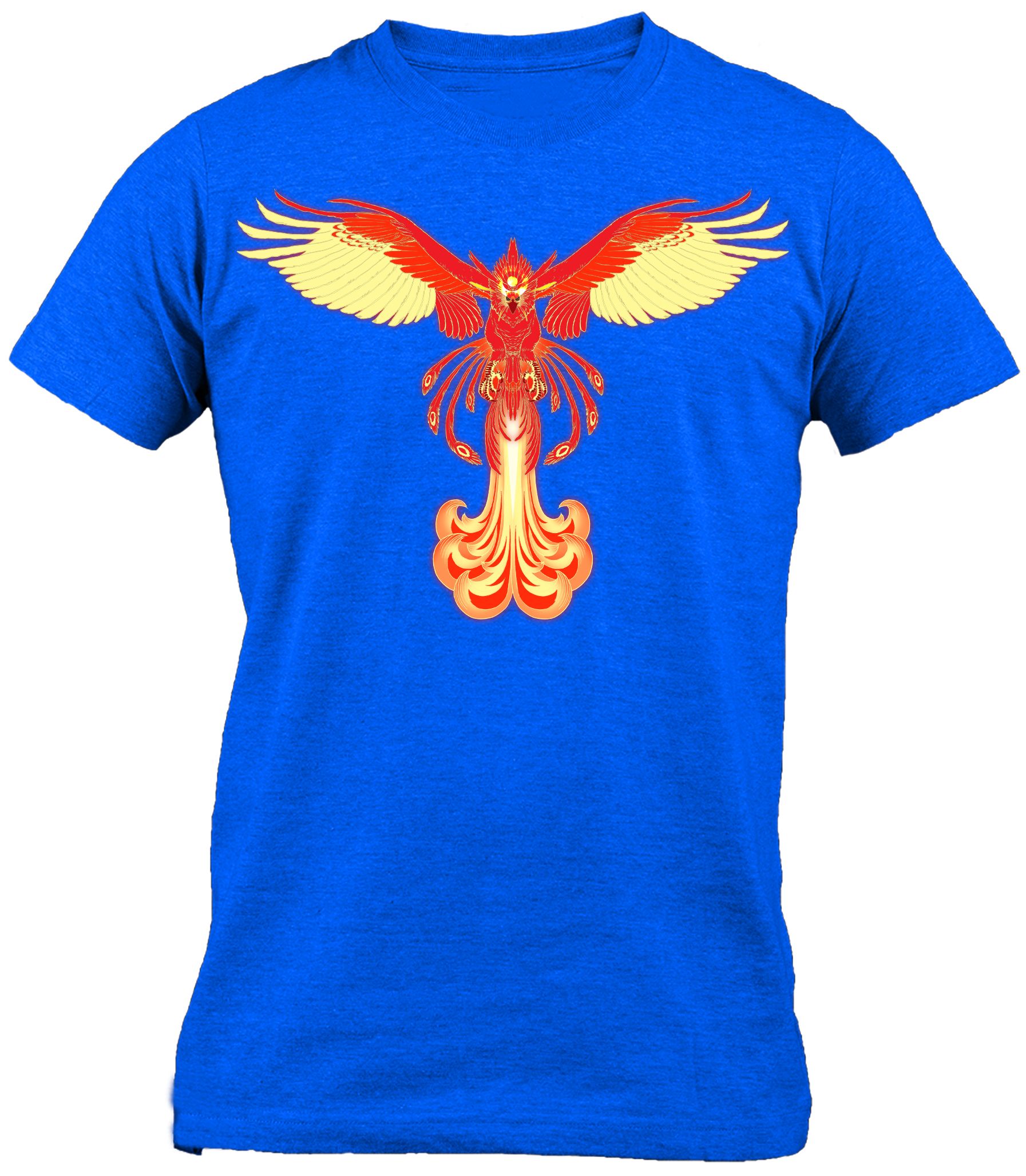
version 2
[IMAGE: https://steemitimages.com/DQmdk3VeoQ9NeLz3PXhDeDKGLVkRYQWREsNCggSWrE1XHQU/finix%20red%20ver%202.jpg]
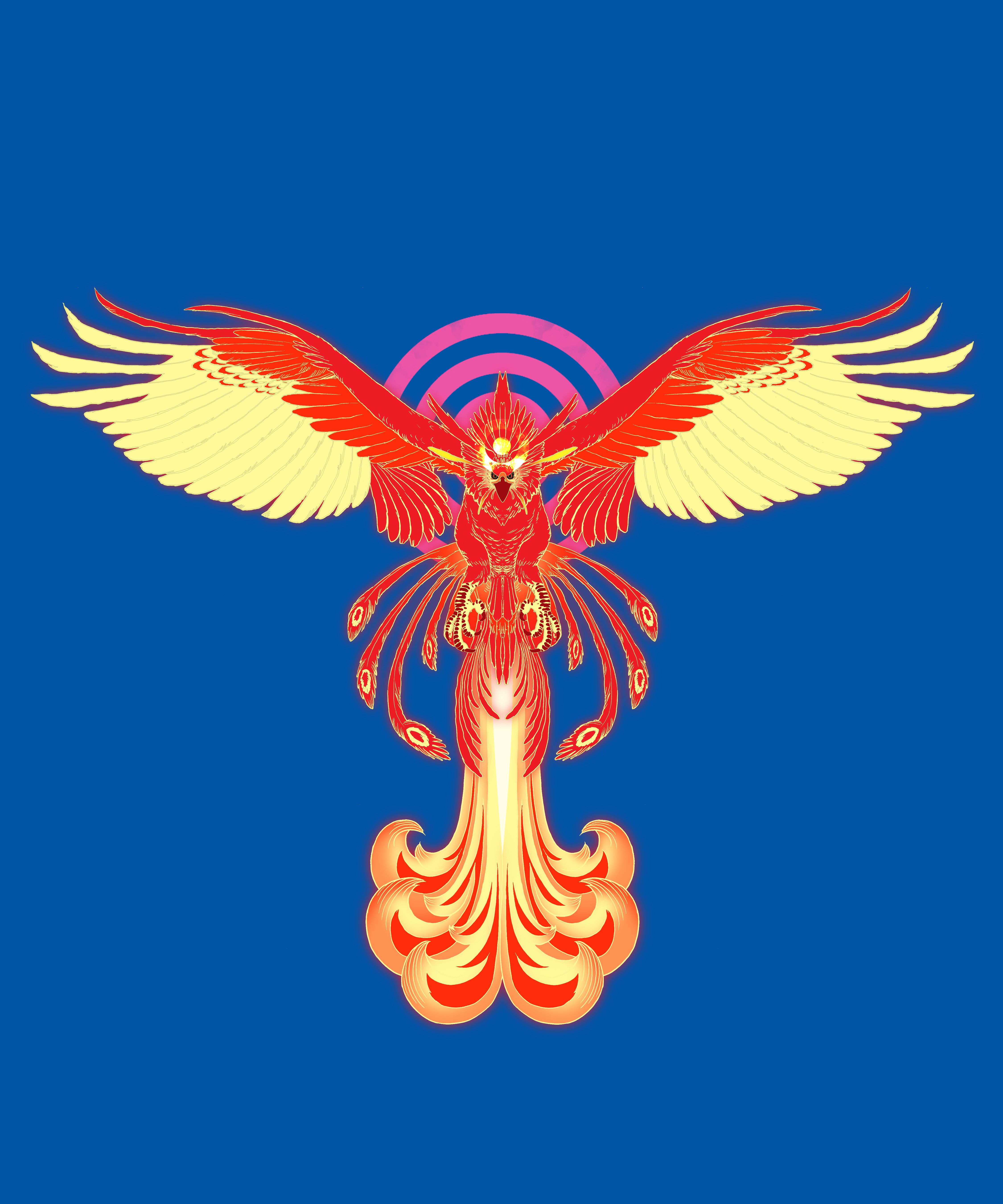
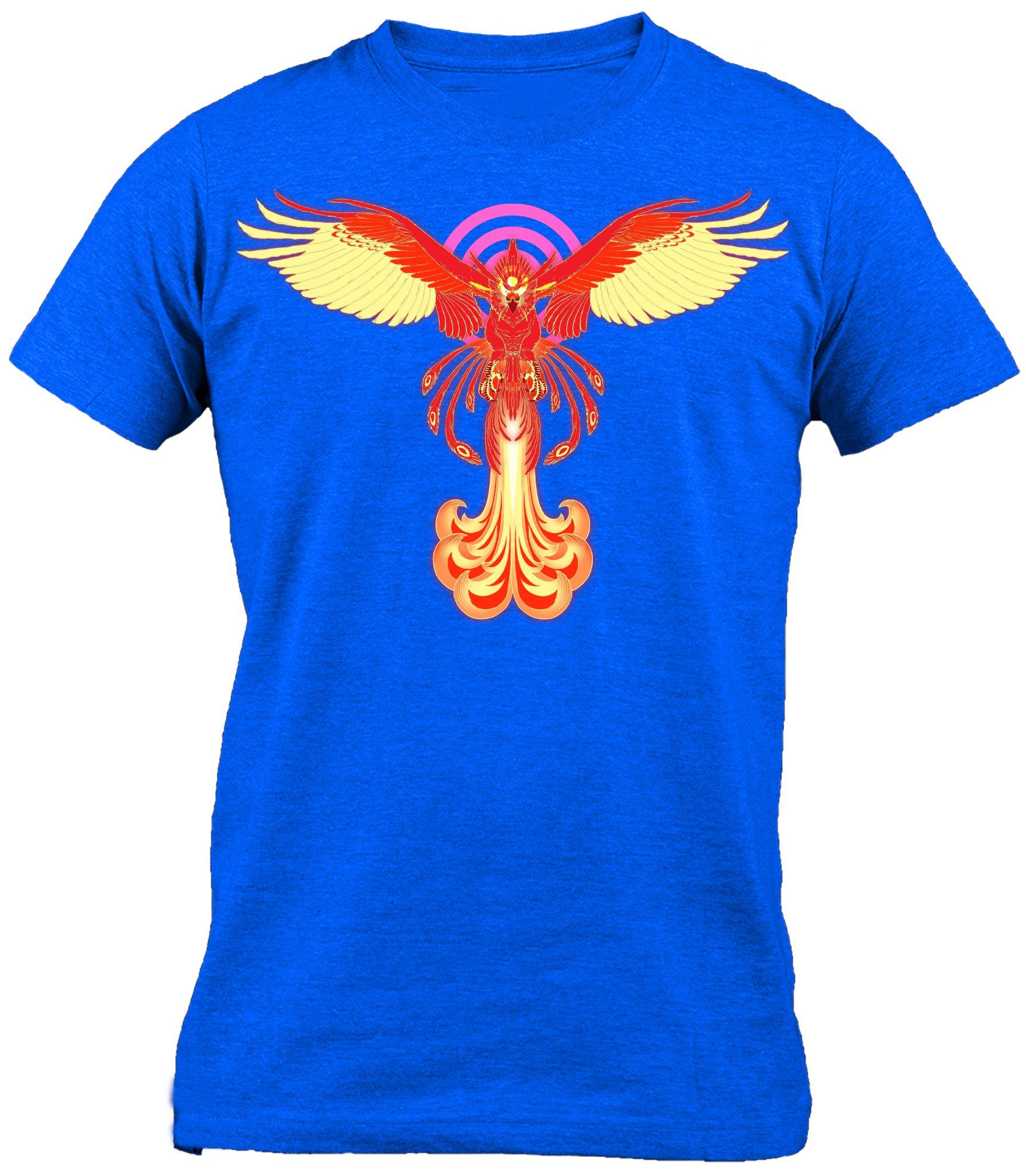
version 3
[IMAGE: https://steemitimages.com/DQmbmkzJ4WmRvEx8HQvuGs1Au94gPyZBv9JxjYHxyRfnMAW/finix%20red%20ver%203.jpg]
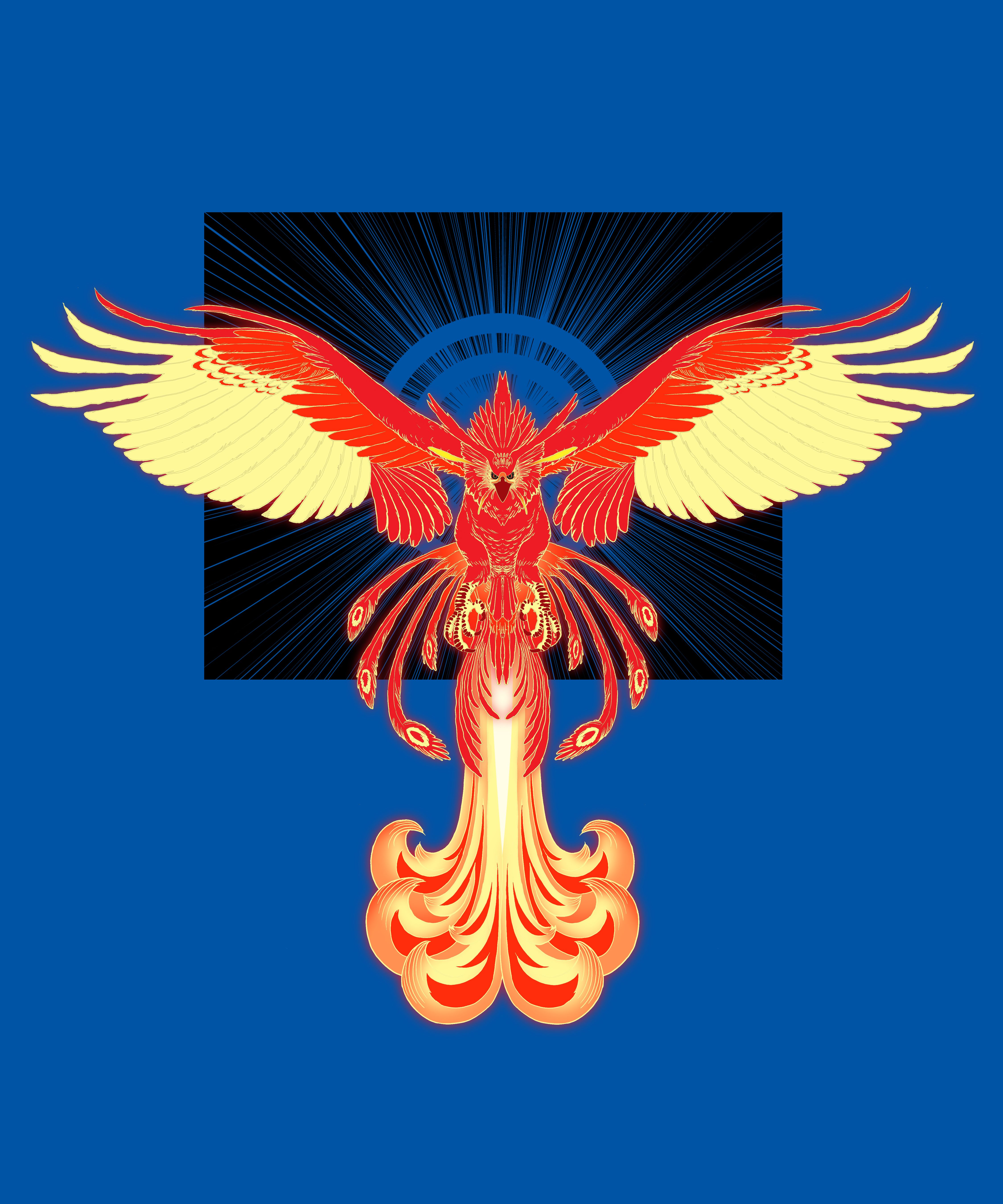
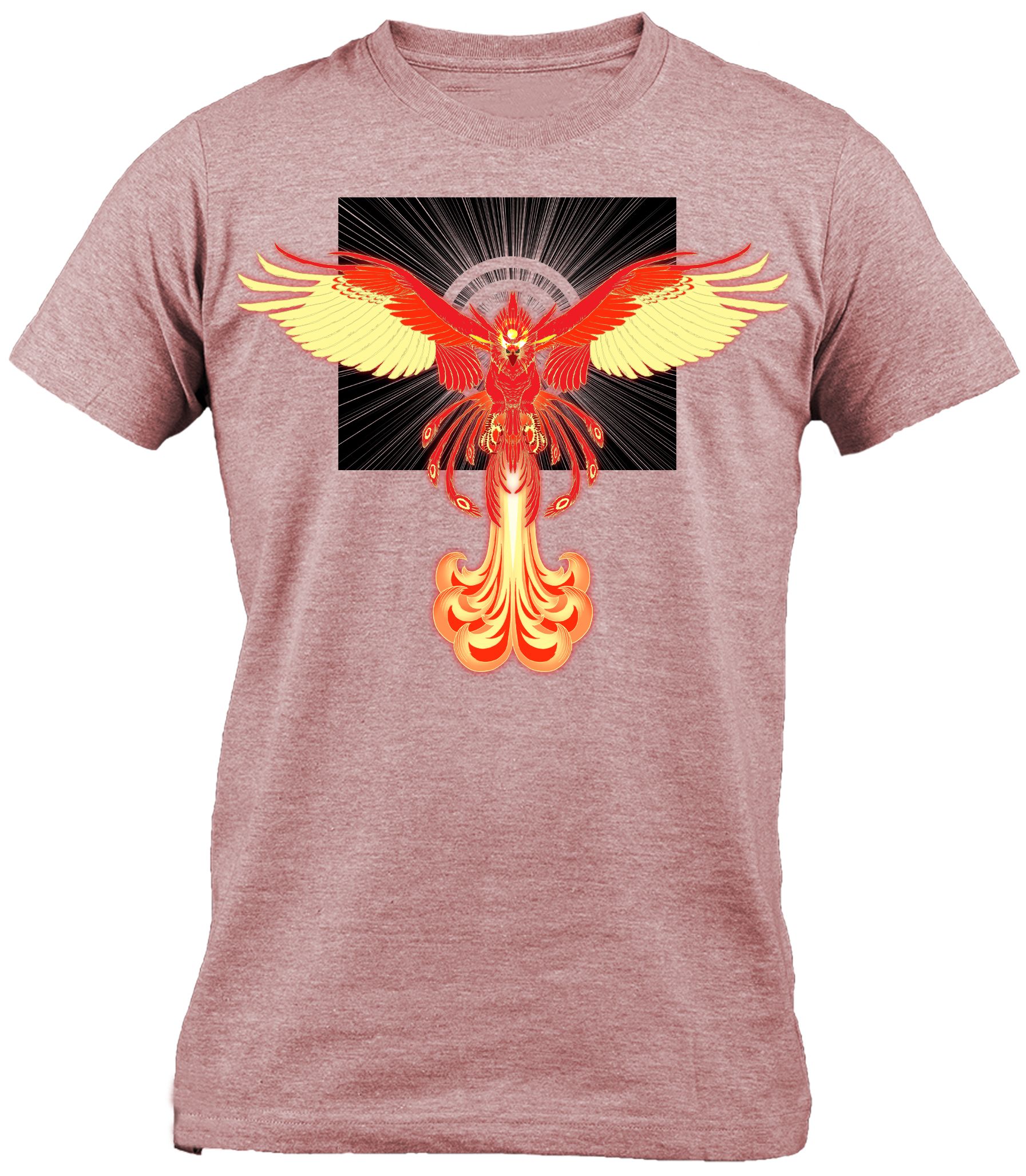
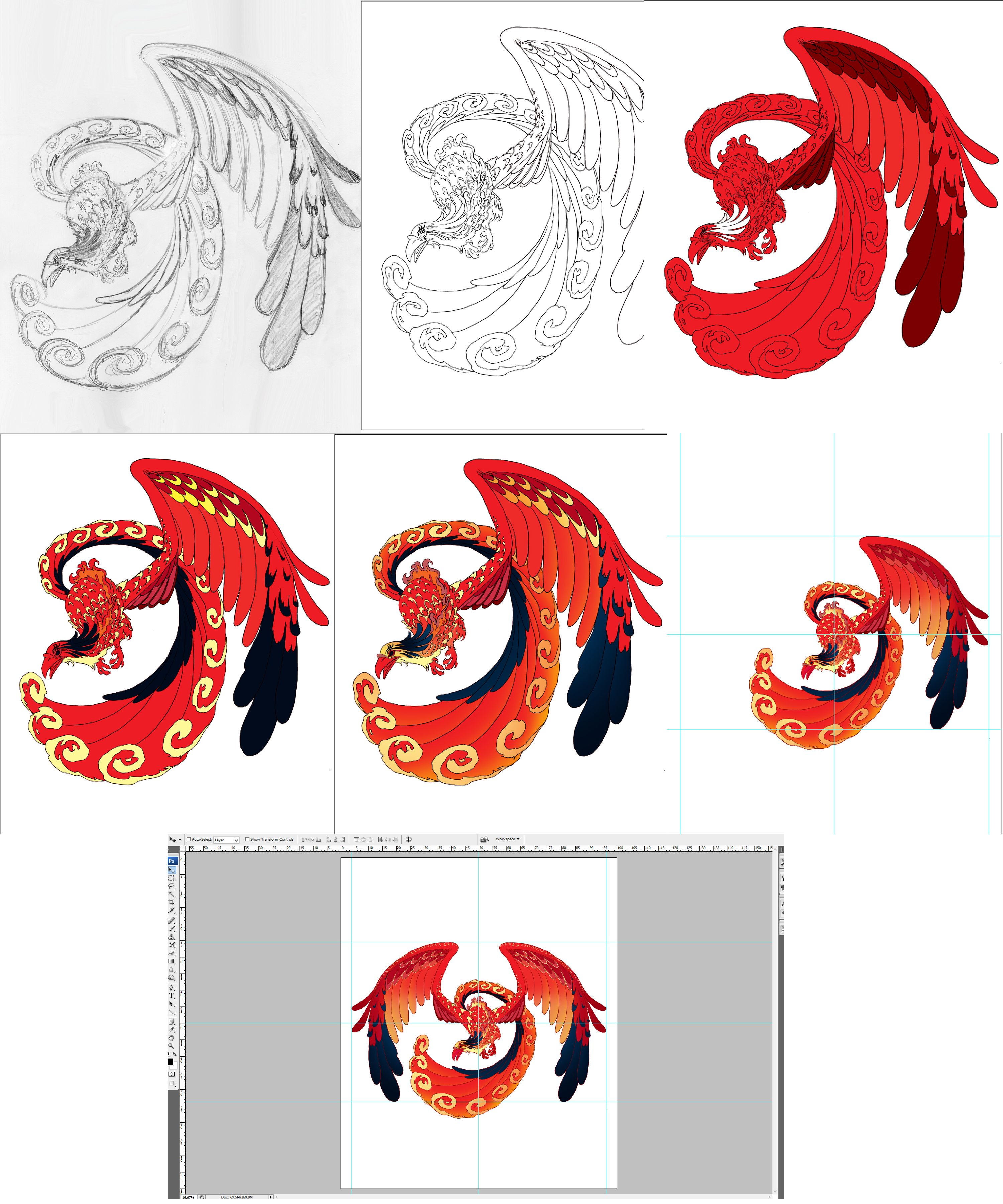
Phoenix Design #2
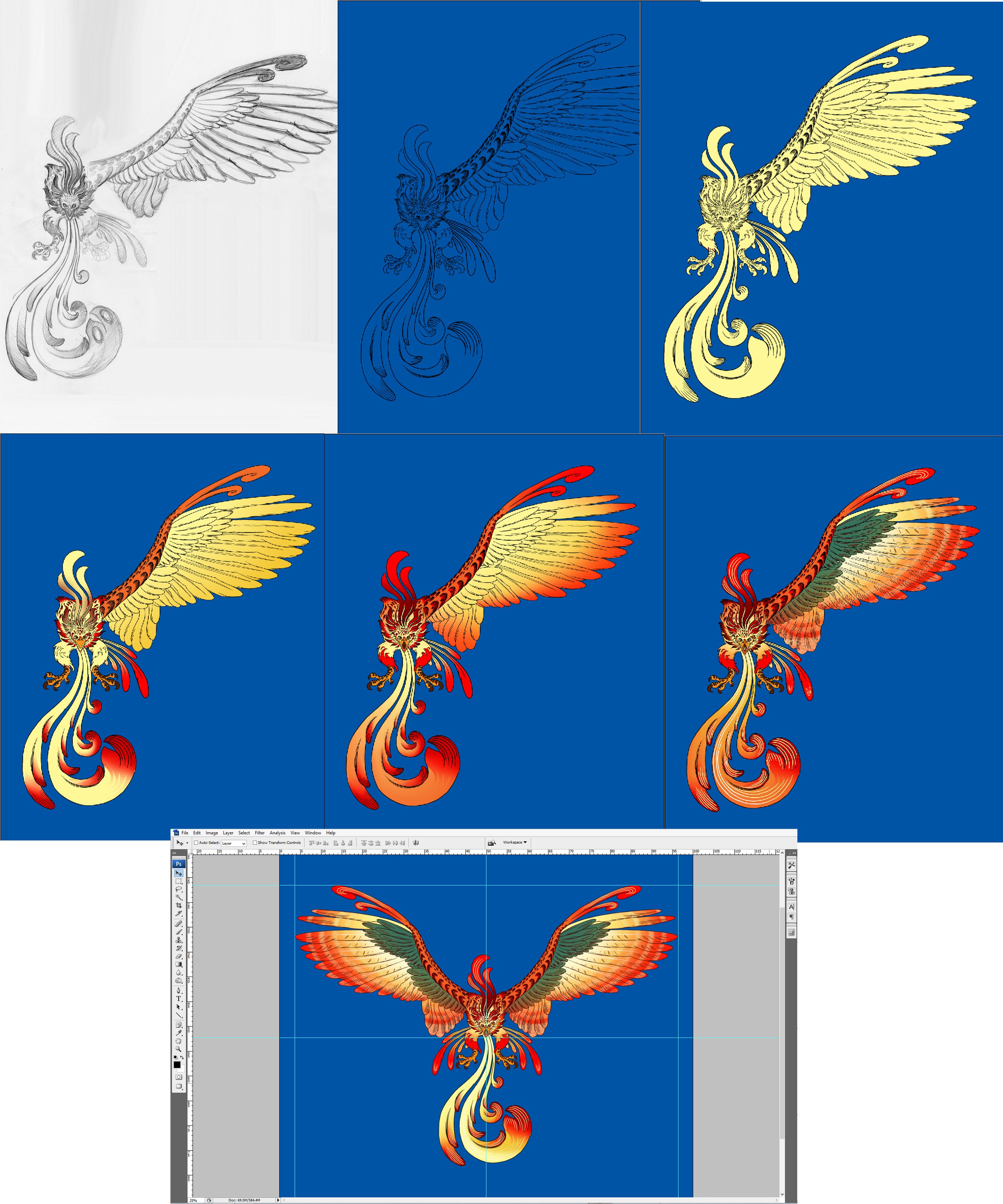
like the first Phoenix Design, I applied the same process here
[IMAGE: https://steemitimages.com/DQmcEDC93tu2CxUDu5nb4M3mHbpRGzNLrYHYELK356CuoFq/process.jpg]
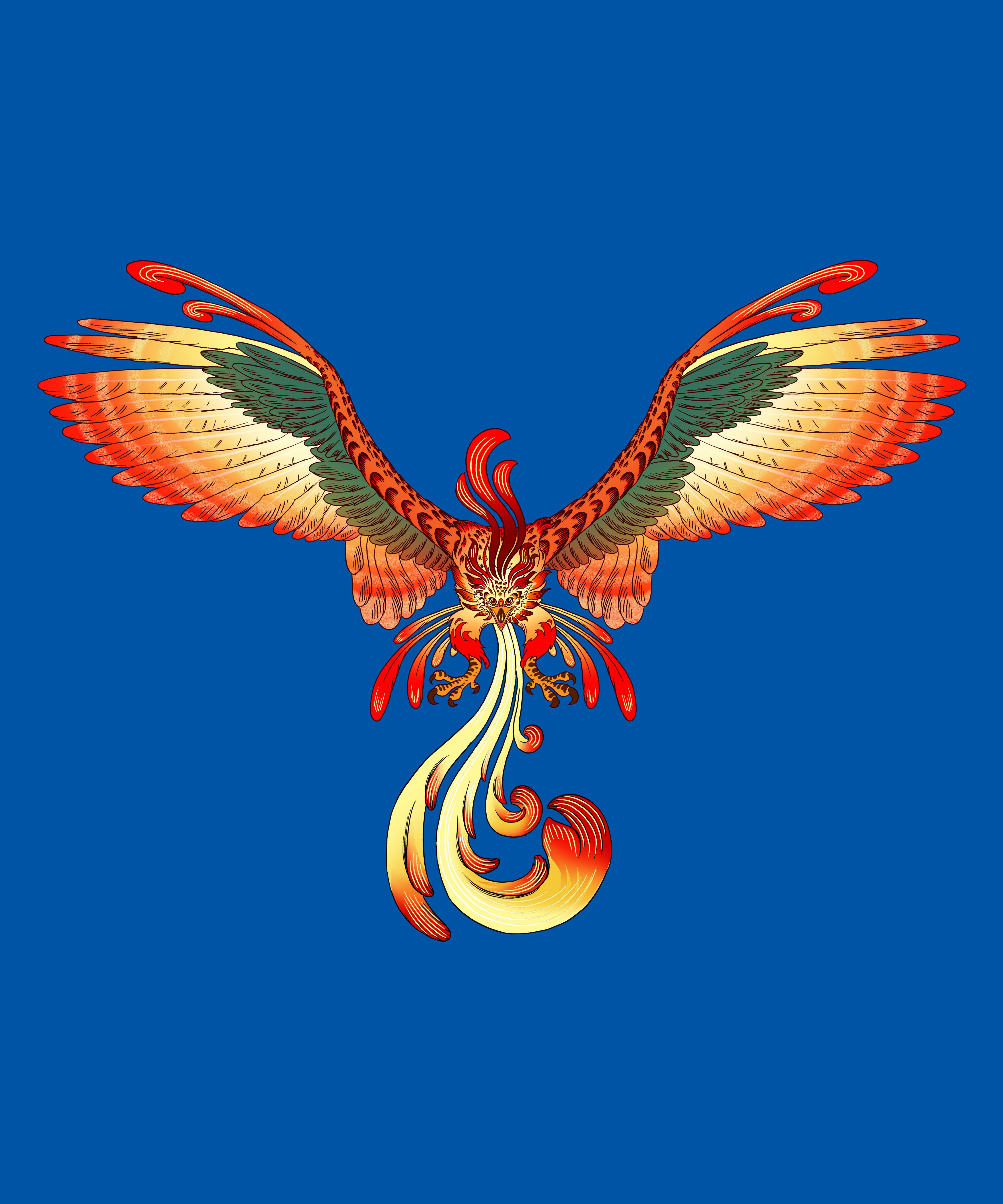
version 1
[IMAGE: https://steemitimages.com/DQmWJ9zcw4aTv8QeRtEmfqvr4UknNyeHXepxXeJFWg3FbZ2/done.jpg]
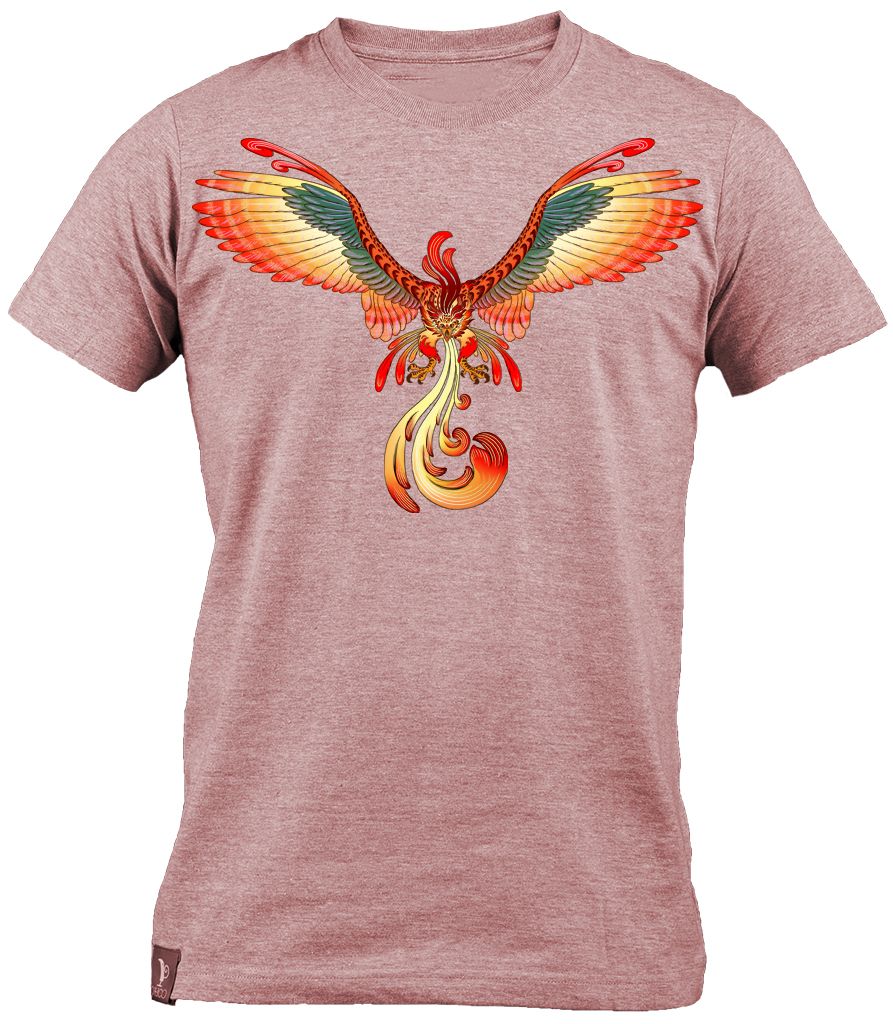
[IMAGE: https://steemitimages.com/DQmYuqBGVUm3APXfaPbVvfcEzRZDUCwUXEVp3Vvor7kyrTB/v1%20tshirt_PNG5448.jpg]
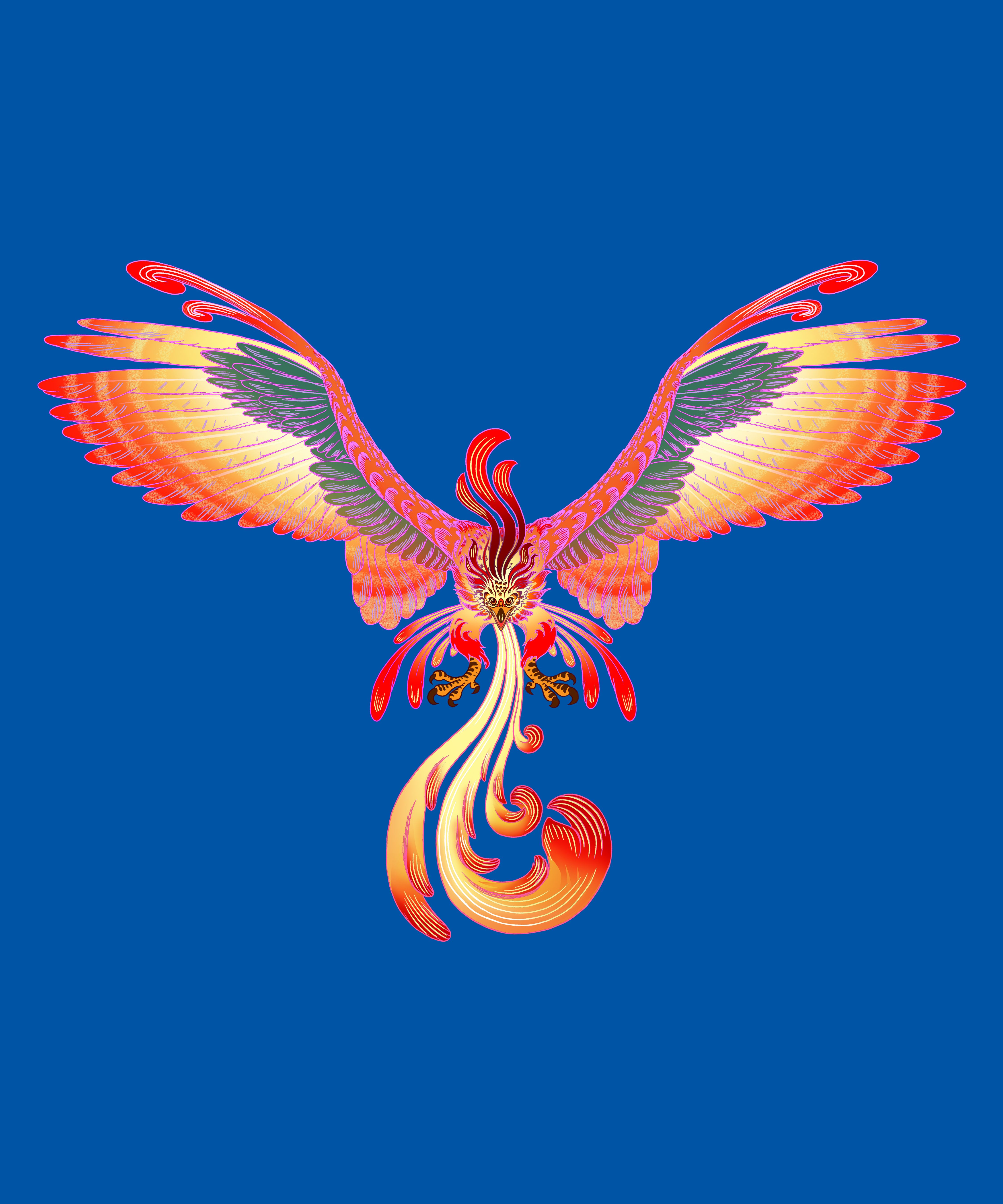
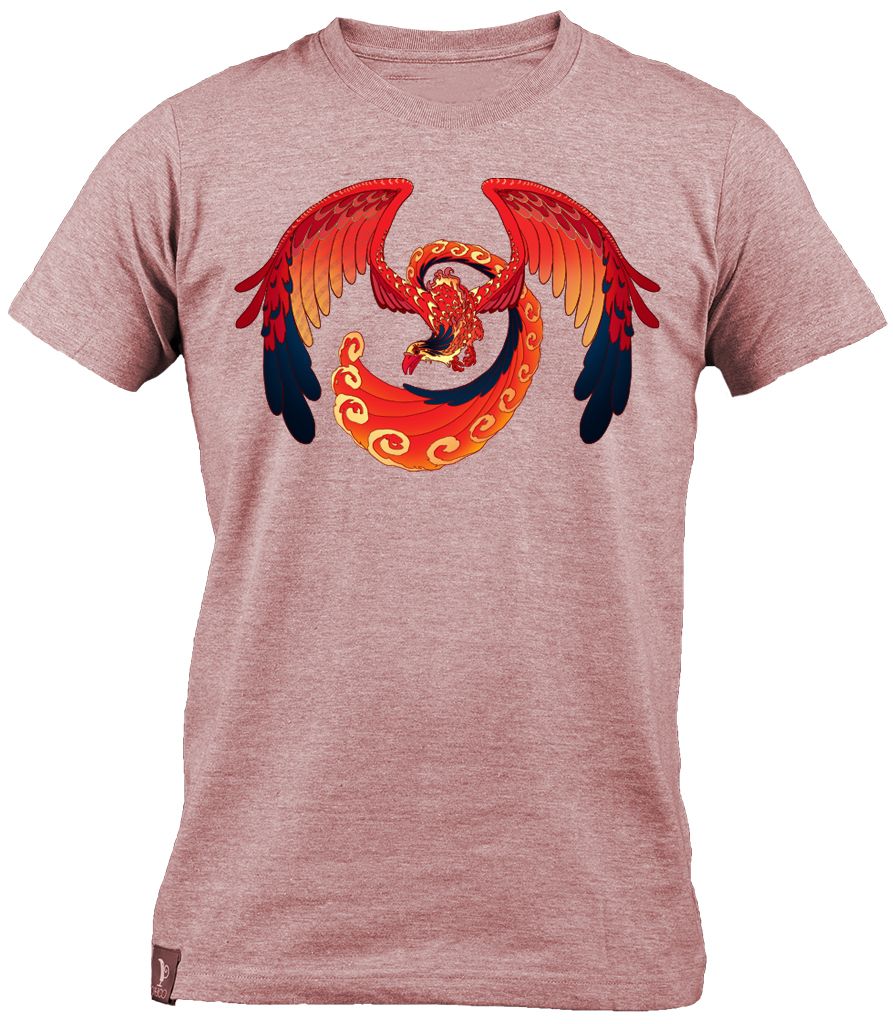
version 2
[IMAGE: https://steemitimages.com/DQmWjxzpczv1Lpn754fC9weyWeYv6AJUziX3Gh1rhX9K9hN/version%202.jpg]
[IMAGE: https://steemitimages.com/DQmSoprjyi1BTQsDGNvB7g3z1ZkS4cT5WDHwrmDXQkFH6xq/v2%20tshirt_PNG5448.jpg]
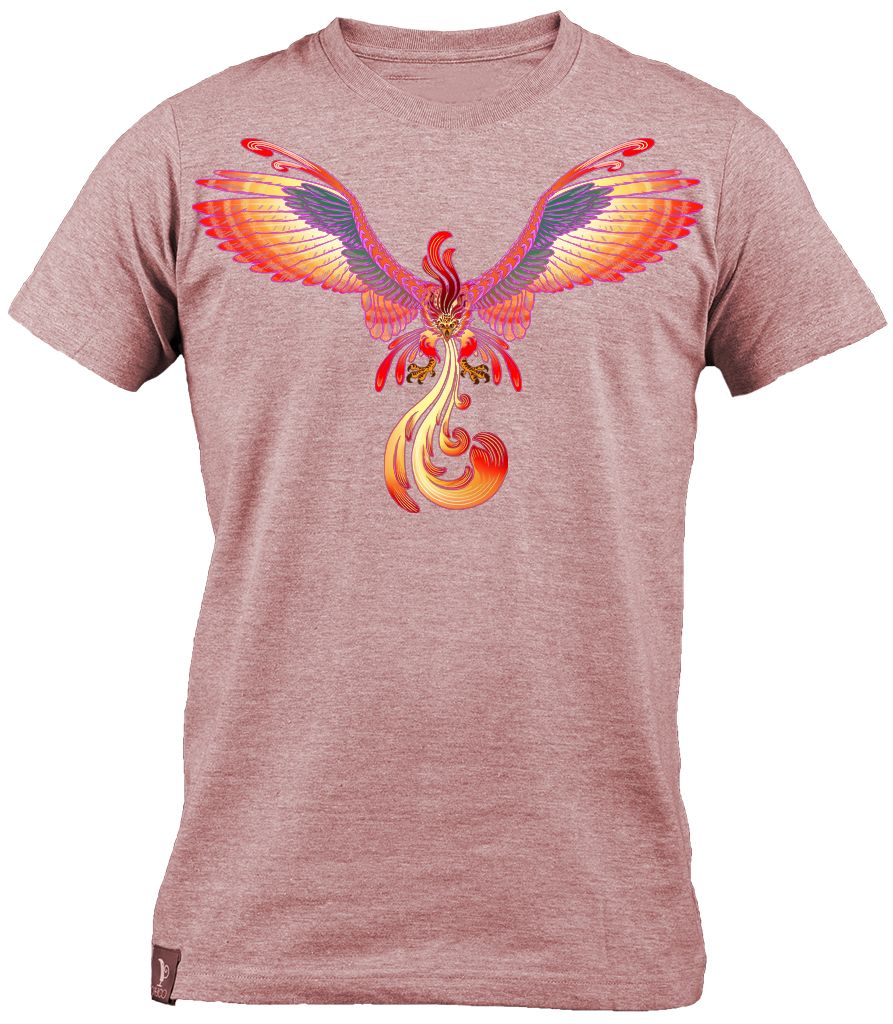
Phoenix Design #3
[IMAGE: https://steemitimages.com/DQmYbCus7gJMbKAb4jrAbHEPULjwmjfe8g9keG7jb9psEZC/process.jpg]
[IMAGE: https://steemitimages.com/DQmZg54UW75Vwegdnv7LiiDJuufoqtRcz2n1JN8u8z9Vbdh/done.jpg]

[IMAGE: https://steemitimages.com/DQmax6Lo4aTziAUdTf6NiVMYDpPUTvzpuQ3ABF58Dn33MQC/tshirt_PNG5448.jpg]
.....and that's it. thanks for stopping by.
https://cdn.discordapp.com/attachments/362426555185496065/378585593006784523/ritzzard.png