Tried to create my first Emoji with the Quix The Devious
Step #1: Get the Quix's picture from 👉 Here
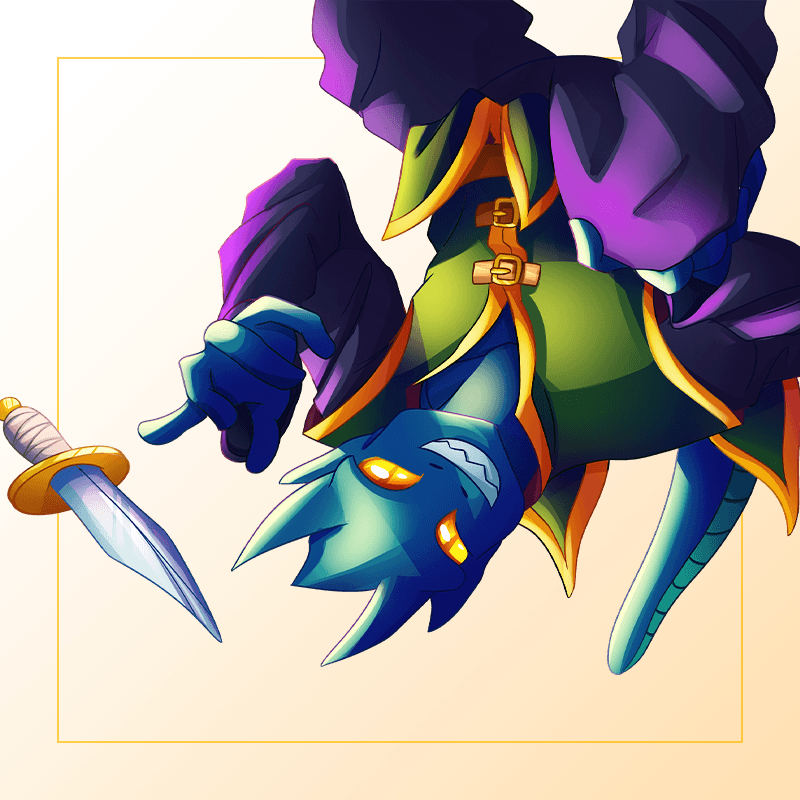
Step #2: Load picture into 👉 LunaPic
- Rotate the picture
- Crop the Quix out
- Remove the background and unnecessary part
After these steps, the picture then looks like 👇

Step #3: Shape the Emoji and Add Effect Animation
- Shape the emoji with circle
- Add cloudy animation
- Resize the Emoji 👉 100x108, Then 👉 16x17
Here's the pic after being shaped. 👇

Final Emoji :
Here's final emoji how it looks like.. 👇
100x108 pixels
[IMAGE: https://files.peakd.com/file/peakd-hive/splinterbin/23yJZDwj4pTSK8SsfmHphVLbShwEeVoJg3sfQeUtnK9FckTbdTJ2yWwM4xyXVKie7SGo3.gif]

16x17 pixels
[IMAGE: https://files.peakd.com/file/peakd-hive/splinterbin/23yTvKcsbPp83kUdENSXfh9YuNrbSFJTjppMPgWNeuPiEjcQAwWkD4itViof42Kp1iaNB.gif]

Hope you like this simple emoji.
https://splinterlands.com?ref=splinterbin