[IMAGE: https://images.3speak.tv/images/1778021861653-cbeb9b6fd4a3170a.webp]
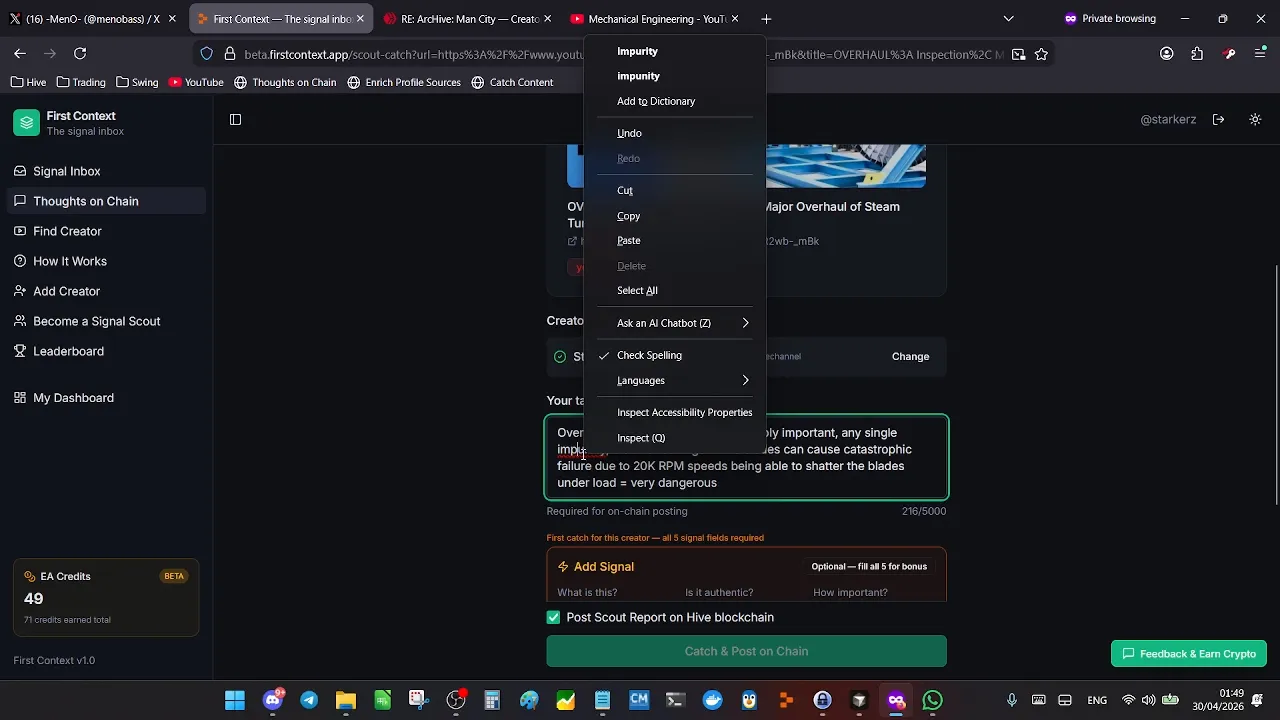
1) Search the creator from the "Search Creator" box in your Signal Inbox
2) Select the correct creator from the drop down
3) Seelct the content you want to comment on / add signal to
4) if it is a new creator to the system you must add signal to their content
5) if the creator already exists in the system you can just add yout thorughts on chain comment, adding signal is optional
6) hit the "Cathc and Post on Chain" button once you have filled out the boxes
7) You shouuld see your credits awarded
8) check the content page on First Context to see everything posted well.
9) check the creator's profile on First Context, you should see their content is now on the platform
▶️ 3Speak